
How to Convert a LinkedIn Profile to a Resume or CV
Learn how to turn a public LinkedIn profile or LinkedIn PDF export into an editable resume or CV, then review and tailor it for each job before applying.
 Published by Gargi Chaudhari|May 26, 2026|8 min read
How to Convert a LinkedIn Profile to a Resume or CV
Your LinkedIn profile can be a useful starting point for a job application, but it is not a finished resume. A profile is broad and written for networking. A resume or CV should be selective, easy to scan, and tailored to one type of role.
There are two practical ways to reuse your LinkedIn information in Pika:
- Paste a public LinkedIn profile URL into the LinkedIn-to-resume converter.
- If URL import cannot access the profile, save the profile as a PDF in LinkedIn, if that option is available, and use Pika's separate existing-resume importer.
Both methods create a draft that you should review. Importing, editing, and previewing are free. The applicable price for a final PDF is shown before download.
Quick Answer: How Do You Turn LinkedIn Into a Resume?
Open Pika's LinkedIn-to-resume converter, choose Create from LinkedIn URL, and paste a public
linkedin.com/in/... profile URL. Pika imports the profile sections it can access into an editable resume. Check every name, date, role, and skill, then choose a template and tailor the content before applying.The import is a starting point. It cannot decide which achievements matter for a particular vacancy, and it cannot verify whether every detail on your LinkedIn profile is current.
Method 1: Import a Public LinkedIn Profile URL
Use this method when the profile is publicly accessible.
- Open the LinkedIn-to-resume converter.
- Select Create from LinkedIn URL.
- Paste the full public profile URL.
- Wait while Pika maps the available profile content into resume fields.
- Review every imported section.
- Choose a resume or CV template and preview the result.
- Tailor the summary, skills, and experience to the target job.
- Download only after checking the complete preview and the price shown in the product.
Pika's URL field accepts a LinkedIn profile address in the
linkedin.com/in/ format. A private, restricted, incomplete, or inaccessible profile may not provide enough information to import.What Pika Imports
The available content depends on what the public profile exposes. Common mappings include:
- Headline → Resume headline: keep the target role and the strongest relevant specialty.
- About → Professional summary: shorten the broad profile narrative into a focused summary.
- Experience → Work experience: verify employers and dates, then rewrite responsibilities as evidence-led bullets.
- Education → Education: keep relevant degrees, institutions, dates, and distinctions.
- Skills → Skills: prioritise terms that genuinely match the target job.
- Licences, certifications, and projects → Optional sections: include only the entries that strengthen the application.
Always compare the imported draft with the source profile. Automated parsing can miss, merge, or misread fields.
Method 2: Use a LinkedIn PDF as a Fallback
LinkedIn may offer a Save to PDF action on a profile. Its location and availability can change, so follow the current options shown in LinkedIn.
After saving the profile:
- Open Pika's separate Upload Existing Resume flow.
- Upload the text-based LinkedIn PDF.
- Review the parsed sections and add anything that is missing.
- Choose a Pika template.
- Preview the full document before downloading.
This PDF route is separate from the LinkedIn URL modal. The URL modal accepts a public profile link; the existing-resume importer accepts the exported file.
A LinkedIn PDF can also serve as a personal archive, but its default layout may not match the needs of every employer or application. Reformatting the content into an editable resume lets you choose what to keep and what to tailor.
Can You Turn LinkedIn Into a CV?
Yes. “Resume” and “CV” describe the job-application document differently across markets. The same LinkedIn importer can start either document; the important step is adapting the output to the country and role.
- For the UK, review Pika's UK CV guidance.
- For Dubai and the UAE, use the UAE CV format guide.
- For India, use the India resume format guide.
Do not create separate documents only because one site says “resume” and another says “CV.” Follow the employer's instructions, preferred length, and requested personal details.
What to Edit After Importing
1. Make the headline role-specific
A LinkedIn headline can serve several audiences. A resume headline should tell the reader what role you fit. Remove networking slogans and retain the role, experience level, and strongest relevant specialty.
2. Condense the About section
LinkedIn's About section may be conversational and long. A resume summary should usually be tighter and focused on the value you bring to a target role. Keep claims you can support with evidence.
3. Rewrite experience as evidence-led bullets
A profile description often explains responsibilities. A strong resume bullet shows an action, the context, and a result where a truthful result is available.
Broad profile wording:
Worked with the marketing team across several acquisition channels.
More useful resume wording:
Coordinated weekly campaign reporting across search, social, and email, reducing manual consolidation time by 6 hours per week.
This is an illustrative example. Use your own facts and numbers; never invent a metric simply to make a bullet sound stronger.
4. Prioritise relevant skills
LinkedIn can contain a long skills list. A resume should surface the skills that are both true and relevant to the job description. Group related skills and remove weak or outdated terms.
5. Control length and section order
Lead with the material that best proves fit for the role. Recent graduates may place education or projects earlier. Experienced candidates usually lead with a summary and work experience. Older or unrelated roles can be shortened.
Check the Result Before Applying
An editable template can make content easier to scan, but no resume builder can guarantee how every employer system will parse, rank, or evaluate a file.
Before applying:
- verify contact details, employers, dates, degrees, and certifications;
- check that the exported PDF contains selectable text;
- review headings, bullets, columns, fonts, and page breaks;
- run Pika's free ATS resume check for common parsing, structure, content, and file-quality risks;
- compare the resume with the specific job description using Pika Match;
- keep the original LinkedIn profile and imported draft available for reference.
Common LinkedIn Import Problems
The URL is rejected
Use the complete public profile URL beginning with
https://www.linkedin.com/in/. Remove tracking parameters if necessary and make sure you copied a profile URL rather than a post, company, or search-results link.The profile cannot be accessed
Confirm that the public profile is visible while signed out. If it remains restricted, use LinkedIn's PDF export with the separate existing-resume importer.
A section is missing or outdated
Pika can only import content that is available in the source. Add missing projects, roles, certifications, or dates in the editor and verify the details before use.
The imported copy is too long
Shorten the About section, prioritise recent and relevant roles, and turn long paragraphs into concise bullets. A resume is not meant to reproduce the entire profile.
Special characters or formatting look wrong
Review every page in the preview. Fix unusual bullets, line breaks, dates, or symbols before exporting the final PDF.
Frequently Asked Questions
Is the LinkedIn-to-resume converter free?
Importing from LinkedIn, editing the draft, and previewing the result are free. The final PDF requires the applicable one-time purchase, Pro access, or eligible credit shown in the product.
Do I need LinkedIn Premium?
No. URL import does not require LinkedIn Premium, but the profile must be publicly accessible. LinkedIn controls whether and where its Save to PDF action is available.
Is it safe to import my LinkedIn profile?
Pika processes imported profile information to provide the requested resume features. Read the current Privacy Policy for storage, retention, service-provider, and deletion details.
How long does an import take?
Most imports take only a few minutes. The exact time depends on profile accessibility, profile length, network conditions, and the import method.
Can I use the same imported resume for every job?
You can, but a broad resume is less useful than one aligned with the vacancy. Keep a reliable base version and tailor the summary, skills, and most relevant bullets for each job.
Will the finished resume be ATS-friendly?
Pika templates use selectable text, standard headings, and a clear hierarchy. Those choices reduce common parsing risks, but no tool can guarantee how every employer's system will read or score a resume. Review the export and run a diagnostic before applying.
Build From Your LinkedIn Profile
Start with the method that matches your source:
- Create a resume from a public LinkedIn URL
- Upload a LinkedIn PDF
- Choose a resume or CV template
- Check the exported resume
- Tailor the resume to a job description
Your LinkedIn history saves retyping. Your review and tailoring turn that history into a credible job application.


Create your Resume
Your resume is an extension of you. Make it truly yours.
Related Articles
Related guides & tools
Create a Resume from LinkedInUpload a LinkedIn PDFChoose a Resume or CV TemplateEmail Your Finished ResumeCheck the Exported ResumeTailor the Resume to a JobFree AI Resume BuilderBuild a tailored, ATS-friendly resume from scratchOnline CV MakerCreate a CV with guided sections and templatesOnline Resume EditorEdit an existing PDF without rebuilding its layout
Continue Reading
Check more recommended readings to get the job of your dreams.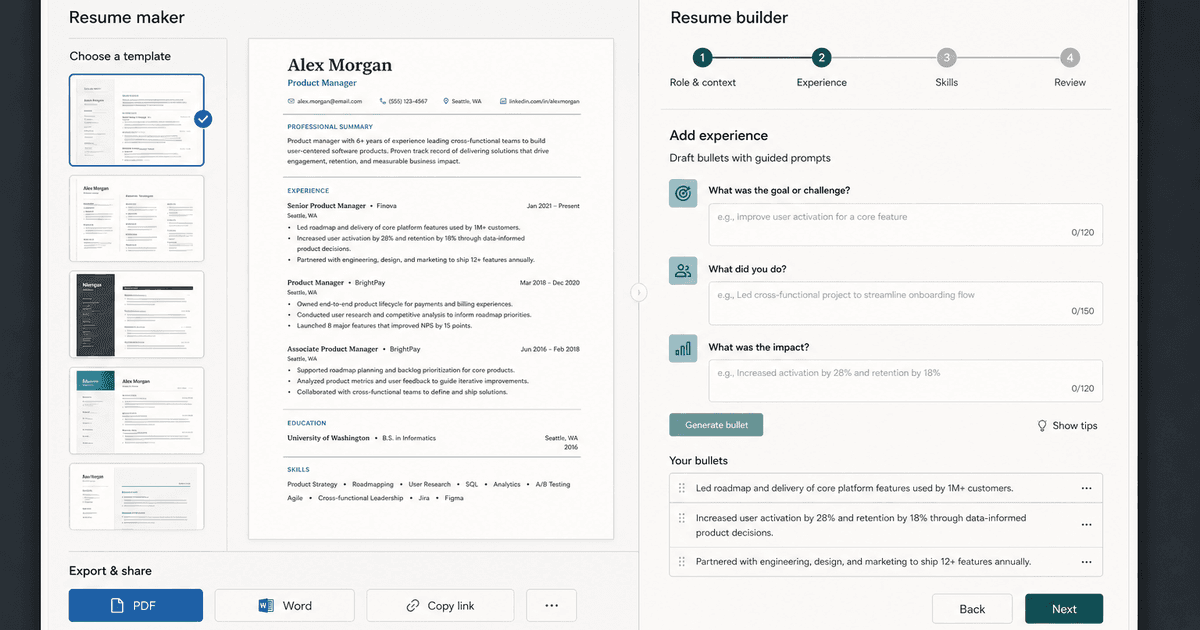
careerBy Pika Resume Team | Aug 3, 2026
Resume Maker vs Resume Builder: Which Should Job Seekers Use?
By Pika Resume Team | Aug 3, 2026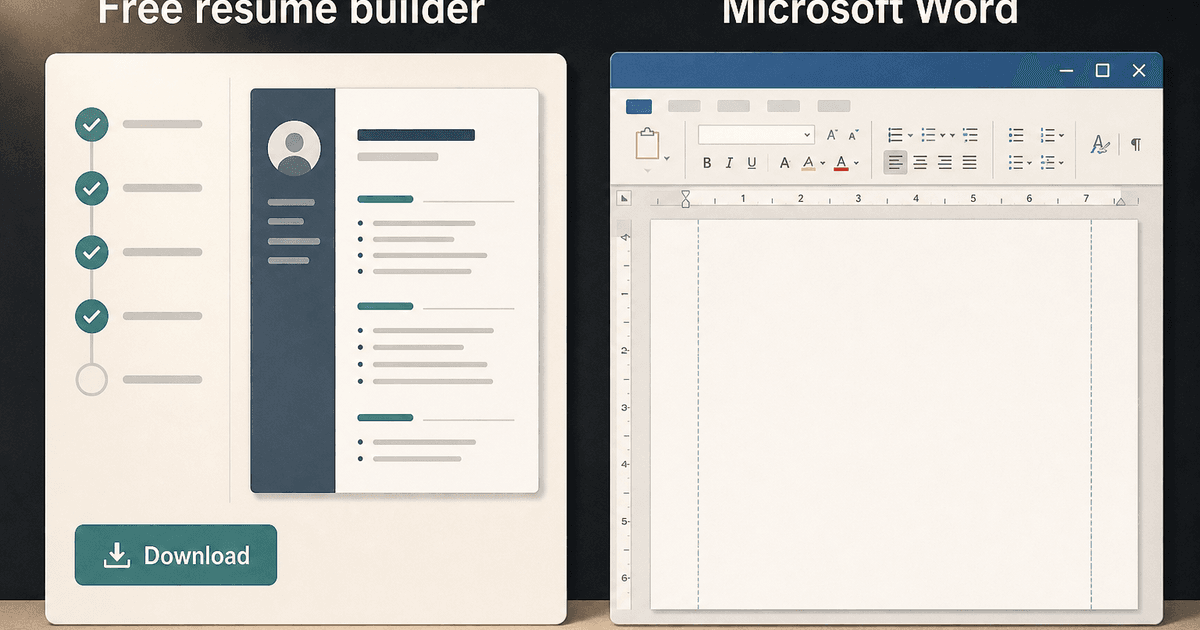
careerBy Pika Resume Team | Aug 2, 2026
Free Resume Builder and Download vs Microsoft Word
By Pika Resume Team | Aug 2, 2026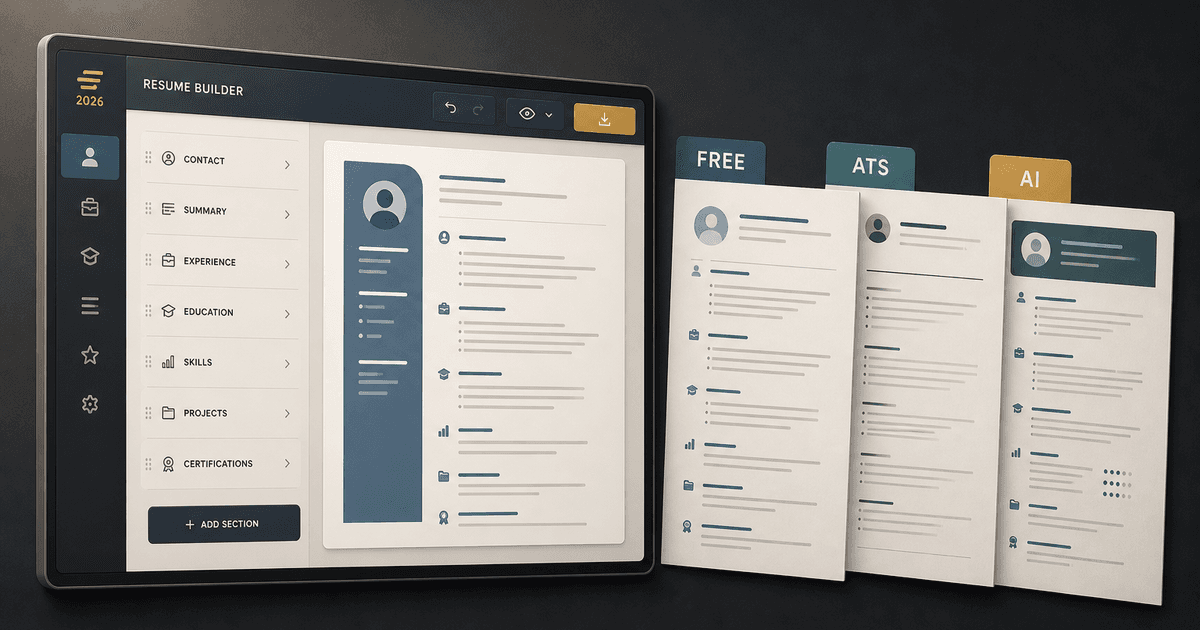
careerBy Pika Resume Team | Jul 30, 2026
What Is the Best Resume Builder Website for 2026?
By Pika Resume Team | Jul 30, 2026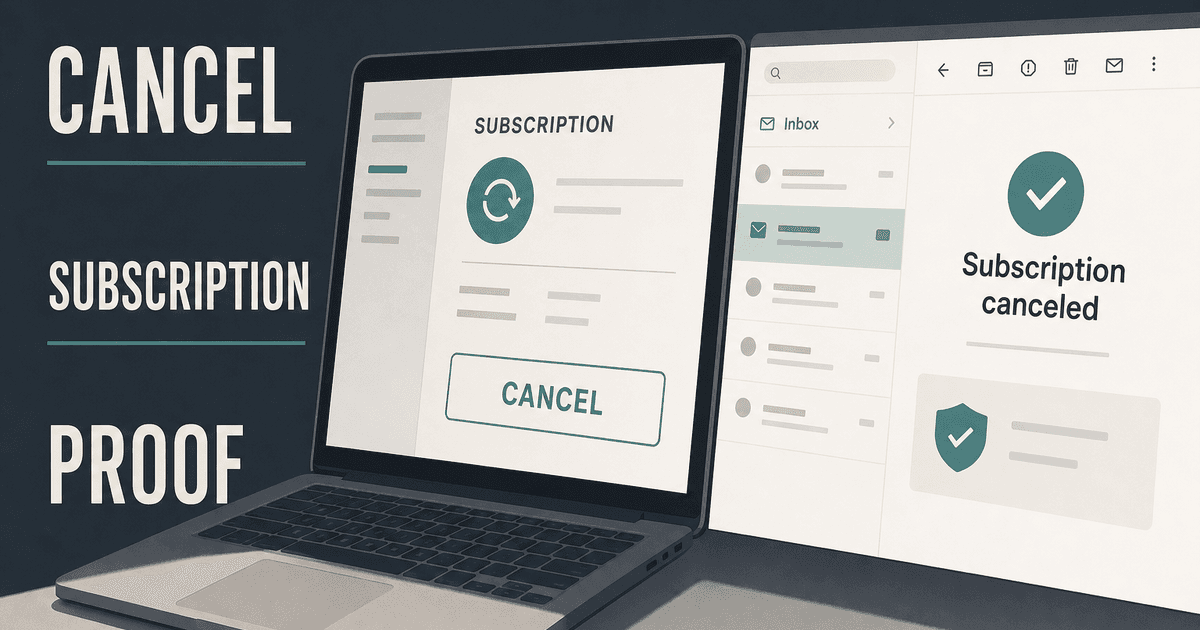
careerBy Pika Resume Team | Jul 27, 2026
How to Cancel Resume Builder Subscription Without Surprises
By Pika Resume Team | Jul 27, 2026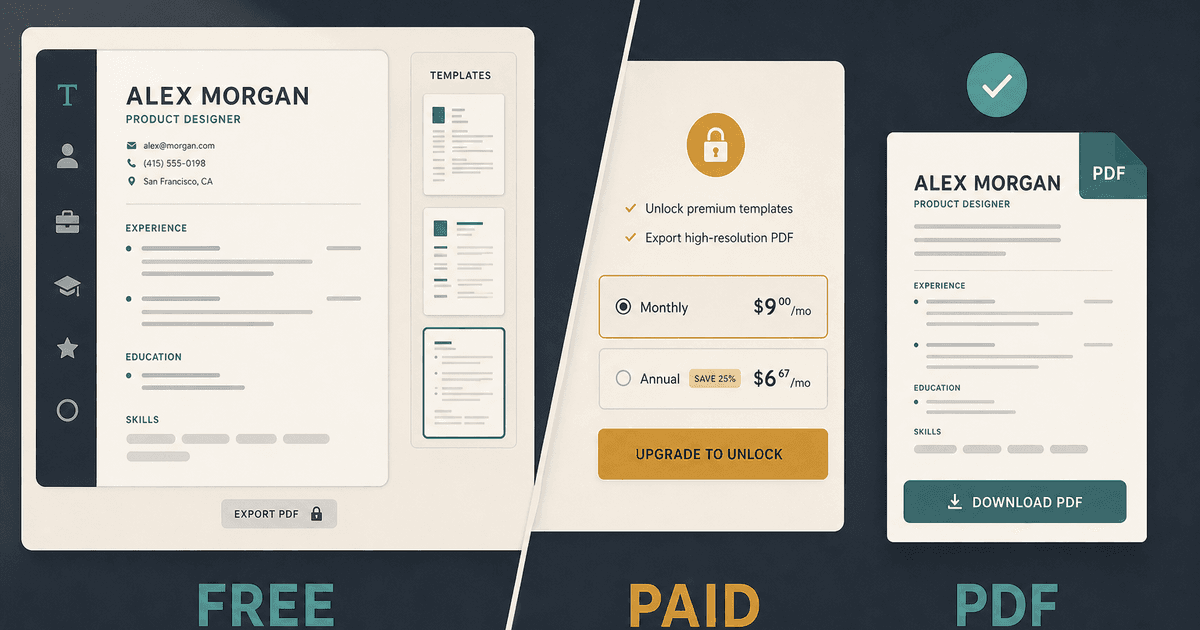
careerBy Pika Resume Team | Jul 26, 2026
How Much Is Resume Builder? Free vs Paid Explained
By Pika Resume Team | Jul 26, 2026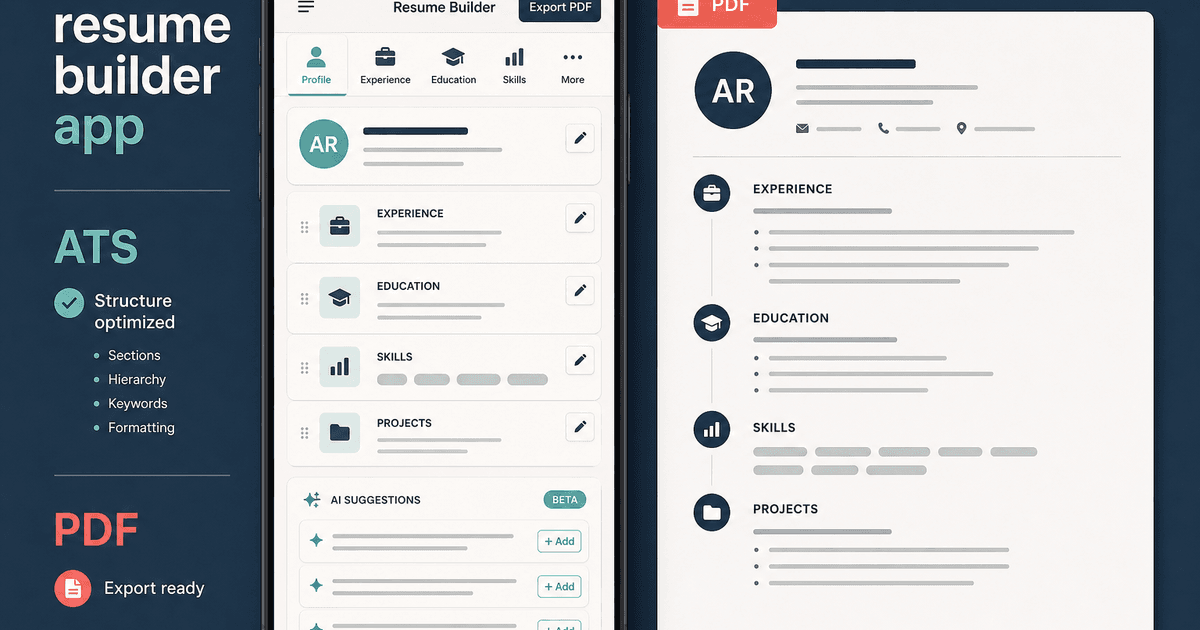
careerBy Pika Resume Team | Jul 20, 2026
Resume Builder App: What the Best One Lets You Do
By Pika Resume Team | Jul 20, 2026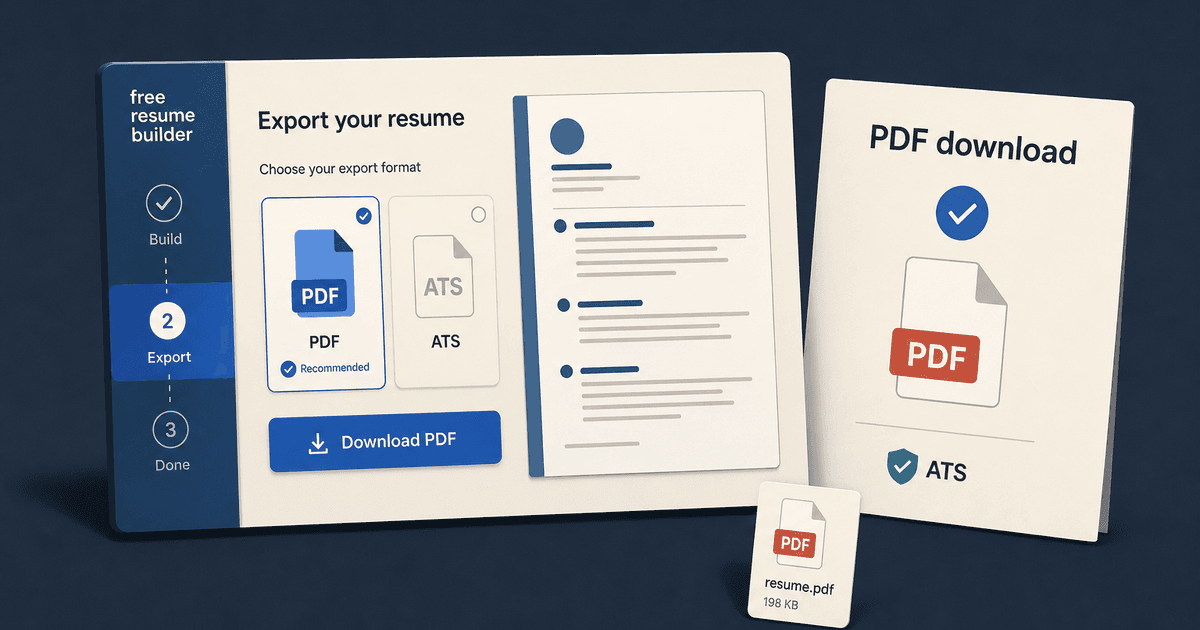
careerBy Pika Resume Team | Jul 19, 2026
Free Resume Builder and Download: Compare the Best Options
By Pika Resume Team | Jul 19, 2026
careerBy Pika Resume Team | Jul 16, 2026
Free AI Resume Builder: What It Does Well and Fails At
By Pika Resume Team | Jul 16, 2026
careerBy Pika Resume Team | Jul 13, 2026
Resume format for ATS: a simple guide that works
By Pika Resume Team | Jul 13, 2026
careerBy Pika Resume Team | Jul 12, 2026
Canva Resume Builder vs ATS Reality Check
By Pika Resume Team | Jul 12, 2026
careerBy Pika Resume Team | Jul 9, 2026
Free resume builder: what makes one worth using
By Pika Resume Team | Jul 9, 2026
careerBy Pika Resume Team | Jul 6, 2026
Resume Builder: What It Actually Does for Job Seekers
By Pika Resume Team | Jul 6, 2026
resume tipsBy Pika Resume Team | Jun 20, 2026
The Resume Sections Most People Get Wrong (and How to Fix Each One)
By Pika Resume Team | Jun 20, 2026resume tipsBy Pika Resume Team | Jun 18, 2026
How to Edit a PDF Resume Without Wrecking the Formatting
By Pika Resume Team | Jun 18, 2026resume reviewBy Pika Resume Team | Jun 16, 2026
AI Resume Feedback vs a Human Expert Review: When Each Is Worth It
By Pika Resume Team | Jun 16, 2026atsBy Pika Resume Team | Jun 14, 2026
What an ATS Actually Does to Your Resume (and the 8 Things It Scores)
By Pika Resume Team | Jun 14, 2026resume tipsBy Pika Resume Team | Jun 12, 2026
How to Tailor Your Resume to a Job Description in 2026 (the 3-Pass Method)
By Pika Resume Team | Jun 12, 2026resumeBy Gargi Chaudhari | May 30, 2026
Resume vs Biodata vs CV: Which One Do You Actually Need?
By Gargi Chaudhari | May 30, 2026resume By Astha Narang | May 28, 2026
10 Software Engineer Resume Examples That Got Interviews (2026)
By Astha Narang | May 28, 2026resumeBy Gargi Chaudhari | May 26, 2026
How to Convert a LinkedIn Profile to a Resume or CV
By Gargi Chaudhari | May 26, 2026resumeBy Astha Narang | May 23, 2026
Best Resume Format for Indian IT Services Companies (TCS, Infosys, Wipro, Accenture)
By Astha Narang | May 23, 2026resumeBy Gargi Chaudhari | May 21, 2026
The Complete Guide to ATS Resume Screening in India (2026)
By Gargi Chaudhari | May 21, 2026resumeBy Astha Narang | May 19, 2026
Hobbies and Interests for Resume: Should You Include Them?
By Astha Narang | May 19, 2026resumeBy Gargi Chaudhari | May 14, 2026
How to Write a Resume Headline That Gets Recruiter Calls on Naukri
By Gargi Chaudhari | May 14, 2026interviewBy Astha Narang | May 8, 2026
Decoding Interviewer Psychology: What They Don't Tell You for Your Next Job
By Astha Narang | May 8, 2026resumeBy Gargi Chaudhari | May 7, 2026
Career Objective for Resume: 50+ Fresher Examples (2026)
By Gargi Chaudhari | May 7, 2026resumeBy Astha Narang | May 6, 2026
7 Dangerous ATS Myths Debunked: What Actually Gets You Hired in 2026
By Astha Narang | May 6, 2026resumeBy Astha Narang | May 4, 2026
Master Your Resume: The Ultimate Guide to Listing Computer Skills
By Astha Narang | May 4, 2026resumeBy Astha Narang | Apr 29, 2026
4 Sales Resume Examples for SDR, Account Executive & Manager (2026)
By Astha Narang | Apr 29, 2026resumeBy Astha Narang | Apr 29, 2026
4 Data Analyst Resume Examples for 2026 (Entry-Level to Senior)
By Astha Narang | Apr 29, 2026resumeBy Astha Narang | Apr 24, 2026
Resume Tips for 2026: The Ultimate Guide to Landing Interviews
By Astha Narang | Apr 24, 2026resumeBy Astha Narang | Apr 22, 2026
Bad Resume vs. Good Resume: A Side-by-Side Comparison for Job Seekers
By Astha Narang | Apr 22, 2026resumeBy Astha Narang | Apr 20, 2026
How to Add LinkedIn to Your Resume the Right Way in 2026
By Astha Narang | Apr 20, 2026resumeBy Astha Narang | Apr 17, 2026
7 Common Resume Mistakes to Avoid in 2026 (and How to Fix Them)
By Astha Narang | Apr 17, 2026resumeBy Pika Resume Team | Apr 15, 2026
Master Your LinkedIn-to-Resume Link: A 2026 Guide for Top Candidates
By Pika Resume Team | Apr 15, 2026resumeBy Astha Narang | Apr 13, 2026
How to Write a Winning Resume Summary That Grabs Recruiter Attention
By Astha Narang | Apr 13, 2026careerBy Astha Narang | Apr 11, 2026
Owning Your Career Break: How to Frame a Gap Year on Your Resume in 2026
By Astha Narang | Apr 11, 2026resumeBy Astha Narang | Apr 8, 2026
The Complete 2026 Resume Guide: Crafting a Job-Winning Document
By Astha Narang | Apr 8, 2026resumeBy Astha Narang | Apr 4, 2026
Beat the ATS: Optimize Your Resume for Applicant Tracking Systems in 2026
By Astha Narang | Apr 4, 2026resumeBy Astha Narang | Mar 30, 2026
Expert Resume Review: Is It Worth the Investment for Your Career?
By Astha Narang | Mar 30, 2026resumeBy Astha Narang | Mar 25, 2026
Master the 30-Second Resume Scan: Expert & Recruiter Insights
By Astha Narang | Mar 25, 2026resumeBy Astha Narang | Mar 24, 2026
How to Explain Employment Gaps on Your Resume & Ace Interviews
By Astha Narang | Mar 24, 2026resumeBy Astha Narang | Mar 20, 2026
Master Resume Keywords: Your Guide to ATS Success
By Astha Narang | Mar 20, 2026careerBy Astha Narang | Mar 18, 2026
How to Stand Out in Interviews While Still Being Authentic
By Astha Narang | Mar 18, 2026careerBy Astha Narang | Mar 14, 2026
Why Sending the Same Resume to Every Job is Costing You Interviews
By Astha Narang | Mar 14, 2026resumeBy Astha Narang | Mar 12, 2026
The Dynamic Duo: Why AI + Human Expertise is the 2026 Career Cheat Code
By Astha Narang | Mar 12, 2026careerBy Astha Narang | Mar 9, 2026
Get Your Resume Roasted Using PIKA AI
By Astha Narang | Mar 9, 2026jobBy Astha Narang | Mar 7, 2026
How to Show a Promotion on Your Resume? (And Why Most People Get It Wrong)
By Astha Narang | Mar 7, 2026careerBy Astha Narang | Mar 6, 2026
Should You Put Your Address on Your Resume in 2026?
By Astha Narang | Mar 6, 2026careerBy Astha Narang | Mar 3, 2026
Is It Illegal to Lie on a Resume? What Actually Happens in 2026
By Astha Narang | Mar 3, 2026jobBy Pika Resume Team | Feb 5, 2026
How to Optimize Your Resume for Remote Job Applications
By Pika Resume Team | Feb 5, 2026interviewBy Pika Resume Team | Feb 1, 2026
How to Write an ATS-Friendly Resume in 2026
By Pika Resume Team | Feb 1, 2026cover-letterBy Pika Resume Team | Jan 25, 2026
Top 7 Cover Letter Mistakes That Cost You the Interview
By Pika Resume Team | Jan 25, 2026resumeBy Pika Resume Team | Jan 18, 2026
AI Resume Builders: A Complete Guide for Job Seekers in 2026
By Pika Resume Team | Jan 18, 2026jobBy Pika Resume Team | Jan 10, 2026
Resume Tips for Career Changers: Making a Smooth Transition
By Pika Resume Team | Jan 10, 2026careerBy Pika Resume Team | Jan 3, 2026
The Power of Keywords in Your Resume: An SEO Approach to Job Applications
By Pika Resume Team | Jan 3, 2026