7 Dangerous ATS Myths Debunked: What Actually Gets You Hired in 2026
Stop falling for common ATS myths! Learn what actually works to get your resume seen by recruiters in 2026, from keyword matching to content optimization.
 Published by Astha Narang|May 6, 2026|14 min read
7 Dangerous ATS Myths That Are Sabotaging Your Job Search
The advice you keep reading about beating the ATS is mostly wrong. Here's what's actually true in 2026, and what to do instead before your next application.
"The most dangerous resume advice on the internet sounds confident, looks plausible, and quietly costs people interviews. ATS myths are the worst offenders, because they're easy to follow and almost impossible to verify on your own."
Search "how to beat the ATS" and you'll find a hundred articles telling you exactly what to do. White text. Keyword stuffing. Specific font choices. Three-column layouts. Most of that advice was already half wrong in 2020. By 2026, some of it is actively flagging your resume as suspicious.
The truth about applicant tracking systems is less dramatic and more useful. They're not magical gatekeepers and they're not stupid filters. They're software, with specific behaviours, specific blind spots, and specific things they actually penalise. Once you understand the difference between what they really do and what people online claim they do, the resume changes you need to make become a lot simpler.
This guide walks through seven of the most dangerous ATS myths still circulating in 2026, what's actually true, and what to do about each one before your next application. If you've been quietly believing any of these, fixing them is one of the highest-impact things you can do for your job search this month.
Key Stats
| Stat | What it means |
|---|---|
| 75% | Resumes filtered out by ATS before any human sees them |
| 99% | Of Fortune 500 companies use some form of ATS in their hiring |
| 7 seconds | Time a recruiter spends scanning a resume after the ATS surfaces it |
| 2010 | When most "ATS hacks" still circulating today were last accurate |
What's inside this guide
- How ATS Software Actually Works in 2026
- Myth 1: Keyword Stuffing Will Get You Through the ATS
- Myth 2: White-Text Tricks Still Fool the System
- Myth 3: PDFs Are Killing Your Resume
- Myth 4: A Specific Font Will Save You
- Myth 5: Headshots and Graphics Always Break the ATS
- Myth 6: The ATS Reads Your Resume the Way Google Reads a Webpage
- Myth 7: A Perfect ATS Resume Guarantees an Interview
- What Actually Works in 2026
- The Real ATS Checklist
- Frequently Asked Questions
How ATS Software Actually Works in 2026
Before we get to the myths, it's worth getting clear on what an ATS actually is and what it does. Most of the bad advice out there comes from people who guessed at this part and never checked.
01 · Parsing
The ATS reads your resume file and breaks it into structured fields: name, contact, work history, education, skills. This is the step where multi-column layouts, tables, and decorative graphics cause the most damage.
02 · Storage
Your parsed resume is saved into a candidate database alongside thousands of others, attached to the job you applied for. Most ATS platforms now retain candidates across multiple roles.
03 · Ranking
Recruiters search the database using keywords, skills, locations, and filters. The ATS ranks candidates against those queries. This is where most candidates think the magic happens, and where the real myths take hold.
04 · Human review
The recruiter opens the top-ranked resumes (usually 10 to 30 per role) and reads them in 7 to 30 seconds each. The ATS doesn't reject your application. It just changes whether a human ever opens it.
Once you see those four steps clearly, most "ATS hacks" become obviously useless or actively harmful. Let's go through the worst of them.
Myth 1: Keyword Stuffing Will Get You Through the ATS
🔴 The Myth
"Paste the entire job description into your resume in white text. The ATS will see it, the recruiter won't, and your match score will jump to 95%."
🟢 The Truth
"Modern ATS platforms detect this and most flag it as suspicious. Even when they don't, the recruiter opens the file, reads it, and instantly sees the wall of stuffed text. You don't get filtered out by the ATS. You get rejected by the human."
This is the single most common myth, and the one that does the most damage. The thinking goes that ATS platforms run on simple keyword counts, so more keywords means a higher score. That was kind of true 12 years ago. It hasn't been true for a long time.
What modern ATS platforms actually do is more like a relevance match between the job description and your resume content, weighted by where the keyword appears. A skill mentioned in your work experience section under a relevant role is worth far more than the same keyword pasted 30 times at the bottom of the page in white text. Some platforms also flag invisible text, repeated phrases, and dense keyword blocks as anti-tampering signals.
Even if the system somehow let it through, the recruiter doesn't. The first thing they do when a resume opens is select all and look at the formatting. White text shows up immediately. Roles get rejected, candidates get blacklisted from companies, and worse, some larger employers share these signals across their networks.
🟡 What to do instead: Match keywords in context, not in volume
- Identify the 5 to 8 most-mentioned skills in the job description.
- Make sure each one appears at least once in your resume, in your skills section and in a real work experience bullet.
- Use the exact phrasing from the posting where possible. "Project Management" beats "managing projects".
- If a keyword genuinely doesn't apply to your background, leave it off. Stuffing it in invisibly damages trust if you reach the interview.
Myth 2: White-Text Tricks Still Fool the System
🔴 The Myth
"Hide bonus keywords in white text or 1-point font at the bottom of your resume. The ATS will pick them up and the recruiter won't notice."
🟢 The Truth
"Every modern ATS extracts plain text from your resume regardless of colour or font size. White text is not invisible to the parser. It's just invisible to humans, which means you're hiding something only from the people whose trust you want to earn."
When an ATS parses your resume, it's not looking at the visual rendering. It's pulling the underlying text content from the file. White text on a white background is the same text in the parser as black text on white. So the keyword "trick" doesn't trick anything. It just adds confusing or out-of-context terms to your indexed content.
What does happen is recruiters and hiring managers select all the text in your resume early in the review process, often as a quick test for exactly this kind of behaviour. White text appears in the selection highlight. Tiny fonts at the bottom of the page get scrolled to instinctively. It takes a recruiter about 3 seconds to spot this trick, and once they do, your application is done.
The same logic applies to font size tricks. Setting hidden text to 1-point or 2-point size is even easier to detect because most modern resume tools and review platforms have a "show all text" or "extract" function that strips formatting and surfaces everything.
🟡 What to do instead: Make every word on your resume defensible
- Assume every character will be visible to the recruiter at full size.
- If a skill is genuinely yours, put it in the skills section in normal text.
- If a skill isn't yours, don't put it on the resume at all. Trying to fake a match almost always backfires in the interview.
Myth 3: PDFs Are Killing Your Resume
🔴 The Myth
"Never send a PDF resume. ATS platforms can't parse them. Always submit a Word document, even if the application allows PDF."
🟢 The Truth
"Every major ATS in 2026 parses text-based PDFs cleanly. The only PDFs that cause problems are scanned images (where text isn't selectable) or PDFs with locked compatibility settings. A standard PDF exported from a word processor is usually safer than a Word file."
This myth comes from the early 2010s when PDF parsing was genuinely flaky. It hasn't been accurate for years. Greenhouse, Workday, Lever, BambooHR, iCIMS, and every other major ATS handle text-based PDFs without issue. In some cases they handle them better than Word documents because the formatting stays consistent across devices.
The actual problem is image-based PDFs. If you've scanned a printed resume or saved a PDF as an image, the text isn't searchable and the ATS can't extract it. The same applies to PDFs created from design tools that flatten text into shapes. But a PDF exported from Microsoft Word, Google Docs, Pages, or any modern resume tool will parse cleanly.
The case for Word over PDF only really holds when the application explicitly asks for .docx, which some larger enterprises and government roles still do. In that case, follow the instruction. Otherwise, PDF is usually the better choice because your formatting won't shift on the recruiter's screen.
🟡 What to do instead: Use the format the application asks for, defaulting to PDF
- If the application says ".docx only," use Word. Don't argue with the form.
- For everything else, export as a text-based PDF from your word processor.
- To verify your PDF is text-based, open it and try to select and copy a sentence. If you can copy the actual text, the ATS can read it. If you only get an image, regenerate the file.
- Name the file FirstName_LastName_JobTitle.pdf so it's searchable in the recruiter's database later.
Myth 4: A Specific Font Will Save You
🔴 The Myth
"You must use Arial 11pt. Or Calibri 12pt. Or Times New Roman. Or whatever font the latest blog post claims is ATS-friendly. Get this wrong and your resume gets rejected."
🟢 The Truth
"The ATS doesn't care what font you use as long as it's a standard one that exports cleanly to text. The reason font advice keeps appearing is that decorative fonts cause visual problems for human readers, not parsing problems for the ATS."
Almost any standard system font (Arial, Calibri, Helvetica, Times New Roman, Garamond, Verdana, Tahoma, even modern fonts like Inter or Lato) will parse cleanly through an ATS. The parser is reading the underlying text encoding, not the visual rendering. Font choice barely affects this step at all.
What font choice does affect is how the recruiter feels about your resume after the ATS surfaces it. A decorative or hand-written-style font reads as unprofessional, even if technically the ATS could process it. A 14pt font on every line wastes space and makes you look like you're padding. A 9pt font on a dense page makes you look stressed.
The right way to think about font is human-first, ATS-second. Pick a clean, professional, readable font at 10 to 11pt. That's it. Whether it's Calibri, Arial, or Helvetica is a tiebreaker. The myth that one specific font unlocks ATS magic is just font-bro folklore.
🟡 What to do instead: Pick any clean, professional font and stop worrying
- Stick to a standard system font: Calibri, Arial, Helvetica, Garamond, or Inter.
- Use 10 to 11pt body text and 13 to 16pt headings.
- Use one font throughout the document. Mixing 3 fonts looks unprofessional.
- Avoid Comic Sans, Papyrus, and any "creative" or decorative font, regardless of how original you want to look.
Myth 5: Headshots and Graphics Always Break the ATS
🔴 The Myth
"Any image, headshot, icon, or chart on your resume will completely break the ATS. The system can't process visuals at all and will reject your file."
🟢 The Truth
"The ATS doesn't reject your file because of an image. It just can't read the image, so the content of that image is invisible. The actual problem is when graphics replace meaningful text or when columns and tables built around graphics confuse the parser."
When an ATS encounters an image on your resume, it ignores it. The image is treated as decoration. The ATS keeps parsing the surrounding text. So a small icon next to your phone number or a logo at the top of the page doesn't break anything. It just isn't useful for keyword matching.
Where things go wrong is when graphics are doing actual work. A skill-bar graphic showing "Python: 8/10" is invisible to the ATS, so the parser doesn't see "Python" at all. A skills section laid out as visual icons (a SQL logo, a Tableau logo, a Python logo) looks beautiful to humans and shows up as nothing to the ATS. A two-column layout built with text boxes around an image often parses with the columns scrambled.
For headshots specifically, the issue isn't the ATS. It's that most US-based hiring teams are explicitly trained to ignore or skip resumes with photos because of bias-mitigation policies. In India, the EU, and most of Asia, headshots are still common and often expected. Geography decides this one, not the ATS.
🟡 What to do instead: Use graphics for decoration, never for substance
- Small icons and logos in the header are fine. They don't help, but they don't hurt either.
- Skill bars, progress rings, and rating graphics replace your skills with invisible content. Use plain text instead.
- Single-column layouts always parse cleanly. Two and three-column resumes are higher-risk even if they look good visually.
- For headshots: include if you're applying in India, the EU, or other markets where it's standard. Skip for US, UK, and Canada applications.
Myth 6: The ATS Reads Your Resume the Way Google Reads a Webpage
🔴 The Myth
"Optimise your resume the way you'd optimise a webpage for SEO. Use H1 and H2 tags. Add meta descriptions. Build keyword density in the body."
🟢 The Truth
"An ATS isn't a search engine. It's a structured data extractor. It cares about whether your work history can be cleanly parsed into job titles, companies, and dates, not whether your 'page' has good SEO signals. The two systems work in completely different ways."
This myth shows up a lot in newer career advice content, and it's a particular kind of dangerous because the people writing it actually understand SEO. They just don't understand that ATS parsing isn't SEO parsing.
When Google indexes a webpage, it's looking for relevance signals across the entire document and ranking the page against millions of others. When an ATS parses your resume, it's trying to fill specific structured fields: candidate name, current title, work history, skills, education. Each field has its own rules. The ATS doesn't care about overall keyword density. It cares about whether "Senior Software Engineer" appears in the work experience section under a recognised employer with valid dates.
That difference matters because the techniques don't transfer. Adding H1 and H2 markup does nothing in a Word document. "Meta descriptions" don't exist on resumes. Writing in inverted-pyramid style isn't relevant when the ATS is just looking for a job title. The right model isn't SEO. It's filling out a form. A form where the questions aren't visible but they're still there.
🟡 What to do instead: Treat the ATS like a structured form, not a search engine
- Use standard section headers (Work Experience, Education, Skills) so the parser recognises each section.
- Format each role with: Job title, Company, Location, Dates. In that order. The parser is looking for that pattern.
- Use clean, single-column layouts that map to the structured fields the ATS expects.
- Skip "creative" headers like "My Journey" or "What I Bring." The parser doesn't recognise them and skips the whole section.
Myth 7: A Perfect ATS Resume Guarantees an Interview
🔴 The Myth
"Once you optimise your resume for ATS, the interviews will roll in. The system rewards perfect optimisation with first-round calls."
🟢 The Truth
"Beating the ATS just means a human reads your resume. After that, every other rule of resume writing applies. A clean ATS pass with weak content gets the same outcome as a strong resume that didn't make it through: silence."
This is the most demoralising of all the ATS myths because it sets up an expectation the system can't meet. Optimising for ATS gets your resume in front of a human. That's it. The human still has to like what they read. They still have to be convinced you're worth a 30-minute call. They still have to advocate for you with a hiring manager.
Most of the candidates who blame the ATS for their job search struggles have actually solved the ATS problem and are stuck on the human review step. The resume parses cleanly. The keywords match. The recruiter opens it, reads it for 7 seconds, sees vague task descriptions, no quantified outcomes, no strong summary, and moves on. The ATS isn't the issue at that point. The content is.
The right way to think about ATS optimisation is as a baseline, not a strategy. Get the basics right (clean format, standard sections, matched keywords) and then put 90% of your effort into making the actual content of the resume sharp, specific, and quantified. That's the part that moves the needle once you're past the parser.
🟡 What to do instead: Treat ATS optimisation as the floor, not the ceiling
- Spend 10% of your effort on ATS-friendly format and keyword alignment.
- Spend 90% of your effort on bullet points that pair specific actions with measurable outcomes.
- Quantify everything you can. Numbers are what the human reader actually cares about.
- Read the resume aloud. If it sounds like a template, the recruiter will skip it regardless of how well the ATS scored it.
What Actually Works in 2026
With the seven biggest myths out of the way, here's the short version of what genuinely works for ATS optimisation in 2026. Most of it is mundane. None of it requires tricks.
| Real ATS-Friendly Practice | Why it works |
|---|---|
| Single-column layout | Parses cleanly into structured fields. No scrambled work history. |
| Standard section labels | "Work Experience," "Education," "Skills" are the labels every parser is built to recognise. |
| Text-based PDF or Word | Both formats work. PDF holds formatting better. Word is required only when explicitly requested. |
| Job title, company, dates in standard format | Helps the parser fill the structured work history fields without errors. |
| Match keywords from the job description | Each posting has its own ranking criteria. Mirroring exact phrasing improves match scores. |
| 10 to 11pt standard font | Readable by humans, parseable by every system. |
| Quantified bullet points | The ATS doesn't care about your numbers. The human who opens your resume after the ATS does. |
| Clean header with name and contact info | The parser uses the top of the page to identify the candidate. Headers and footers can confuse it. |
Notice what's not on this list: white text, hidden keywords, specific magical fonts, image-heavy layouts, "ATS keyword density" math, or any of the other folklore that keeps cycling through career advice content. Real ATS optimisation is boring. The interesting work happens in the content of the resume itself.
💡 The Two-Person TestBefore submitting, send your resume to a friend. Ask them to copy and paste it into a plain text editor. Does the result look like a clean, ordered text version of your resume? If yes, the ATS will probably parse it correctly. If sections are scrambled, work history is in the wrong order, or pieces are missing, that's exactly how the ATS sees it. Fix it before you apply.
The Real ATS Checklist
Forget the myth-based "ATS hacks." Run this list instead. Each check takes under a minute.
Format
- Single-column layout, no sidebars or text boxes
- Saved as a text-based PDF (or .docx if explicitly requested)
- Standard font (Calibri, Arial, Helvetica, Garamond) at 10 to 11pt
- No skill progress bars, charts, or graphics doing real work
- Header contains name and contact info as plain text, not in a table
Structure
- Standard section labels: Work Experience, Education, Skills, Summary
- Each role formatted with Job Title, Company, Location, Dates
- Dates in a consistent format (e.g. "Jan 2023 - Present")
- No creative section names like "My Journey" or "What I Bring"
Keywords
- Top 5 to 8 keywords from the job description appear in your resume
- Each keyword appears in the skills section AND in a real bullet point
- Phrasing matches the job posting where possible (no synonym substitution)
- No keyword stuffing, hidden text, or invisible content
After the ATS
- Every bullet point has a specific number, percentage, or named outcome
- The summary leads with a quantified achievement or specific role focus
- The resume passes the Two-Person Test (text copies cleanly into a plain editor)
- Read aloud: it sounds like something a real person would say
Frequently Asked Questions
Do all companies actually use an ATS?
Almost all medium and large companies do. Roughly 99% of Fortune 500 companies and a high majority of mid-sized employers use one. Smaller companies and startups under 50 people often don't, especially if they're hiring through founder networks or LinkedIn directly. Either way, formatting your resume to be ATS-friendly never hurts. The same things that make a resume parse cleanly also make it easier for humans to read.
How do I know if my resume is ATS-friendly?
The fastest test is the Two-Person Test mentioned above: copy your resume content into a plain text editor and see if it reads in order. If sections are scrambled or text disappears, the ATS is seeing the same thing. You can also use a resume tool like Pika that runs an ATS simulation on your file before you submit. The simulation tells you what fields parsed correctly, what's missing, and which keywords the system would catch.
Should I avoid using PDFs even though I've heard they're fine now?
No. Text-based PDFs are fine for every major ATS in 2026. The only times to use Word are when the application explicitly says ".docx only" or when a smaller employer specifies Word in their submission instructions. For everything else, default to PDF. To verify your PDF is text-based, open it and try to select and copy a sentence. If you can copy real text, the ATS can read it.
If the ATS sorts and ranks resumes, am I being filtered out without anyone seeing me?
Not exactly. The ATS doesn't reject your resume on its own. It ranks all the candidates and a recruiter chooses how many to review. For a high-volume role with 500 applications, the recruiter might only open the top 20 to 30 ranked resumes. So it's not that you got filtered out automatically. It's that you didn't rank highly enough to be in the batch the recruiter actually opened. Improving your keyword match and content quality both raise your rank and your chances of being in that batch.
Are there any ATS hacks that actually work?
"Hacks" implies tricks, and tricks don't really work in 2026. What does work is matching the job description language exactly (so the parser catches the keyword), using standard section labels (so the parser categorises content correctly), and quantifying every achievement (so the human who eventually reads it has something to remember). That's not a hack. That's just doing the basics well, which most candidates still don't.
Will using AI to write my resume hurt my ATS score?
The ATS doesn't detect AI-written content the way Google does, so an AI-drafted resume won't fail the parse step. The bigger risk is that AI-drafted resumes tend to default to clichés ("dynamic professional," "passionate about excellence") and miss the specific evidence that recruiters need to see. Use AI for structure and starter phrasing, then rewrite in your voice with your real numbers and projects. The hybrid approach is where most strong resumes get built today.
How often should I update my resume to stay ATS-friendly?
The structural rules don't change much year to year, so once your format is solid, it stays solid. What does change is the keyword landscape. New tools (AI platforms, modern data stacks, current marketing software) get added to job descriptions every year, and your resume needs to keep up. A good rule is to do a full content review every 6 months, even if you're not actively job hunting. That way the next time you do, you're not starting from scratch.
Should I be worried about my resume being saved in a database forever?
Most ATS platforms retain candidate data for several years. This isn't necessarily bad. It means a recruiter can find you for a future role at the same company, and many do. The downside is that an outdated or weak version of your resume might be the one that resurfaces. The fix is simple: every time you update your resume meaningfully, reapply to companies you're interested in. The new version replaces the old one in their database.
Beat the Real ATS with PikaResume
Most "beat the ATS" tools are built around the myths in this guide. Pika is built around what actually works in 2026. Clean parsing, real keyword matching, and content quality that holds up after the ATS surfaces your resume.
🛡️ ATS-Safe Templates by Default
Single-column layouts, standard section headers, and clean fonts. Every Pika template parses cleanly through Greenhouse, Workday, Lever, BambooHR, iCIMS, and every other major platform in 2026.
🎯 Real Keyword Matching
Paste any job posting and Pika shows you which keywords are missing from your resume, with the exact phrasing to add. No stuffing, no white text, just clean alignment between your real experience and the job description.
🔍 ATS Simulation Before You Apply
Pika runs your resume through a parser before submission and shows you exactly what the ATS will extract: name, contact, work history, skills. If anything looks off, you can fix it before the application goes in.
💡 Impact Bullet Helper
Once you're past the ATS, the human takes over. Pika prompts you for the numbers and outcomes that turn weak bullets into result statements, so the recruiter actually keeps reading.
The Bottom Line
The dangerous ATS myths circulating online sound clever but consistently cost people interviews. Stuffing keywords, hiding white text, picking magical fonts, avoiding PDFs, blaming graphics for everything. None of it works the way the advice claims. Some of it actively backfires.
The real ATS rules are simpler and less satisfying. Use a clean format. Name your sections normally. Match the job description language. Save as a text-based PDF. Then put the rest of your effort into the content, because that's the part that actually decides whether the human who opens your resume keeps reading. The ATS just decides whether they open it at all.
If your job search has been quiet, the problem is rarely the ATS. It's almost always something you can see and fix in the content. Run the checklist above, do the Two-Person Test, and ship a stronger version of your resume this week.
Written by Astha Narang, Career Expert at Pika AI · Updated April 2026


Create your Resume
Your resume is an extension of you. Make it truly yours.
Related Articles
Related guides & tools
Free AI Resume BuilderBuild a tailored, ATS-friendly resume from scratchFree Resume TemplatesChoose a professional layout for your roleATS Resume CheckerCheck your score, parsing and issues before you applyOnline CV MakerCreate a CV with guided sections and templatesOnline Resume EditorEdit an existing PDF without rebuilding its layoutHobbies for ResumeSkills for ResumeLinkedIn to ResumeResume Examples
Continue Reading
Check more recommended readings to get the job of your dreams.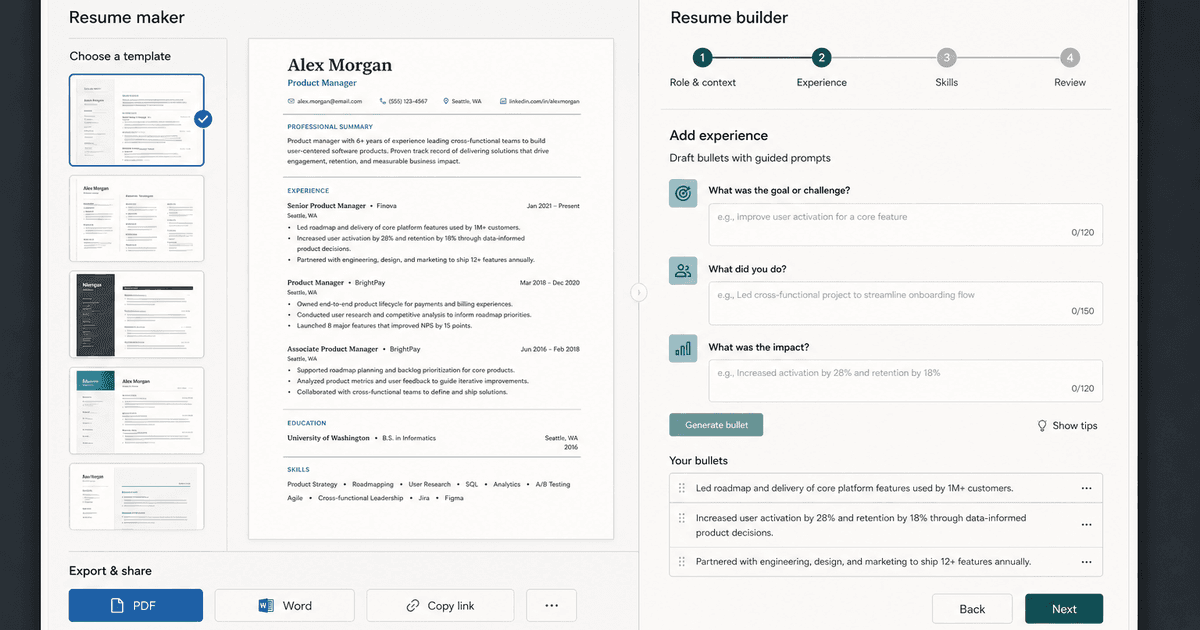
careerBy Pika Resume Team | Aug 3, 2026
Resume Maker vs Resume Builder: Which Should Job Seekers Use?
By Pika Resume Team | Aug 3, 2026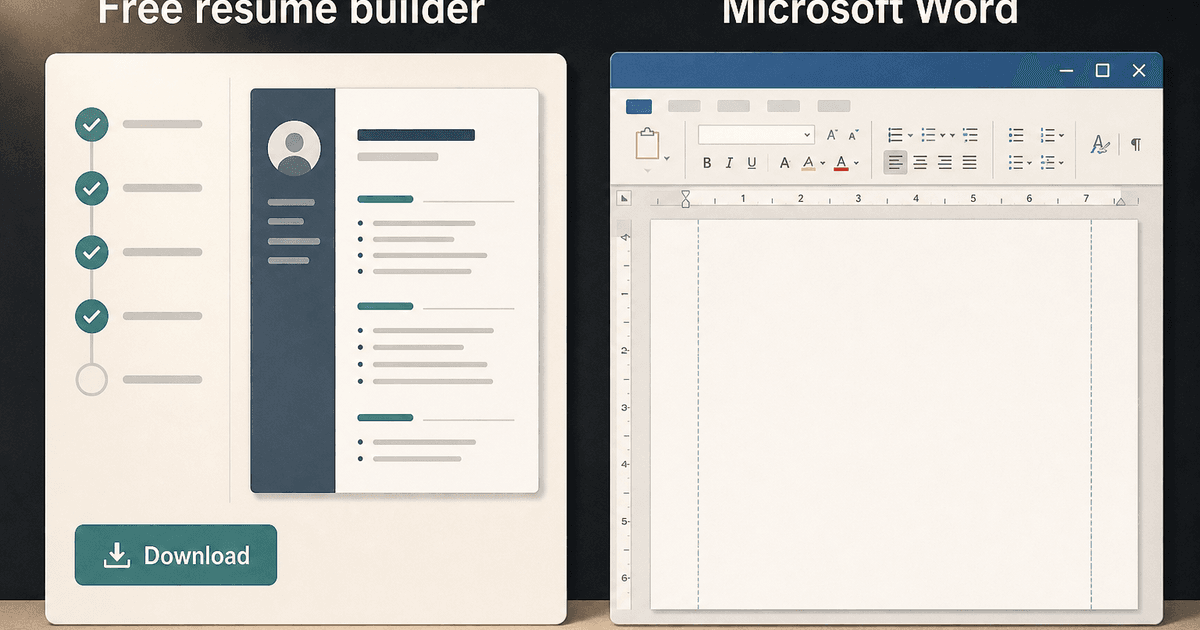
careerBy Pika Resume Team | Aug 2, 2026
Free Resume Builder and Download vs Microsoft Word
By Pika Resume Team | Aug 2, 2026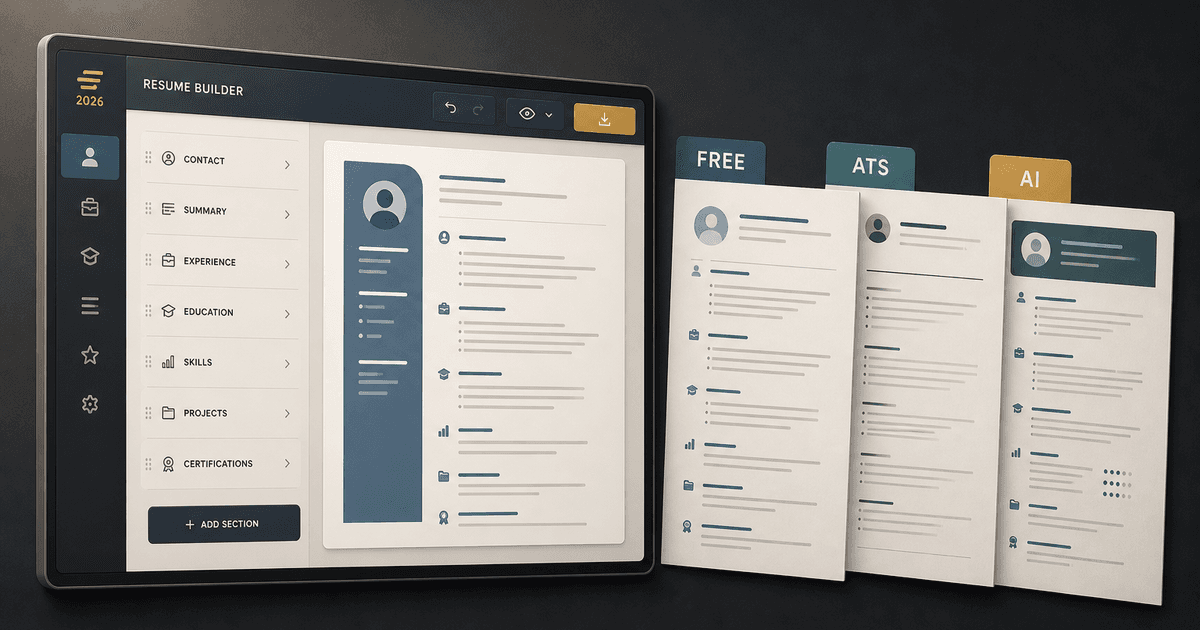
careerBy Pika Resume Team | Jul 30, 2026
What Is the Best Resume Builder Website for 2026?
By Pika Resume Team | Jul 30, 2026
careerBy Pika Resume Team | Jul 27, 2026
How to Cancel Resume Builder Subscription Without Surprises
By Pika Resume Team | Jul 27, 2026
careerBy Pika Resume Team | Jul 26, 2026
How Much Is Resume Builder? Free vs Paid Explained
By Pika Resume Team | Jul 26, 2026
careerBy Pika Resume Team | Jul 20, 2026
Resume Builder App: What the Best One Lets You Do
By Pika Resume Team | Jul 20, 2026
careerBy Pika Resume Team | Jul 19, 2026
Free Resume Builder and Download: Compare the Best Options
By Pika Resume Team | Jul 19, 2026
careerBy Pika Resume Team | Jul 16, 2026
Free AI Resume Builder: What It Does Well and Fails At
By Pika Resume Team | Jul 16, 2026
careerBy Pika Resume Team | Jul 13, 2026
Resume format for ATS: a simple guide that works
By Pika Resume Team | Jul 13, 2026
careerBy Pika Resume Team | Jul 12, 2026
Canva Resume Builder vs ATS Reality Check
By Pika Resume Team | Jul 12, 2026
careerBy Pika Resume Team | Jul 9, 2026
Free resume builder: what makes one worth using
By Pika Resume Team | Jul 9, 2026
careerBy Pika Resume Team | Jul 6, 2026
Resume Builder: What It Actually Does for Job Seekers
By Pika Resume Team | Jul 6, 2026
resume tipsBy Pika Resume Team | Jun 20, 2026
The Resume Sections Most People Get Wrong (and How to Fix Each One)
By Pika Resume Team | Jun 20, 2026resume tipsBy Pika Resume Team | Jun 18, 2026
How to Edit a PDF Resume Without Wrecking the Formatting
By Pika Resume Team | Jun 18, 2026resume reviewBy Pika Resume Team | Jun 16, 2026
AI Resume Feedback vs a Human Expert Review: When Each Is Worth It
By Pika Resume Team | Jun 16, 2026atsBy Pika Resume Team | Jun 14, 2026
What an ATS Actually Does to Your Resume (and the 8 Things It Scores)
By Pika Resume Team | Jun 14, 2026resume tipsBy Pika Resume Team | Jun 12, 2026
How to Tailor Your Resume to a Job Description in 2026 (the 3-Pass Method)
By Pika Resume Team | Jun 12, 2026resumeBy Gargi Chaudhari | May 30, 2026
Resume vs Biodata vs CV: Which One Do You Actually Need?
By Gargi Chaudhari | May 30, 2026resume By Astha Narang | May 28, 2026
10 Software Engineer Resume Examples That Got Interviews (2026)
By Astha Narang | May 28, 2026resumeBy Gargi Chaudhari | May 26, 2026
How to Convert a LinkedIn Profile to a Resume or CV
By Gargi Chaudhari | May 26, 2026resumeBy Astha Narang | May 23, 2026
Best Resume Format for Indian IT Services Companies (TCS, Infosys, Wipro, Accenture)
By Astha Narang | May 23, 2026resumeBy Gargi Chaudhari | May 21, 2026
The Complete Guide to ATS Resume Screening in India (2026)
By Gargi Chaudhari | May 21, 2026resumeBy Astha Narang | May 19, 2026
Hobbies and Interests for Resume: Should You Include Them?
By Astha Narang | May 19, 2026resumeBy Gargi Chaudhari | May 14, 2026
How to Write a Resume Headline That Gets Recruiter Calls on Naukri
By Gargi Chaudhari | May 14, 2026interviewBy Astha Narang | May 8, 2026
Decoding Interviewer Psychology: What They Don't Tell You for Your Next Job
By Astha Narang | May 8, 2026resumeBy Gargi Chaudhari | May 7, 2026
Career Objective for Resume: 50+ Fresher Examples (2026)
By Gargi Chaudhari | May 7, 2026resumeBy Astha Narang | May 6, 2026
7 Dangerous ATS Myths Debunked: What Actually Gets You Hired in 2026
By Astha Narang | May 6, 2026resumeBy Astha Narang | May 4, 2026
Master Your Resume: The Ultimate Guide to Listing Computer Skills
By Astha Narang | May 4, 2026resumeBy Astha Narang | Apr 29, 2026
4 Sales Resume Examples for SDR, Account Executive & Manager (2026)
By Astha Narang | Apr 29, 2026resumeBy Astha Narang | Apr 29, 2026
4 Data Analyst Resume Examples for 2026 (Entry-Level to Senior)
By Astha Narang | Apr 29, 2026resumeBy Astha Narang | Apr 24, 2026
Resume Tips for 2026: The Ultimate Guide to Landing Interviews
By Astha Narang | Apr 24, 2026resumeBy Astha Narang | Apr 22, 2026
Bad Resume vs. Good Resume: A Side-by-Side Comparison for Job Seekers
By Astha Narang | Apr 22, 2026resumeBy Astha Narang | Apr 20, 2026
How to Add LinkedIn to Your Resume the Right Way in 2026
By Astha Narang | Apr 20, 2026resumeBy Astha Narang | Apr 17, 2026
7 Common Resume Mistakes to Avoid in 2026 (and How to Fix Them)
By Astha Narang | Apr 17, 2026resumeBy Pika Resume Team | Apr 15, 2026
Master Your LinkedIn-to-Resume Link: A 2026 Guide for Top Candidates
By Pika Resume Team | Apr 15, 2026resumeBy Astha Narang | Apr 13, 2026
How to Write a Winning Resume Summary That Grabs Recruiter Attention
By Astha Narang | Apr 13, 2026careerBy Astha Narang | Apr 11, 2026
Owning Your Career Break: How to Frame a Gap Year on Your Resume in 2026
By Astha Narang | Apr 11, 2026resumeBy Astha Narang | Apr 8, 2026
The Complete 2026 Resume Guide: Crafting a Job-Winning Document
By Astha Narang | Apr 8, 2026resumeBy Astha Narang | Apr 4, 2026
Beat the ATS: Optimize Your Resume for Applicant Tracking Systems in 2026
By Astha Narang | Apr 4, 2026resumeBy Astha Narang | Mar 30, 2026
Expert Resume Review: Is It Worth the Investment for Your Career?
By Astha Narang | Mar 30, 2026resumeBy Astha Narang | Mar 27, 2026
How Many References Should You Have on Your Resume?
By Astha Narang | Mar 27, 2026resumeBy Astha Narang | Mar 25, 2026
Master the 30-Second Resume Scan: Expert & Recruiter Insights
By Astha Narang | Mar 25, 2026resumeBy Astha Narang | Mar 24, 2026
How to Explain Employment Gaps on Your Resume & Ace Interviews
By Astha Narang | Mar 24, 2026resumeBy Astha Narang | Mar 20, 2026
Master Resume Keywords: Your Guide to ATS Success
By Astha Narang | Mar 20, 2026careerBy Astha Narang | Mar 18, 2026
How to Stand Out in Interviews While Still Being Authentic
By Astha Narang | Mar 18, 2026careerBy Astha Narang | Mar 14, 2026
Why Sending the Same Resume to Every Job is Costing You Interviews
By Astha Narang | Mar 14, 2026resumeBy Astha Narang | Mar 12, 2026
The Dynamic Duo: Why AI + Human Expertise is the 2026 Career Cheat Code
By Astha Narang | Mar 12, 2026careerBy Astha Narang | Mar 9, 2026
Get Your Resume Roasted Using PIKA AI
By Astha Narang | Mar 9, 2026jobBy Astha Narang | Mar 7, 2026
How to Show a Promotion on Your Resume? (And Why Most People Get It Wrong)
By Astha Narang | Mar 7, 2026careerBy Astha Narang | Mar 6, 2026
Should You Put Your Address on Your Resume in 2026?
By Astha Narang | Mar 6, 2026careerBy Astha Narang | Mar 3, 2026
Is It Illegal to Lie on a Resume? What Actually Happens in 2026
By Astha Narang | Mar 3, 2026jobBy Pika Resume Team | Feb 5, 2026
How to Optimize Your Resume for Remote Job Applications
By Pika Resume Team | Feb 5, 2026interviewBy Pika Resume Team | Feb 1, 2026
How to Write an ATS-Friendly Resume in 2026
By Pika Resume Team | Feb 1, 2026cover-letterBy Pika Resume Team | Jan 25, 2026
Top 7 Cover Letter Mistakes That Cost You the Interview
By Pika Resume Team | Jan 25, 2026resumeBy Pika Resume Team | Jan 18, 2026
AI Resume Builders: A Complete Guide for Job Seekers in 2026
By Pika Resume Team | Jan 18, 2026jobBy Pika Resume Team | Jan 10, 2026
Resume Tips for Career Changers: Making a Smooth Transition
By Pika Resume Team | Jan 10, 2026careerBy Pika Resume Team | Jan 3, 2026
The Power of Keywords in Your Resume: An SEO Approach to Job Applications
By Pika Resume Team | Jan 3, 2026