Resume Tips for 2026: The Ultimate Guide to Landing Interviews
Master resume writing for 2026 with essential tips on formatting, ATS optimization, and crafting impactful bullet points to get noticed by recruiters.
 Published by Astha Narang |April 24, 2026|20 min read
Resume Tips: Everything You Need to Know in 2026
One place. Every tip that actually matters. Whether you're writing from scratch or fixing a resume that's been getting silence, this is the guide.
*"The difference between a resume that gets interviews and one that doesn't is rarely about qualifications. It's almost always about how those qualifications are presented."
If you have ever sent out 20 applications and heard nothing back, the resume is usually the problem. Not because you aren't qualified. But because the way the resume is written, structured, or formatted is quietly working against you before a human even reads your name.
This guide covers every resume tip worth knowing in 2026: the formatting rules, the writing principles, the ATS realities, and the small details that separate a resume that earns a call from one that earns silence. We've organised it by topic so you can read straight through or jump to whatever you need most right now.
Key Stats
| Stat | What it means |
|---|---|
| 6 seconds | Average initial scan time before a recruiter decides to keep reading |
| 75% | Resumes filtered out by ATS before any human sees them |
| 250+ | Applications received per corporate job posting on average |
| 30 seconds | Maximum time a recruiter spends on a "deep read" of your resume |
Jump to any section
- Anatomy of a Good Resume
- Tip 1: Get the Header Right
- Tip 2: Write a Summary That Hooks
- Tip 3: Results Over Responsibilities
- Tip 4: Build a Keyword-Rich Skills Section
- Tip 5: Pass the ATS Filter
- Tip 6: Format for 6-Second Scans
- Tip 7: Sound Like a Human
- Tip 8: Tailor for Every Role
- Tip 9: The Mistakes That Quietly Kill Applications
- The Pre-Send Checklist
- Frequently Asked Questions
Anatomy of a Good Resume
Here's what a strong resume looks like when all the pieces come together.
Sample Resume: Sarah Chen, Senior Product Manager
SARAH CHEN
Senior Product Manager
San Francisco, CA · sarah.chen@email.com · 415-555-0198 · linkedin.com/in/sarahchen
PROFESSIONAL SUMMARY
Product Manager with 7+ years building B2B SaaS products. Led 3 zero-to-one launches with combined ARR of $4.2M. Expert in Agile delivery, roadmap strategy, and cross-functional alignment.
WORK EXPERIENCE
Senior Product Manager, Acme Tech · San Francisco, CA · 2021 – present
- Launched payments feature serving 12k users, generating $1.8M in first-year ARR
- Reduced sprint cycle time by 28% through Agile process redesign across 3 engineering teams
- Drove NPS from 34 to 61 over 18 months through user research and iterative UX improvements
Product Manager, BuildCo · New York, NY · 2018 – 2021
- Owned roadmap for core analytics dashboard used by 40k monthly active users
- Shipped 4 major features on time and on budget across a 24-month product cycle
SKILLS
Roadmap Strategy · Agile / Scrum · SQL · Figma · JIRA · Mixpanel · Stakeholder Management
EDUCATION
B.Sc. Computer Science, UC Berkeley · 2018
Pragmatic Product Certified · Google PM Certificate
What makes this resume work
| Element | Why it works |
|---|---|
| Clean header with clickable LinkedIn | Name, title, city, email, phone, and a customised LinkedIn URL. Nothing more, nothing less. |
| Summary leads with a metric | Three lines. Title, superpower, big win with a number. The recruiter knows your value before reading a single bullet. |
| Every bullet has a result | Action verb + task + number. No bullet without a measurable outcome attached to it. |
| Specific, relevant skills | Real tools a recruiter will recognise and an ATS will match against the job description. |
| Certifications over "references" | The bottom of the page earns its space with credentials, not a placeholder line no one needs. |
Tip 1: Get the Header Right
Your header is the first thing a recruiter sees. It takes about two seconds to scan. In those two seconds, you can either build confidence or introduce doubt. Here's what belongs and what doesn't.
- Your name, large and clear. It should be the biggest text on the page. No need for a photo, a graphic, or anything decorative around it.
- Your current job title directly below your name. "Senior Product Manager" or "Marketing Analyst", whatever you are now or applying to be. This is the first ATS signal and the first recruiter signal.
- City and state only. Not your full address. Recruiters filter by location and privacy matters. You do not need your street on a document you're sending to hundreds of strangers.
- A professional email. A variation of your name. Not a nickname, not something you created in school. If your email address makes someone smile for the wrong reason, change it before you apply anywhere.
- A customised, hyperlinked LinkedIn URL. Go to your LinkedIn settings and edit your public URL to linkedin.com/in/yourname. Then link it so it's one click. Recruiters who want to verify your experience will go there. Make it easy.
- Phone number. Optional in some markets but still standard in most. Include it unless you have a reason not to.
Tip 2: Write a Summary That Actually Hooks
The professional summary is the most underused space on a resume. Most people fill it with vague adjectives. The ones who get callbacks fill it with a specific, confident pitch that answers one question: why should I keep reading?
The formula is simple. Three parts, three sentences maximum.
- Part A, your identity: Job title, years of experience, industry. "Product Manager with 7+ years in B2B SaaS."
- Part B, your edge: What you do better than most people at your level. "Expert in zero-to-one product launches and cross-functional team alignment."
- Part C, your proof: One hard achievement with a number. "Led 3 product launches with combined first-year ARR of $4.2M."
Put those three things together and you have a summary that makes a recruiter stop, read it twice, and scroll down to see more.
Don't write this
*"Passionate team player seeking a challenging role in a growth-oriented company where I can apply my skills and make an impact."
Write this instead
*"Product Manager with 7+ years in B2B SaaS. Expert in zero-to-one launches and roadmap strategy. Led 3 product releases generating $4.2M combined ARR in year one."
Tip 3: Results Over Responsibilities, Every Single Time
This is the one tip that changes more applications than any other. Most candidates describe what their job involved. The best candidates describe what they specifically delivered in that job. Those are two very different things, and recruiters feel the difference instantly.
Every bullet point should follow this structure:
- Start with a strong action verb. Led, built, reduced, launched, increased, negotiated, shipped, drove. Not "responsible for," not "assisted with," not "worked on."
- Name the task or project. What specifically did you do? Be concrete. Not "improved marketing efforts" but "redesigned email nurture sequence."
- Add the result with a number. What happened because of your work? "Redesigned email nurture sequence, increasing open rates from 18% to 34% and generating $280k in pipeline."
Task bullet, weak
*"Responsible for managing client relationships and ensuring satisfaction across key accounts."
Result bullet, strong
*"Managed 18 enterprise accounts totalling $3.2M in ARR, achieving a 97% renewal rate over two consecutive years."
Tip 4: Build a Skills Section That Works for You and the ATS
Your skills section does two jobs at once. It tells a human recruiter what tools you actually know, and it feeds keywords to the ATS that's scanning your document before any human sees it. Both audiences need to be served.
- List specific tools and platforms. Salesforce, HubSpot, SQL, Figma, JIRA, Google Analytics, Tableau, Python. These are searchable, recognisable, and meaningful. "Microsoft Office" is not.
- Include one or two soft skills, but make them specific. "Cross-functional leadership" is more useful than "communication." "Stakeholder management" beats "team player" every time.
- Match the job description language. If the posting says "Agile," use that word exactly. Not "Scrum" alone, not "iterative development." The ATS is doing exact-match keyword scanning.
- Skip the skill bars and progress graphics. Rating yourself 8 out of 10 in Photoshop raises more questions than it answers. Most ATS platforms can't read those graphics anyway. Plain text tags always win.
- Keep it to 6 to 10 skills. A list of 20 skills reads as noise. A focused list of 8 to 10 reads as clarity and specialisation.
Tip 5: Pass the ATS Filter
In 2026, 75% of resumes never reach a human reviewer. They get filtered out by an Applicant Tracking System, a piece of software that scans your document for keywords, section labels, and formatting structure before deciding whether you're worth forwarding.
Here's how to work with it rather than against it.
- Use standard section headers. "Work Experience," "Education," "Skills," "Professional Summary." Not "My Journey," "What I Bring," or "Career Highlights." The ATS categorises based on recognised labels. A custom name looks clever to a human and invisible to a machine.
- Single-column layout only. Multi-column resumes, tables, and text boxes often get scrambled by ATS parsers. Your "Work History" ends up in the "Education" field, or the whole thing renders as a blank page. Single column, top to bottom, no exceptions for digital applications.
- Save as a text-based PDF. Not an image-based PDF (the ATS can't read it) and not a .docx unless specifically requested (formatting shifts between computers). A PDF generated from a word processor is the safest choice.
- Mirror the job description language exactly. If the posting says "budget management," your resume should say "budget management". Not "financial oversight" or "cost control." Synonyms fail ATS keyword matching.
- Never use keyword stuffing. Pasting the job description in white text at the bottom of your resume is an old trick that modern ATS platforms flag automatically. The result is a blacklisted application, not a passed filter.
- Name your file properly. FirstName_LastName_JobTitle.pdf is searchable in a recruiter's database later. Resume_Final_v3_UPDATED.pdf is not.
Tip 6: Format for 6-Second Scans
Before a recruiter reads a word, their brain has already processed the visual impression of your resume. A dense, cluttered page signals effort, the effort they'd have to spend reading it. A clean, well-spaced page signals confidence and professionalism before a single sentence registers.
Here is a clear specification for every formatting decision worth making.
| Element | What to Use | Why It Matters |
|---|---|---|
| Font | Calibri, Arial, or Helvetica at 10-11pt | Clean, parseable by ATS, easy to read on any screen |
| Margins | 0.5 to 1 inch on all sides | White space guides the eye and creates a professional feel |
| Layout | Single-column, top to bottom | Parses correctly in 100% of ATS platforms |
| Line spacing | 1.15 to 1.5 within sections | Dense spacing creates fatigue; too much wastes space |
| Page length | 1 page under 10 years exp; 2 pages for senior | Respect the recruiter's time, every line should earn its place |
| File type | Text-based PDF | Preserves formatting on every device and is ATS-readable |
| Bolding | Numbers and key outcomes only | Selective bolding guides the eye to your wins; over-bolding cancels this out |
| Colour | One accent colour maximum, used sparingly | Black text on white background is the safest ATS choice |
| Graphics | None, no icons, no skill bars, no photos | ATS cannot read images; graphics create parsing noise |
Tip 7: Sound Like a Human, Not a Template
In 2026, recruiters are flooded with AI-generated applications that read perfectly and feel completely hollow. A resume that sounds like a real person wrote it stands out more than most candidates realise. One confident, specific sentence beats three perfectly structured but soulless ones.
- Read it out loud. If you wouldn't say those words in a real conversation, don't put them on your resume. "Leveraged synergistic cross-functional capabilities to drive impactful outcomes" is not how any person talks. Rewrite it until it is.
- Cut the clichés. Passionate, motivated, hardworking, team player, go-getter, detail-oriented. These words have appeared on so many resumes they've stopped meaning anything. Replace every cliché with proof: "passionate about data" becomes "built 3 dashboards that reduced reporting time by 40%."
- Use active verbs consistently. Every bullet starts with a verb in the past tense (for previous roles) or present tense (for current role). Never passive voice. "Was responsible for" becomes "Led." "Assisted in" becomes "Built" or "Supported" or "Executed."
- One personality adjective is fine. "Analytical and approachable Senior Accountant" reads differently than "Senior Accountant." One human touch in your summary breaks the robotic feel without overdoing it.
Tip 8: Tailor Your Resume for Every Role You Actually Want
A generic resume is a resume that belongs to no one. The best-performing applications feel like they were written specifically for that posting, because the language matches, the skills align, and the summary speaks directly to what the job description is asking for.
You don't have to rewrite everything from scratch for every application. But you do need to adjust at least these three things:
- Rewrite your summary for each role. Take 10 minutes to update the two or three lines at the top so they reflect the specific title, company, and priorities of the role you're applying for. This is the highest-value tailoring you can do.
- Align your skills with the job description. Read the requirements and responsibilities section. Identify the top 5 skills they mention most. Make sure those exact words appear in your skills section, assuming you genuinely have them.
- Move relevant achievements to the top of your bullet lists. If a role emphasises people management, put your most impressive people management achievement as the first bullet in your most recent role. Recruiters scan the first two bullets of each job. Give them the most relevant wins first.
- Adjust the language to match the company's tone. A startup wants someone scrappy, high-speed, and outcome-focused. An enterprise wants someone structured, process-driven, and scalable. The same experience can be framed both ways. Pick the framing that fits the audience.
Tip 9: The Mistakes That Quietly Kill Applications
These are the things that don't get flagged in feedback, because when a resume has them, it usually just disappears without explanation.
Mistake 1: Sending .docx instead of PDF
What kills the application: Sending a .docx file that renders differently on every recruiter's computer, shifting margins and breaking formatting.
The fix: Always send a text-based PDF unless the posting explicitly asks for Word. Your layout stays exactly as you designed it.
Mistake 2: "References available upon request"
What kills the application: Including a "References available upon request" line that consumes two lines of premium resume space with information every recruiter already assumes.
The fix: Remove it entirely. Use that space for a certification, a relevant project, or a strong bullet point that earns its place.
Mistake 3: Old roles with full bullets
What kills the application: Listing a 12-year-old internship with full bullet points alongside recent senior roles, diluting the page and signalling that your best work is behind you.
The fix: Apply the Rule of 10. Focus on the last decade. Compress anything older into one line: company, title, dates. No bullets needed.
Mistake 4: A messy LinkedIn URL
What kills the application: A LinkedIn URL that still has auto-generated numbers and letters at the end, or one that isn't hyperlinked so the recruiter has to copy-paste it manually.
The fix: Spend 60 seconds customising your LinkedIn URL in profile settings. Then hyperlink it in your resume header so it's one click.
Mistake 5: Resume and LinkedIn don't match
What kills the application: A resume that says "Director" but a LinkedIn that still says "Manager", a trust gap that makes the recruiter question everything else.
The fix: Before every application, open both your resume and your LinkedIn side by side. Titles, companies, and dates should match exactly.
The Resume Pre-Send Checklist
Run through this before every application. If you can't tick something off, that's your next edit.
Header and Contact
- Professional email address using your name
- Job title listed directly below your name
- City and state only, no full address
- LinkedIn URL is customised and hyperlinked
- LinkedIn title and dates match the resume exactly
Summary
- No objective statement, replaced by a professional summary
- Summary includes title, experience, and one achievement with a number
- Read aloud, it sounds like something you'd say to a real person
- Summary reflects the language and priorities of this specific role
Work Experience
- Every bullet starts with a strong action verb
- Every bullet has at least one number, percentage, or dollar amount
- No bullet fails the "so what?" test
- Most relevant achievements are the first bullets in each role
- Experience focuses on the last 10 years, older roles are compressed
- Section is labelled "Work Experience", not a custom name
Skills
- No filler words like "team player," "hard worker," or "passionate"
- Specific tools and platforms relevant to the target role
- Top skills match the top requirements in the job description
Formatting and ATS
- Single-column layout, no sidebars, tables, or columns
- Standard font at 10-11pt, no decorative or downloaded typefaces
- Saved as a text-based PDF
- File named: FirstName_LastName_JobTitle.pdf
- No skill progress bars, photos, or graphics
- "References available upon request" has been removed
Frequently Asked Questions
How long should my resume be in 2026?
One page if you have fewer than 10 years of experience. Two pages for senior candidates with more to cover. The rule is not about page count, it's about whether every line earns its place. A cramped one-pager with 9pt font is worse than a clean, readable two-pager with proper margins. Never sacrifice readability to hit a page target.
Should I use a creative resume template?
Only if you're handing it directly to a person, at a portfolio review, a networking event, or a company that specifically asks for a creative document. For any online application going through an ATS, a multi-column or graphic-heavy template is a liability. The system will scramble it. Use a clean, single-column layout and let your content carry the weight.
How do I write bullet points if I'm a new graduate with no numbers?
You have more numbers than you think. Your GPA, the number of projects you shipped, the size of the team you worked with, the grade or feedback you received on key work, the hours you volunteered, the funds raised for a student event, the number of people you managed in a club or organisation. University experience is full of quantifiable output, you just have to look for it rather than defaulting to "participated in" and "contributed to."
How often should I update my resume?
After every significant project, promotion, or achievement, not just when you're job hunting. The hardest part of resume writing is remembering what you did two years ago. If you update a bullet or add an achievement while it's fresh, you'll have a much richer resume to work from when you actually need it. Think of it as a living document, not a once-every-three-years panic.
Is it okay to have a gap in my resume?
In 2026, yes, as long as you name it rather than hide it. A blank unexplained gap invites speculation. A labelled entry like "Planned Career Sabbatical," "Professional Upskilling Period," or "Family Care and Management" takes control of the narrative. You don't need to over-explain. Just name it, give it dates, and add one or two bullets about what you did or learned during that time.
What's the most important resume tip of all?
Quantify everything you can. If you can attach a number to it, do it. Numbers are the universal language of resumes. They make abstract achievements concrete, they make your contributions memorable, and they are the single clearest signal to a recruiter that you understand the business impact of your work, not just the tasks you completed. Every other tip on this page supports that one.
Put These Tips Into Practice with PikaResume
Reading every tip is one thing. Actually applying them to your resume, without spending a weekend on formatting, keyword research, and ATS guesswork, is where most people get stuck. PikaResume was built to handle the technical work so you can focus on the content.
🛡️ ATS-Safe Templates
Single-column layouts pre-tested against the most widely used ATS platforms in 2026. Standard headers, clean structure, zero parsing errors.
💡 Impact Assistant
We prompt you for the numbers and outcomes behind each role so every bullet becomes a result statement, not a task description.
🎯 JD Keyword Matching
Paste in any job description and Pika shows you exactly which keywords are missing from your resume, so you match before the recruiter opens your file.
🔗 LinkedIn Magic Import
Paste your LinkedIn URL and Pika pulls your entire work history into a professional, ATS-ready template in seconds. No copy-pasting required.
✍️ Summary Builder
Blank page syndrome is real. Our AI-powered summary starters get you from nothing to a strong first draft in under two minutes, tailored to your industry.
📋 Tailoring for Every Role
Switch between tailored versions of your resume for different applications without duplicating effort. One profile, many targeted resumes.
The Bottom Line
There's no single magic tip that transforms a resume. It's the combination of getting the header clean, the summary sharp, the bullets quantified, the skills specific, the format ATS-safe, and the tone human that adds up to a document that earns attention.
None of these changes are difficult. Most of them take minutes. But collectively, they are the difference between a resume that sits in silence and one that gets a call within 48 hours.
Go through the checklist before your next application. Fix the things you can fix today. And if you want to skip the formatting headaches entirely, PikaResume handles the structure so you can focus on the story.
Written by Astha Narang, Career Expert at Pika AI · Published 2026


Create your Resume
Your resume is an extension of you. Make it truly yours.
Related Articles
Related guides & tools
Free AI Resume BuilderBuild a tailored, ATS-friendly resume from scratchFree Resume TemplatesChoose a professional layout for your roleATS Resume CheckerCheck your score, parsing and issues before you applyOnline CV MakerCreate a CV with guided sections and templatesOnline Resume EditorEdit an existing PDF without rebuilding its layoutHobbies for ResumeSkills for ResumeLinkedIn to ResumeResume Examples
Continue Reading
Check more recommended readings to get the job of your dreams.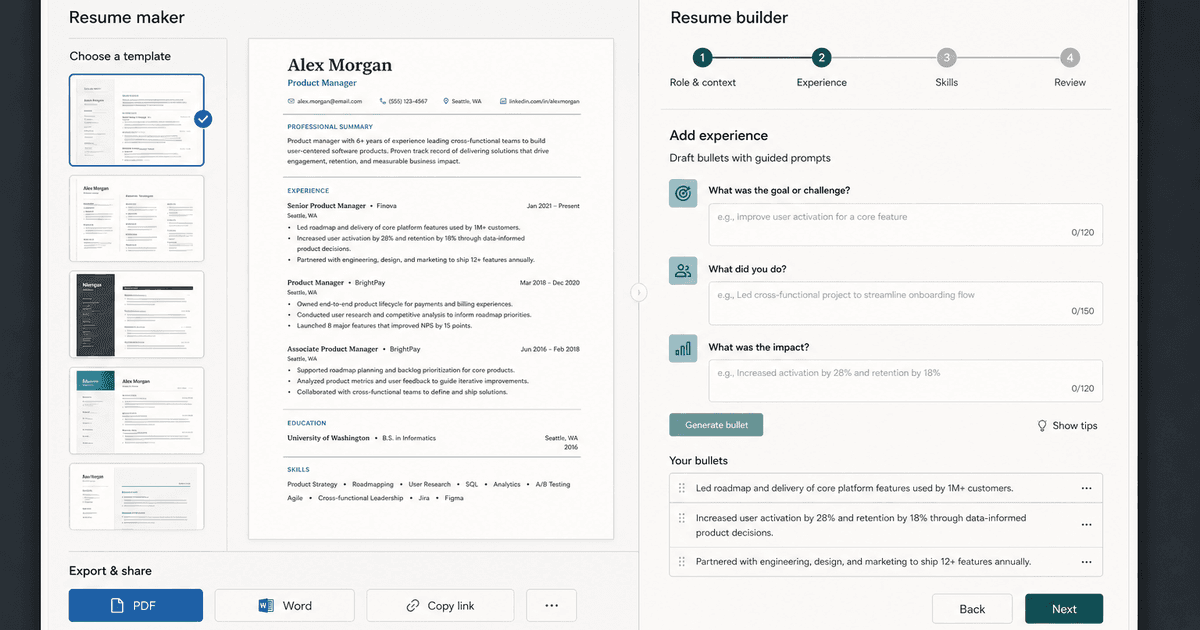
careerBy Pika Resume Team | Aug 3, 2026
Resume Maker vs Resume Builder: Which Should Job Seekers Use?
By Pika Resume Team | Aug 3, 2026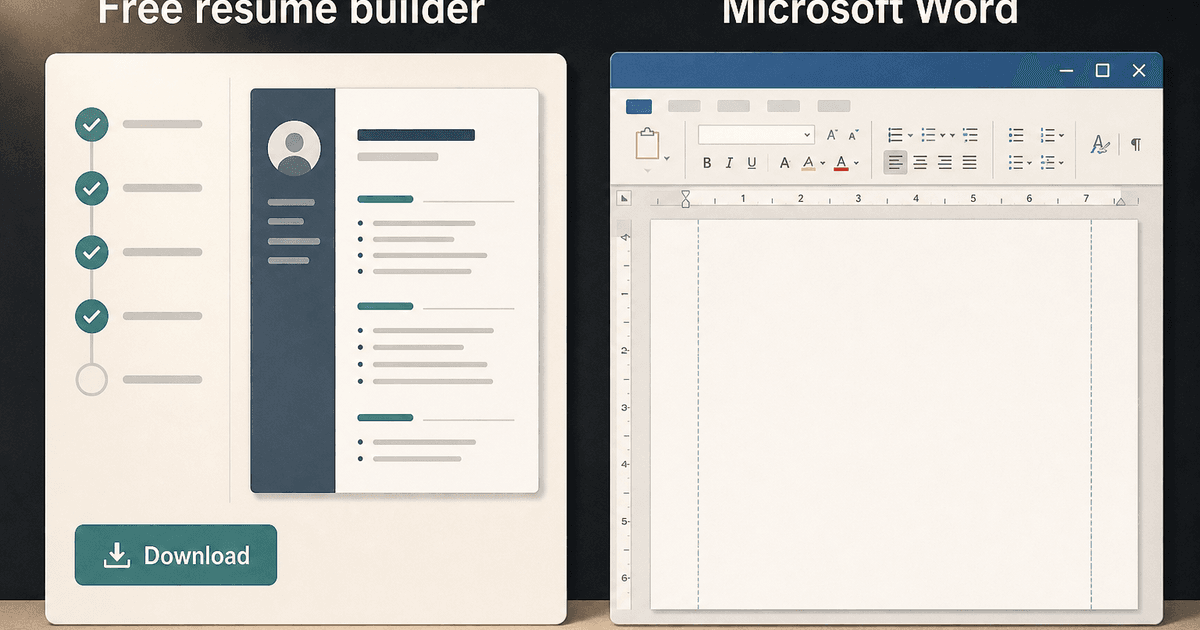
careerBy Pika Resume Team | Aug 2, 2026
Free Resume Builder and Download vs Microsoft Word
By Pika Resume Team | Aug 2, 2026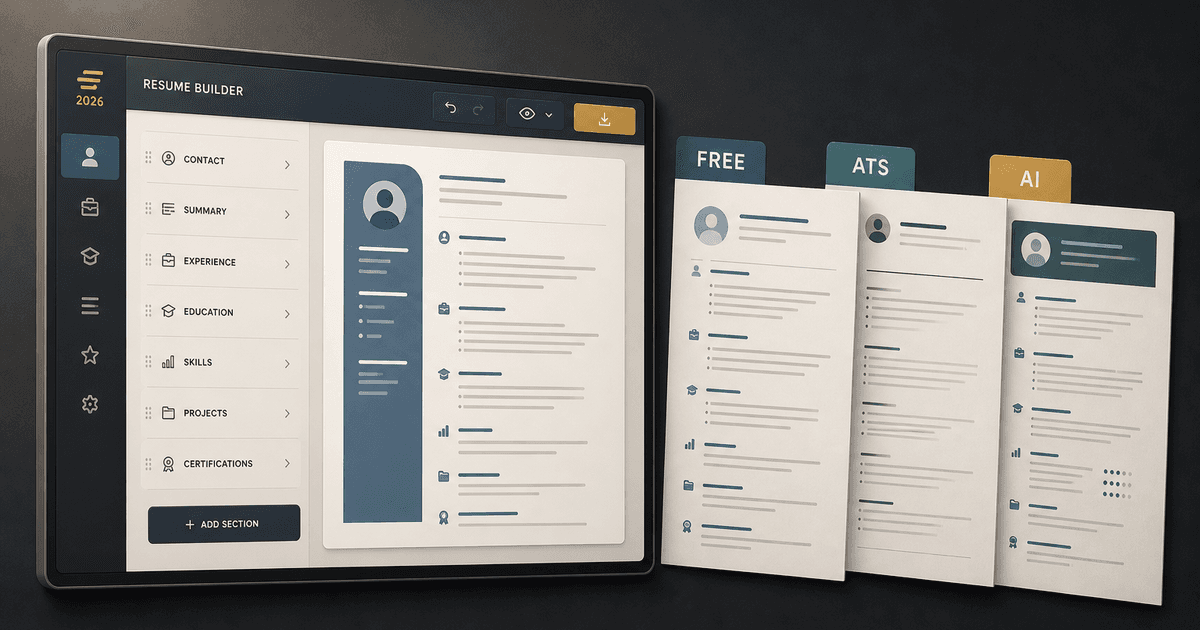
careerBy Pika Resume Team | Jul 30, 2026
What Is the Best Resume Builder Website for 2026?
By Pika Resume Team | Jul 30, 2026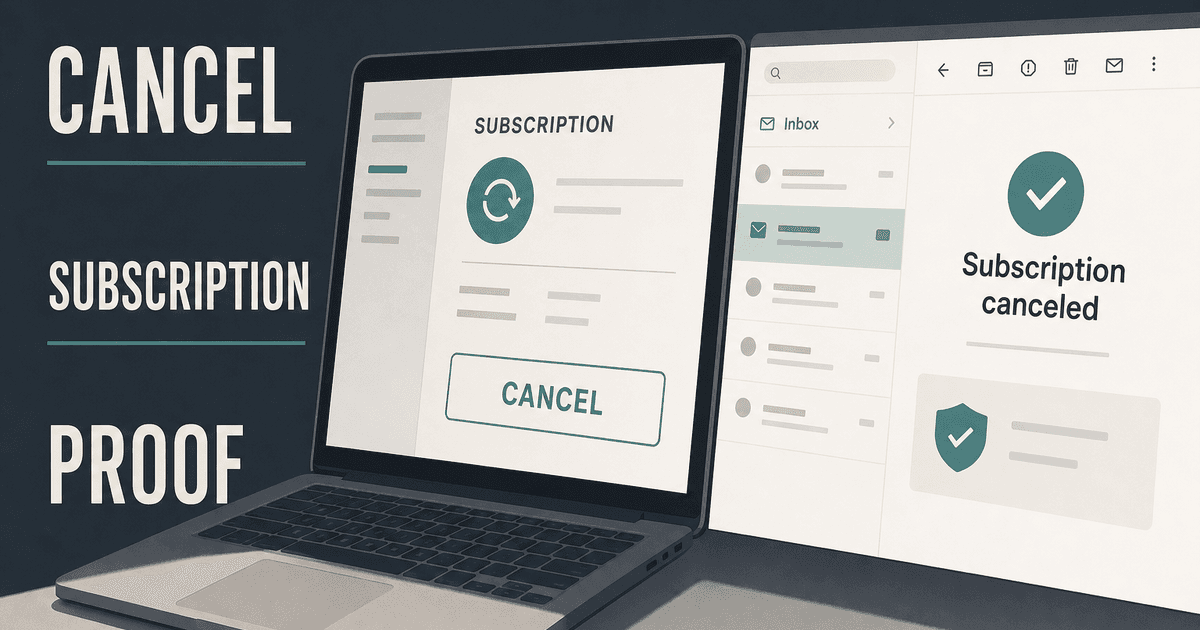
careerBy Pika Resume Team | Jul 27, 2026
How to Cancel Resume Builder Subscription Without Surprises
By Pika Resume Team | Jul 27, 2026
careerBy Pika Resume Team | Jul 26, 2026
How Much Is Resume Builder? Free vs Paid Explained
By Pika Resume Team | Jul 26, 2026
careerBy Pika Resume Team | Jul 20, 2026
Resume Builder App: What the Best One Lets You Do
By Pika Resume Team | Jul 20, 2026
careerBy Pika Resume Team | Jul 19, 2026
Free Resume Builder and Download: Compare the Best Options
By Pika Resume Team | Jul 19, 2026
careerBy Pika Resume Team | Jul 16, 2026
Free AI Resume Builder: What It Does Well and Fails At
By Pika Resume Team | Jul 16, 2026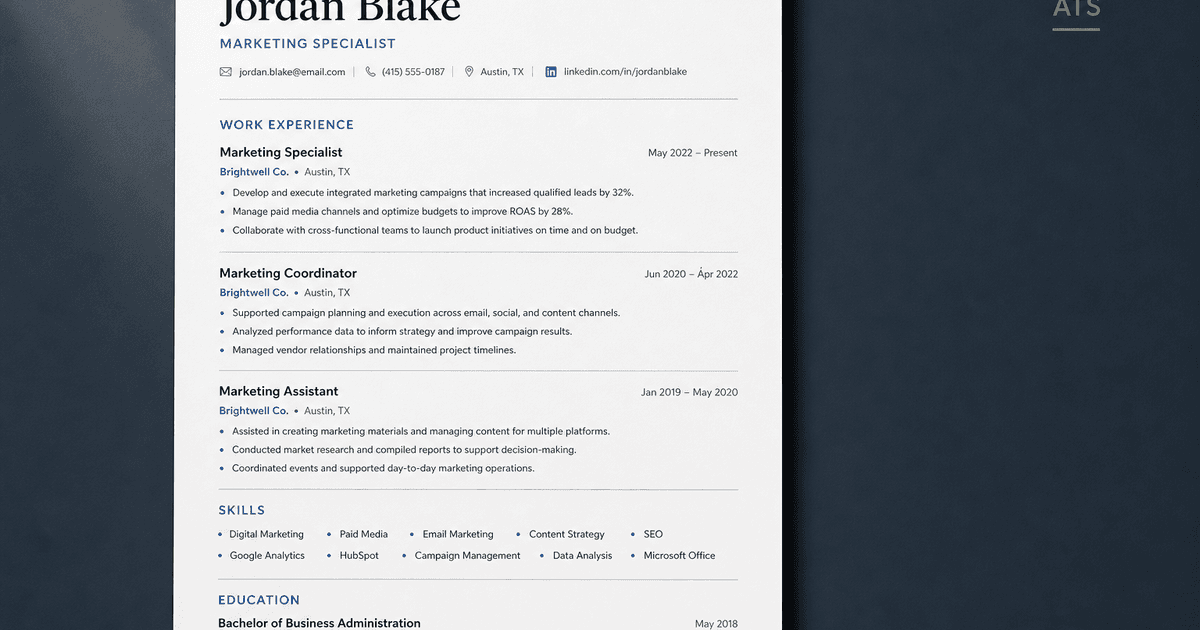
careerBy Pika Resume Team | Jul 13, 2026
Resume format for ATS: a simple guide that works
By Pika Resume Team | Jul 13, 2026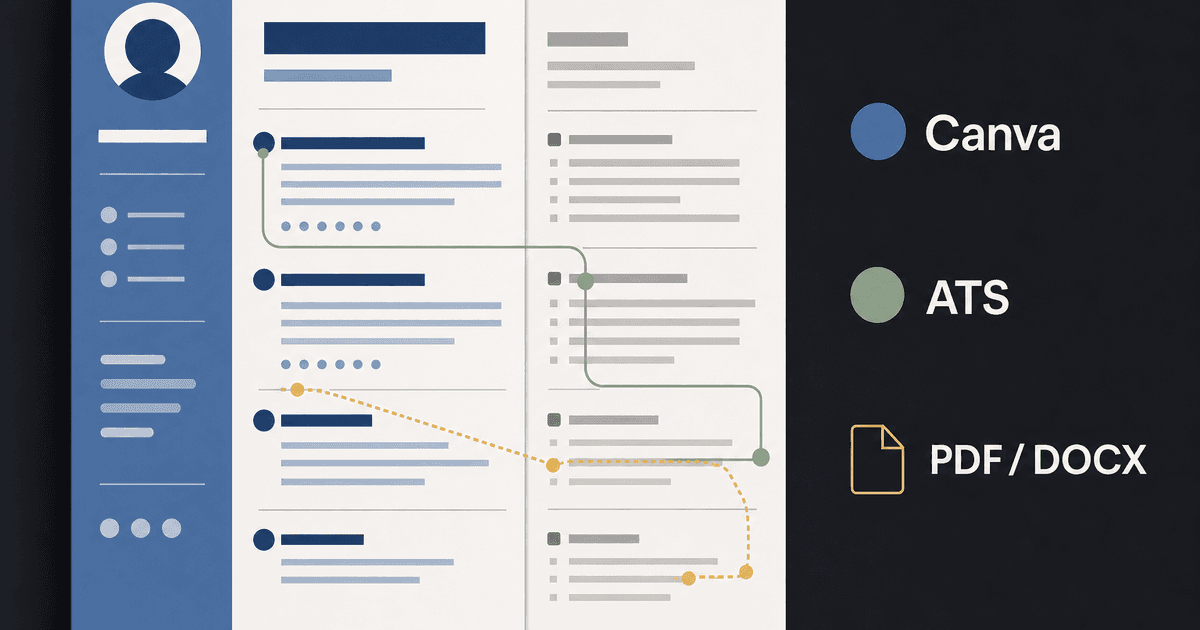
careerBy Pika Resume Team | Jul 12, 2026
Canva Resume Builder vs ATS Reality Check
By Pika Resume Team | Jul 12, 2026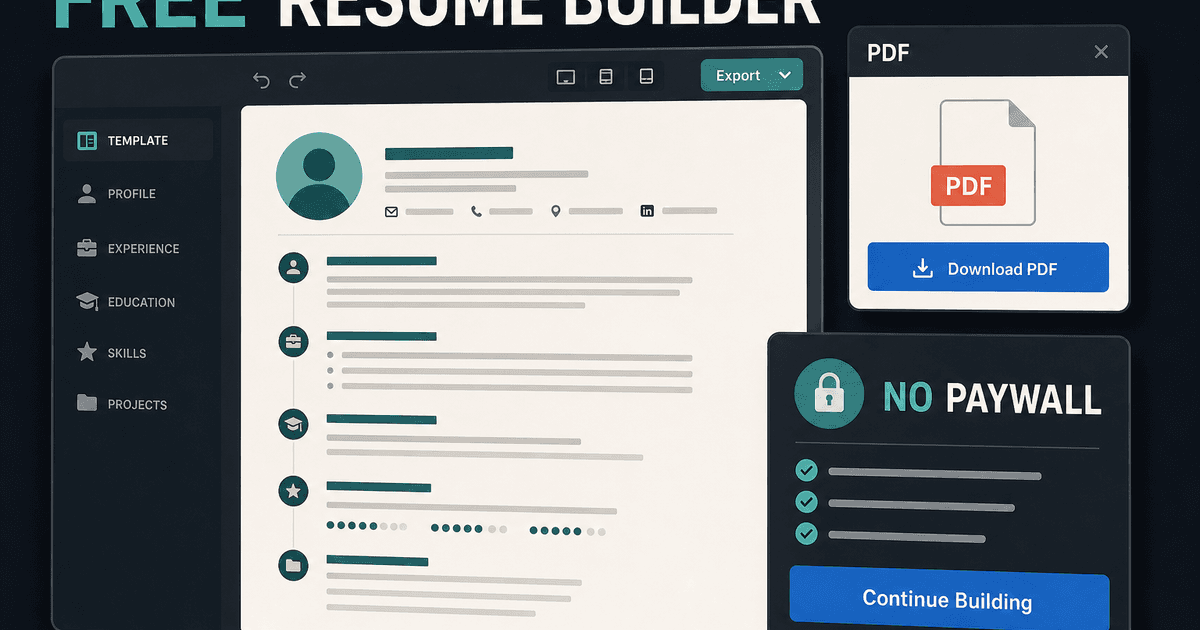
careerBy Pika Resume Team | Jul 9, 2026
Free resume builder: what makes one worth using
By Pika Resume Team | Jul 9, 2026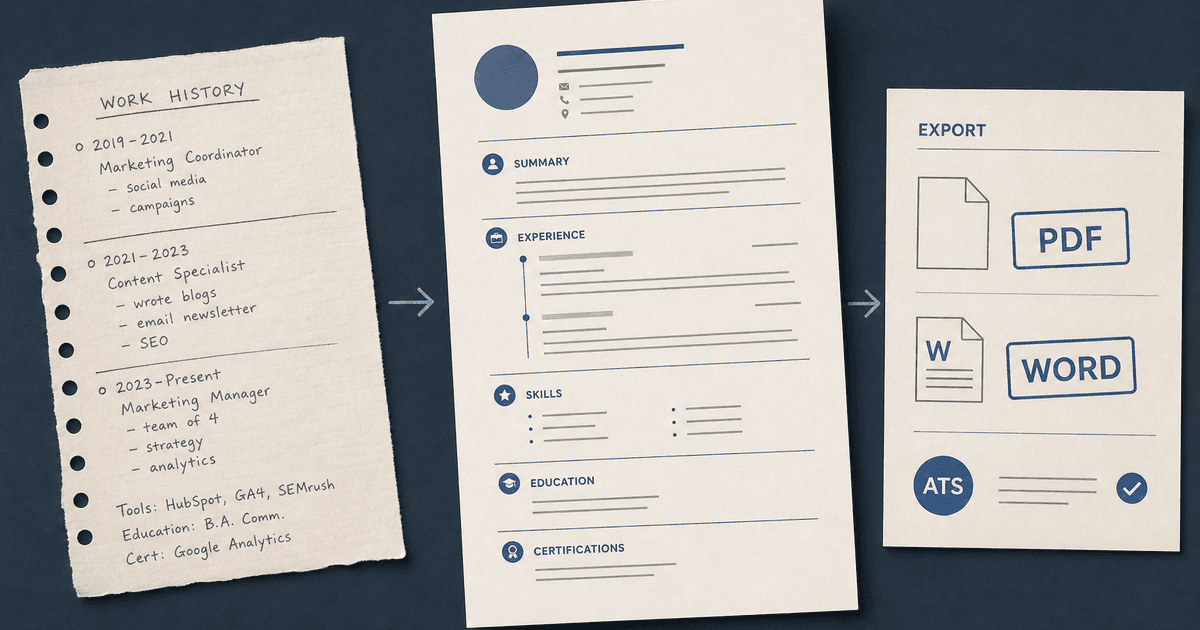
careerBy Pika Resume Team | Jul 6, 2026
Resume Builder: What It Actually Does for Job Seekers
By Pika Resume Team | Jul 6, 2026
resume tipsBy Pika Resume Team | Jun 20, 2026
The Resume Sections Most People Get Wrong (and How to Fix Each One)
By Pika Resume Team | Jun 20, 2026resume tipsBy Pika Resume Team | Jun 18, 2026
How to Edit a PDF Resume Without Wrecking the Formatting
By Pika Resume Team | Jun 18, 2026resume reviewBy Pika Resume Team | Jun 16, 2026
AI Resume Feedback vs a Human Expert Review: When Each Is Worth It
By Pika Resume Team | Jun 16, 2026atsBy Pika Resume Team | Jun 14, 2026
What an ATS Actually Does to Your Resume (and the 8 Things It Scores)
By Pika Resume Team | Jun 14, 2026resume tipsBy Pika Resume Team | Jun 12, 2026
How to Tailor Your Resume to a Job Description in 2026 (the 3-Pass Method)
By Pika Resume Team | Jun 12, 2026resumeBy Gargi Chaudhari | May 30, 2026
Resume vs Biodata vs CV: Which One Do You Actually Need?
By Gargi Chaudhari | May 30, 2026resume By Astha Narang | May 28, 2026
10 Software Engineer Resume Examples That Got Interviews (2026)
By Astha Narang | May 28, 2026resumeBy Gargi Chaudhari | May 26, 2026
How to Convert a LinkedIn Profile to a Resume or CV
By Gargi Chaudhari | May 26, 2026resumeBy Astha Narang | May 23, 2026
Best Resume Format for Indian IT Services Companies (TCS, Infosys, Wipro, Accenture)
By Astha Narang | May 23, 2026resumeBy Gargi Chaudhari | May 21, 2026
The Complete Guide to ATS Resume Screening in India (2026)
By Gargi Chaudhari | May 21, 2026resumeBy Astha Narang | May 19, 2026
Hobbies and Interests for Resume: Should You Include Them?
By Astha Narang | May 19, 2026resumeBy Gargi Chaudhari | May 14, 2026
How to Write a Resume Headline That Gets Recruiter Calls on Naukri
By Gargi Chaudhari | May 14, 2026interviewBy Astha Narang | May 8, 2026
Decoding Interviewer Psychology: What They Don't Tell You for Your Next Job
By Astha Narang | May 8, 2026resumeBy Gargi Chaudhari | May 7, 2026
Career Objective for Resume: 50+ Fresher Examples (2026)
By Gargi Chaudhari | May 7, 2026resumeBy Astha Narang | May 6, 2026
7 Dangerous ATS Myths Debunked: What Actually Gets You Hired in 2026
By Astha Narang | May 6, 2026resumeBy Astha Narang | May 5, 2026
How to Write a Resume Format for Freshers in India (2026 Guide)
By Astha Narang | May 5, 2026resumeBy Astha Narang | May 4, 2026
Master Your Resume: The Ultimate Guide to Listing Computer Skills
By Astha Narang | May 4, 2026resumeBy Astha Narang | Apr 29, 2026
4 Sales Resume Examples for SDR, Account Executive & Manager (2026)
By Astha Narang | Apr 29, 2026resumeBy Astha Narang | Apr 29, 2026
4 Data Analyst Resume Examples for 2026 (Entry-Level to Senior)
By Astha Narang | Apr 29, 2026resumeBy Astha Narang | Apr 24, 2026
Resume Tips for 2026: The Ultimate Guide to Landing Interviews
By Astha Narang | Apr 24, 2026resumeBy Astha Narang | Apr 22, 2026
Bad Resume vs. Good Resume: A Side-by-Side Comparison for Job Seekers
By Astha Narang | Apr 22, 2026resumeBy Astha Narang | Apr 20, 2026
How to Add LinkedIn to Your Resume the Right Way in 2026
By Astha Narang | Apr 20, 2026resumeBy Astha Narang | Apr 17, 2026
7 Common Resume Mistakes to Avoid in 2026 (and How to Fix Them)
By Astha Narang | Apr 17, 2026resumeBy Pika Resume Team | Apr 15, 2026
Master Your LinkedIn-to-Resume Link: A 2026 Guide for Top Candidates
By Pika Resume Team | Apr 15, 2026resumeBy Astha Narang | Apr 13, 2026
How to Write a Winning Resume Summary That Grabs Recruiter Attention
By Astha Narang | Apr 13, 2026careerBy Astha Narang | Apr 11, 2026
Owning Your Career Break: How to Frame a Gap Year on Your Resume in 2026
By Astha Narang | Apr 11, 2026resumeBy Astha Narang | Apr 8, 2026
The Complete 2026 Resume Guide: Crafting a Job-Winning Document
By Astha Narang | Apr 8, 2026resumeBy Astha Narang | Apr 4, 2026
Beat the ATS: Optimize Your Resume for Applicant Tracking Systems in 2026
By Astha Narang | Apr 4, 2026resumeBy Astha Narang | Mar 30, 2026
Expert Resume Review: Is It Worth the Investment for Your Career?
By Astha Narang | Mar 30, 2026resumeBy Astha Narang | Mar 27, 2026
How Many References Should You Have on Your Resume?
By Astha Narang | Mar 27, 2026resumeBy Astha Narang | Mar 25, 2026
Master the 30-Second Resume Scan: Expert & Recruiter Insights
By Astha Narang | Mar 25, 2026resumeBy Astha Narang | Mar 24, 2026
How to Explain Employment Gaps on Your Resume & Ace Interviews
By Astha Narang | Mar 24, 2026resumeBy Astha Narang | Mar 20, 2026
Master Resume Keywords: Your Guide to ATS Success
By Astha Narang | Mar 20, 2026careerBy Astha Narang | Mar 18, 2026
How to Stand Out in Interviews While Still Being Authentic
By Astha Narang | Mar 18, 2026careerBy Astha Narang | Mar 14, 2026
Why Sending the Same Resume to Every Job is Costing You Interviews
By Astha Narang | Mar 14, 2026resumeBy Astha Narang | Mar 12, 2026
The Dynamic Duo: Why AI + Human Expertise is the 2026 Career Cheat Code
By Astha Narang | Mar 12, 2026careerBy Astha Narang | Mar 9, 2026
Get Your Resume Roasted Using PIKA AI
By Astha Narang | Mar 9, 2026jobBy Astha Narang | Mar 7, 2026
How to Show a Promotion on Your Resume? (And Why Most People Get It Wrong)
By Astha Narang | Mar 7, 2026careerBy Astha Narang | Mar 6, 2026
Should You Put Your Address on Your Resume in 2026?
By Astha Narang | Mar 6, 2026careerBy Astha Narang | Mar 3, 2026
Is It Illegal to Lie on a Resume? What Actually Happens in 2026
By Astha Narang | Mar 3, 2026jobBy Pika Resume Team | Feb 5, 2026
How to Optimize Your Resume for Remote Job Applications
By Pika Resume Team | Feb 5, 2026interviewBy Pika Resume Team | Feb 1, 2026
How to Write an ATS-Friendly Resume in 2026
By Pika Resume Team | Feb 1, 2026cover-letterBy Pika Resume Team | Jan 25, 2026
Top 7 Cover Letter Mistakes That Cost You the Interview
By Pika Resume Team | Jan 25, 2026resumeBy Pika Resume Team | Jan 18, 2026
AI Resume Builders: A Complete Guide for Job Seekers in 2026
By Pika Resume Team | Jan 18, 2026jobBy Pika Resume Team | Jan 10, 2026
Resume Tips for Career Changers: Making a Smooth Transition
By Pika Resume Team | Jan 10, 2026careerBy Pika Resume Team | Jan 3, 2026
The Power of Keywords in Your Resume: An SEO Approach to Job Applications
By Pika Resume Team | Jan 3, 2026