
How to Write an ATS-Friendly Resume in 2026
Learn the exact strategies to craft a resume that passes Applicant Tracking Systems and lands on a recruiter's desk. From keyword optimization to formatting best practices.
 Published by Pika Resume Team|February 1, 2026|5 min read
If you've been applying to jobs online and hearing nothing back, there's a good chance your resume is being filtered out before a human ever sees it. The culprit? Applicant Tracking Systems (ATS) — software that screens resumes before they reach a hiring manager.
In this guide, we'll walk you through everything you need to know to create a resume that not only passes ATS screening but also impresses the recruiter on the other side.
What Is an ATS and Why Does It Matter?
An Applicant Tracking System is software used by over 98% of Fortune 500 companies and a growing number of small-to-mid-size businesses. It scans, parses, and ranks resumes based on criteria set by the employer.
Here's the hard truth: up to 75% of resumes are rejected by ATS before they're ever reviewed by a person. That means even highly qualified candidates get filtered out because of formatting issues, missing keywords, or incompatible file types.
How ATS Software Works
- Parsing: The ATS breaks your resume into sections — contact info, education, work experience, skills
- Keyword Matching: It compares your content against the job description
- Ranking: Candidates are scored and ranked based on relevance
- Filtering: Only top-scoring resumes make it to the recruiter
10 Rules for an ATS-Friendly Resume
1. Use a Clean, Simple Format
ATS software struggles with complex layouts. Avoid:
- Multi-column designs
- Text boxes and graphics
- Headers and footers (some ATS can't read them)
- Tables for layout purposes
- Unusual fonts
Stick to a single-column layout with clearly defined sections and standard fonts like Arial, Calibri, or Georgia.
2. Use Standard Section Headings
ATS looks for specific section names. Use universally recognized headings:
| Instead of... | Use this |
|---|---|
| What I've Done | Work Experience |
| My Toolkit | Skills |
| Where I Studied | Education |
| My Story | Professional Summary |
3. Optimize for Keywords
This is the most critical step. Mirror the language in the job description — if the job posting says "project management," don't just write "managed projects."
Tips for keyword optimization:
- Read the job description carefully and highlight key terms
- Include both the spelled-out version and acronyms (e.g., "Search Engine Optimization (SEO)")
- Place keywords naturally in your experience descriptions, skills section, and summary
- Don't keyword-stuff — it needs to read naturally
4. Submit as a .docx or PDF
While PDFs preserve formatting, some older ATS systems struggle to parse them. Check the job posting for file type requirements. When in doubt, .docx is the safest choice.
Modern ATS platforms like Greenhouse, Lever, and Workday handle PDFs well, but it's always good to test.
5. Include a Skills Section
Create a dedicated skills section with both hard skills and soft skills relevant to the role:
- Hard skills: Python, Data Analysis, Figma, Financial Modeling, SQL
- Soft skills: Cross-functional Collaboration, Strategic Planning, Team Leadership
6. Quantify Your Achievements
ATS may not score you higher for numbers, but recruiters will notice. Use specific metrics:
- "Increased sales by 35% within Q3 through targeted outreach campaigns"
- "Reduced customer churn by 18% by implementing a new onboarding flow"
- "Managed a portfolio of $2.4M in annual contracts"
7. Avoid Images and Graphics
ATS cannot read images, icons, or graphical elements. That includes:
- Profile photos
- Skill bar charts
- Icons for contact info
- Infographic-style layouts
Keep it text-based. Every piece of important information should be in actual text form.
8. Use Standard Date Formats
Consistency matters. Use a clear date format throughout:
- Good: January 2024 – Present, or 01/2024 – Present
- Bad: Jan '24 – now, or Since last year
9. Don't Put Critical Info in Headers/Footers
Many ATS systems skip header and footer content entirely. Your name, phone number, and email should be in the main body of the document.
10. Tailor Each Resume to the Job
A generic resume won't cut it. For each application:
- Adjust your summary to match the role
- Reorder your skills to prioritize what the job requires
- Modify bullet points to emphasize relevant experience
How to Test Your Resume Against ATS
Before hitting submit, test your resume:
- Copy-paste test: Copy your resume text and paste it into a plain text editor. If the structure falls apart, ATS will struggle too.
- Use an AI resume builder: Tools like Pika Resume analyze your resume against job descriptions and suggest improvements.
- Check the job posting: Look for specific keywords, requirements, and preferred qualifications.
Common ATS Myths Debunked
Myth: ATS only reads the first page
Reality: ATS reads your entire document. A two-page resume is perfectly fine for experienced professionals.
Myth: Fancy formatting helps you stand out
Reality: It actually hurts you. Clean, simple formatting is always better for ATS.
Myth: Once rejected by ATS, you can never reapply
Reality: You can reapply with an optimized resume. Each application is typically evaluated independently.
Final Thoughts
Writing an ATS-friendly resume doesn't mean sacrificing quality or personality. It means being strategic about formatting, keywords, and structure so that your qualifications shine through both to machines and humans.
The best approach? Start with an ATS-optimized template, tailor it to each job, and let your achievements do the talking. With the right strategy, your resume will make it past the digital gatekeepers and into the hands of the people who matter.
Ready to build an ATS-friendly resume? Try Pika Resume — our AI-powered builder automatically optimizes your resume for ATS while keeping it beautiful for human readers.


Create your Resume
Your resume is an extension of you. Make it truly yours.
Related Articles
Related guides & tools
Free AI Resume BuilderBuild a tailored, ATS-friendly resume from scratchFree Resume TemplatesChoose a professional layout for your roleATS Resume CheckerCheck your score, parsing and issues before you applyOnline CV MakerCreate a CV with guided sections and templatesOnline Resume EditorEdit an existing PDF without rebuilding its layoutHobbies for ResumeSkills for ResumeLinkedIn to ResumeResume Examples
Continue Reading
Check more recommended readings to get the job of your dreams.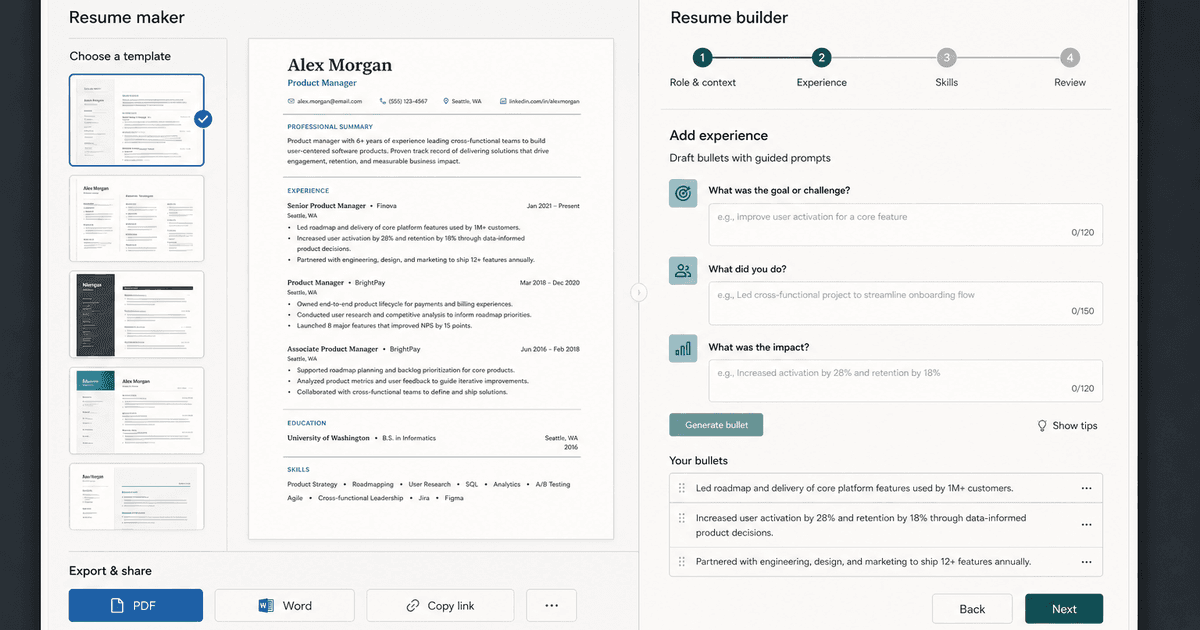
careerBy Pika Resume Team | Aug 3, 2026
Resume Maker vs Resume Builder: Which Should Job Seekers Use?
By Pika Resume Team | Aug 3, 2026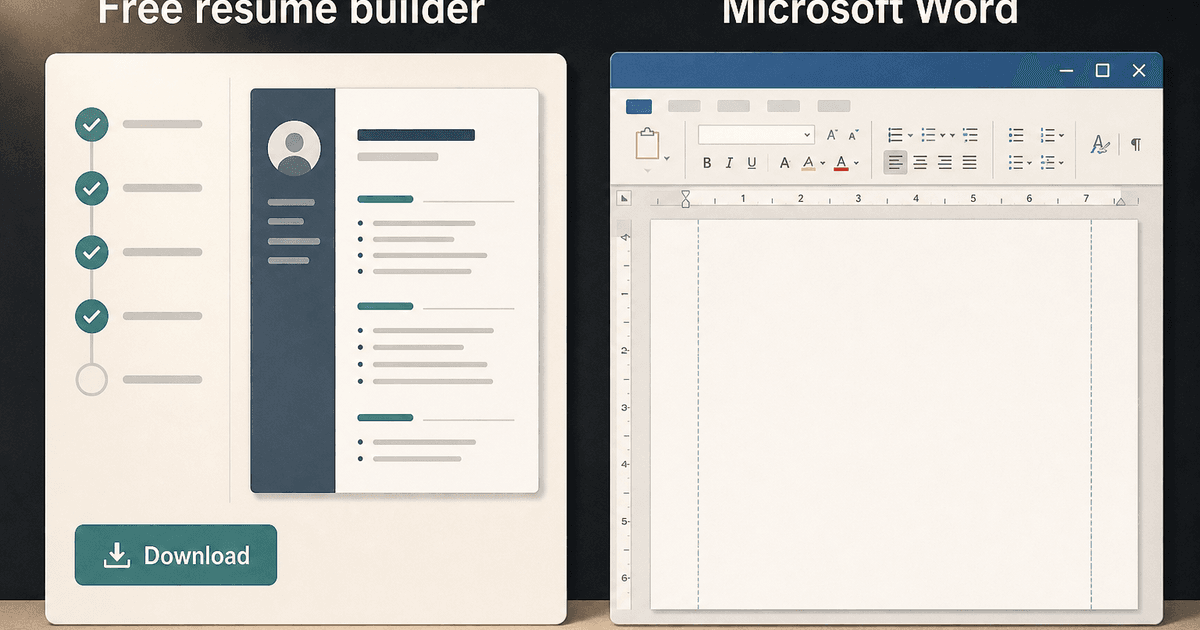
careerBy Pika Resume Team | Aug 2, 2026
Free Resume Builder and Download vs Microsoft Word
By Pika Resume Team | Aug 2, 2026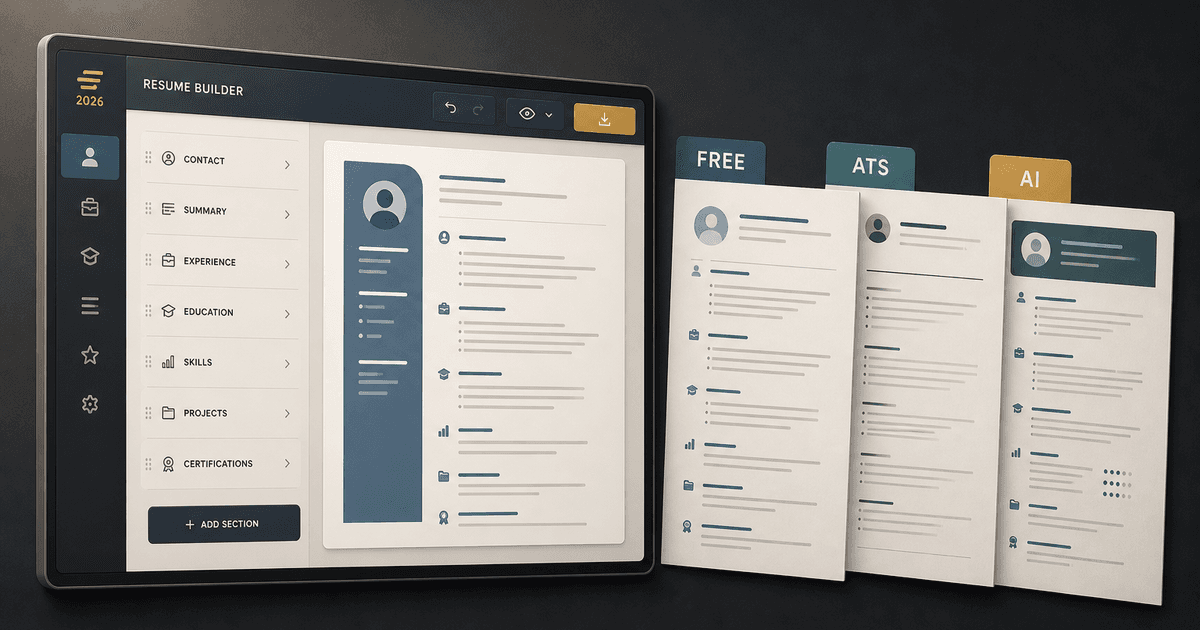
careerBy Pika Resume Team | Jul 30, 2026
What Is the Best Resume Builder Website for 2026?
By Pika Resume Team | Jul 30, 2026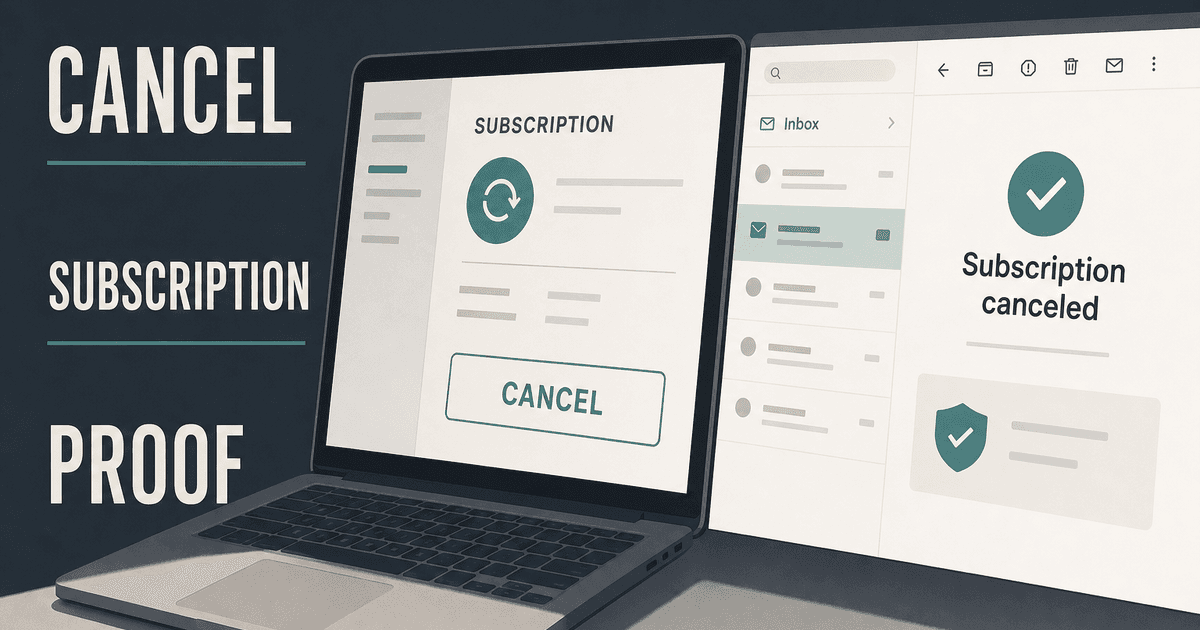
careerBy Pika Resume Team | Jul 27, 2026
How to Cancel Resume Builder Subscription Without Surprises
By Pika Resume Team | Jul 27, 2026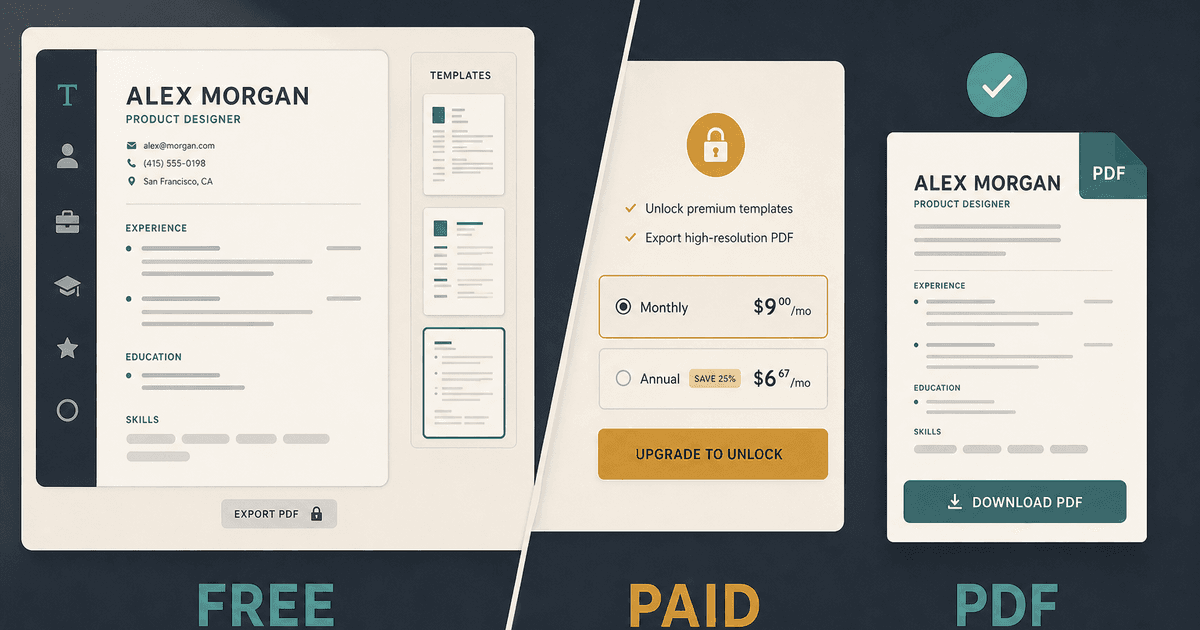
careerBy Pika Resume Team | Jul 26, 2026
How Much Is Resume Builder? Free vs Paid Explained
By Pika Resume Team | Jul 26, 2026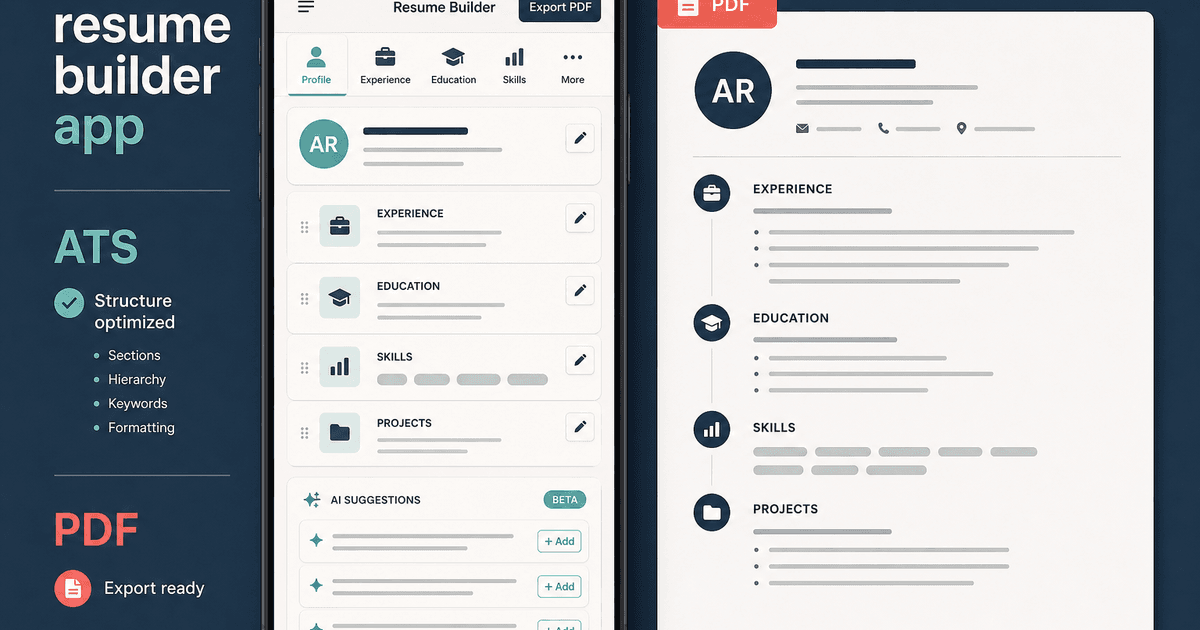
careerBy Pika Resume Team | Jul 20, 2026
Resume Builder App: What the Best One Lets You Do
By Pika Resume Team | Jul 20, 2026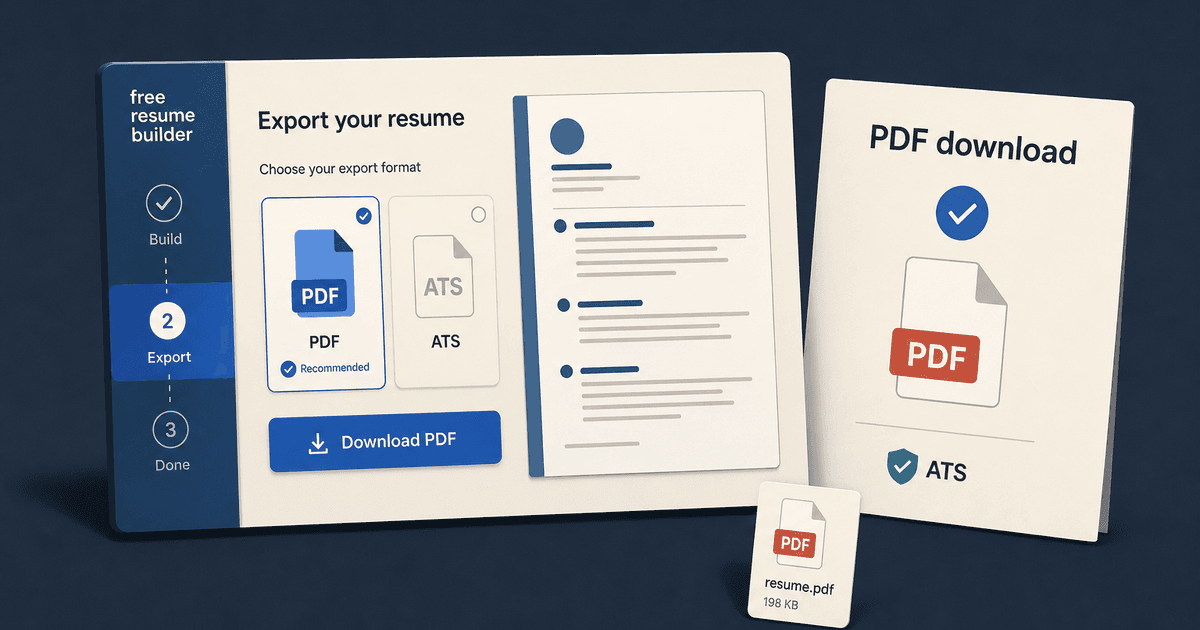
careerBy Pika Resume Team | Jul 19, 2026
Free Resume Builder and Download: Compare the Best Options
By Pika Resume Team | Jul 19, 2026
careerBy Pika Resume Team | Jul 16, 2026
Free AI Resume Builder: What It Does Well and Fails At
By Pika Resume Team | Jul 16, 2026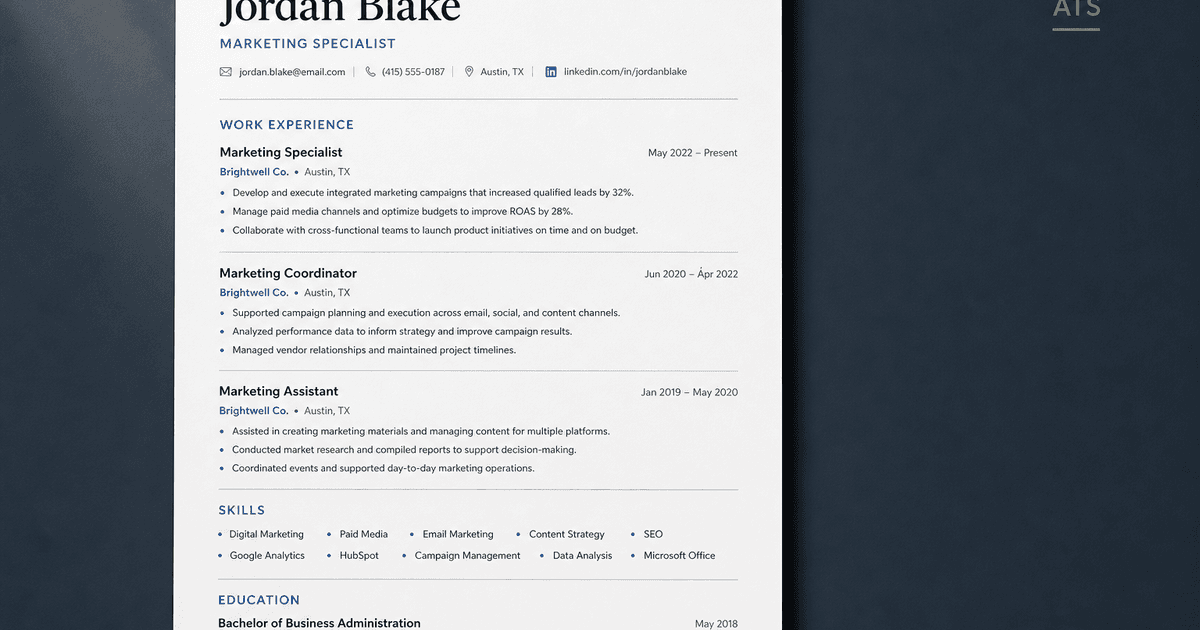
careerBy Pika Resume Team | Jul 13, 2026
Resume format for ATS: a simple guide that works
By Pika Resume Team | Jul 13, 2026
careerBy Pika Resume Team | Jul 12, 2026
Canva Resume Builder vs ATS Reality Check
By Pika Resume Team | Jul 12, 2026
careerBy Pika Resume Team | Jul 9, 2026
Free resume builder: what makes one worth using
By Pika Resume Team | Jul 9, 2026
careerBy Pika Resume Team | Jul 6, 2026
Resume Builder: What It Actually Does for Job Seekers
By Pika Resume Team | Jul 6, 2026
resume tipsBy Pika Resume Team | Jun 20, 2026
The Resume Sections Most People Get Wrong (and How to Fix Each One)
By Pika Resume Team | Jun 20, 2026resume tipsBy Pika Resume Team | Jun 18, 2026
How to Edit a PDF Resume Without Wrecking the Formatting
By Pika Resume Team | Jun 18, 2026resume reviewBy Pika Resume Team | Jun 16, 2026
AI Resume Feedback vs a Human Expert Review: When Each Is Worth It
By Pika Resume Team | Jun 16, 2026atsBy Pika Resume Team | Jun 14, 2026
What an ATS Actually Does to Your Resume (and the 8 Things It Scores)
By Pika Resume Team | Jun 14, 2026resume tipsBy Pika Resume Team | Jun 12, 2026
How to Tailor Your Resume to a Job Description in 2026 (the 3-Pass Method)
By Pika Resume Team | Jun 12, 2026resumeBy Gargi Chaudhari | May 30, 2026
Resume vs Biodata vs CV: Which One Do You Actually Need?
By Gargi Chaudhari | May 30, 2026resume By Astha Narang | May 28, 2026
10 Software Engineer Resume Examples That Got Interviews (2026)
By Astha Narang | May 28, 2026resumeBy Gargi Chaudhari | May 26, 2026
How to Convert a LinkedIn Profile to a Resume or CV
By Gargi Chaudhari | May 26, 2026resumeBy Astha Narang | May 23, 2026
Best Resume Format for Indian IT Services Companies (TCS, Infosys, Wipro, Accenture)
By Astha Narang | May 23, 2026resumeBy Gargi Chaudhari | May 21, 2026
The Complete Guide to ATS Resume Screening in India (2026)
By Gargi Chaudhari | May 21, 2026resumeBy Astha Narang | May 19, 2026
Hobbies and Interests for Resume: Should You Include Them?
By Astha Narang | May 19, 2026resumeBy Gargi Chaudhari | May 14, 2026
How to Write a Resume Headline That Gets Recruiter Calls on Naukri
By Gargi Chaudhari | May 14, 2026interviewBy Astha Narang | May 8, 2026
Decoding Interviewer Psychology: What They Don't Tell You for Your Next Job
By Astha Narang | May 8, 2026resumeBy Gargi Chaudhari | May 7, 2026
Career Objective for Resume: 50+ Fresher Examples (2026)
By Gargi Chaudhari | May 7, 2026resumeBy Astha Narang | May 6, 2026
7 Dangerous ATS Myths Debunked: What Actually Gets You Hired in 2026
By Astha Narang | May 6, 2026resumeBy Astha Narang | May 4, 2026
Master Your Resume: The Ultimate Guide to Listing Computer Skills
By Astha Narang | May 4, 2026resumeBy Astha Narang | Apr 29, 2026
4 Sales Resume Examples for SDR, Account Executive & Manager (2026)
By Astha Narang | Apr 29, 2026resumeBy Astha Narang | Apr 29, 2026
4 Data Analyst Resume Examples for 2026 (Entry-Level to Senior)
By Astha Narang | Apr 29, 2026resumeBy Astha Narang | Apr 24, 2026
Resume Tips for 2026: The Ultimate Guide to Landing Interviews
By Astha Narang | Apr 24, 2026resumeBy Astha Narang | Apr 22, 2026
Bad Resume vs. Good Resume: A Side-by-Side Comparison for Job Seekers
By Astha Narang | Apr 22, 2026resumeBy Astha Narang | Apr 20, 2026
How to Add LinkedIn to Your Resume the Right Way in 2026
By Astha Narang | Apr 20, 2026resumeBy Astha Narang | Apr 17, 2026
7 Common Resume Mistakes to Avoid in 2026 (and How to Fix Them)
By Astha Narang | Apr 17, 2026resumeBy Pika Resume Team | Apr 15, 2026
Master Your LinkedIn-to-Resume Link: A 2026 Guide for Top Candidates
By Pika Resume Team | Apr 15, 2026resumeBy Astha Narang | Apr 13, 2026
How to Write a Winning Resume Summary That Grabs Recruiter Attention
By Astha Narang | Apr 13, 2026careerBy Astha Narang | Apr 11, 2026
Owning Your Career Break: How to Frame a Gap Year on Your Resume in 2026
By Astha Narang | Apr 11, 2026resumeBy Astha Narang | Apr 8, 2026
The Complete 2026 Resume Guide: Crafting a Job-Winning Document
By Astha Narang | Apr 8, 2026resumeBy Astha Narang | Apr 4, 2026
Beat the ATS: Optimize Your Resume for Applicant Tracking Systems in 2026
By Astha Narang | Apr 4, 2026resumeBy Astha Narang | Mar 30, 2026
Expert Resume Review: Is It Worth the Investment for Your Career?
By Astha Narang | Mar 30, 2026resumeBy Astha Narang | Mar 25, 2026
Master the 30-Second Resume Scan: Expert & Recruiter Insights
By Astha Narang | Mar 25, 2026resumeBy Astha Narang | Mar 24, 2026
How to Explain Employment Gaps on Your Resume & Ace Interviews
By Astha Narang | Mar 24, 2026resumeBy Astha Narang | Mar 20, 2026
Master Resume Keywords: Your Guide to ATS Success
By Astha Narang | Mar 20, 2026careerBy Astha Narang | Mar 18, 2026
How to Stand Out in Interviews While Still Being Authentic
By Astha Narang | Mar 18, 2026careerBy Astha Narang | Mar 14, 2026
Why Sending the Same Resume to Every Job is Costing You Interviews
By Astha Narang | Mar 14, 2026resumeBy Astha Narang | Mar 12, 2026
The Dynamic Duo: Why AI + Human Expertise is the 2026 Career Cheat Code
By Astha Narang | Mar 12, 2026careerBy Astha Narang | Mar 9, 2026
Get Your Resume Roasted Using PIKA AI
By Astha Narang | Mar 9, 2026jobBy Astha Narang | Mar 7, 2026
How to Show a Promotion on Your Resume? (And Why Most People Get It Wrong)
By Astha Narang | Mar 7, 2026careerBy Astha Narang | Mar 6, 2026
Should You Put Your Address on Your Resume in 2026?
By Astha Narang | Mar 6, 2026careerBy Astha Narang | Mar 3, 2026
Is It Illegal to Lie on a Resume? What Actually Happens in 2026
By Astha Narang | Mar 3, 2026jobBy Pika Resume Team | Feb 5, 2026
How to Optimize Your Resume for Remote Job Applications
By Pika Resume Team | Feb 5, 2026interviewBy Pika Resume Team | Feb 1, 2026
How to Write an ATS-Friendly Resume in 2026
By Pika Resume Team | Feb 1, 2026cover-letterBy Pika Resume Team | Jan 25, 2026
Top 7 Cover Letter Mistakes That Cost You the Interview
By Pika Resume Team | Jan 25, 2026resumeBy Pika Resume Team | Jan 18, 2026
AI Resume Builders: A Complete Guide for Job Seekers in 2026
By Pika Resume Team | Jan 18, 2026jobBy Pika Resume Team | Jan 10, 2026
Resume Tips for Career Changers: Making a Smooth Transition
By Pika Resume Team | Jan 10, 2026careerBy Pika Resume Team | Jan 3, 2026
The Power of Keywords in Your Resume: An SEO Approach to Job Applications
By Pika Resume Team | Jan 3, 2026