
The Complete Guide to ATS Resume Screening in India (2026)
Understand ATS screening in India, check resume parsing risks, choose the requested file format, and use Pika’s diagnostic without hiring guarantees.
 Published by Gargi Chaudhari|May 21, 2026|10 min read
An applicant tracking system (ATS) helps an employer manage applications and can extract information from a resume. Parsing a file, checking job requirements and deciding whom to interview are different steps. A resume-checker score cannot tell you that every employer will accept, shortlist or interview you.
This guide explains those distinctions and gives Indian job seekers a practical way to inspect a resume before submitting it. If you already have a file, start with Pika’s ATS resume checker, then review the issues it identifies rather than chasing a universal “pass” score.
Content updated: 4 October 2026. The original publication date and author remain shown above. This revision replaces unsupported rejection statistics and vendor-wide compatibility promises with conditional advice and named primary sources.
What Is an ATS, Really?
An ATS is software used to organise recruiting activity. Resume parsing can fill candidate fields, while an employer’s screening rules and review process determine what happens next. A job board profile, a recruiter-search product and an employer’s ATS are not interchangeable.
Keep three separate questions in mind:
- Can the file be uploaded and read? Check the accepted file type and size, and inspect any information imported into the application form.
- Do you meet the vacancy’s requirements? Review the actual experience, location, qualification and eligibility requirements. Answer application questions honestly.
- Does your evidence suit the role? Explain relevant work, skills and outcomes clearly enough for someone to assess them.
An unanswered application does not reveal which of these stages affected it. We do not have evidence that a fixed percentage of Indian resumes is automatically rejected, or that all systems rank candidates using the same 0–100 score.
How ATS Actually Reads Your Resume
Parsing means extracting information such as contact details and work history from a document into fields. It is not the same as accepting the upload, evaluating suitability or rejecting an applicant.
For a concrete vendor example, Greenhouse’s parsing documentation identifies complex layouts, image uploads and unclear sections as possible causes of incomplete extraction. It also describes a failed parse leaving the resume attached while candidate details need manual entry. That is not evidence of automatic rejection.
Separately, Greenhouse’s application rules allow employer-configured actions based on answers to custom questions, such as licence or location requirements. Improving your formatting cannot replace an eligibility requirement.
These are examples from Greenhouse, not a claim about every ATS or about which systems particular Indian companies use. Review imported fields wherever the application gives you that opportunity.
Eight Resume Checks Before You Apply
The following is an editorial checklist, not a ranking of rejection causes or a promise of compatibility.
1. Inspect the exported file, not just the editor
Open the actual file you will submit. Check that your name, email, phone number, section headings and recent role are present. An attractive editor preview is not proof that the export contains the same information.
2. Look for readable text
Try selecting and copying a few lines into a plain-text editor. An image-only scan deserves attention because its text may not be available to a parser. Copying text is a useful warning check, not a certification of every employer’s extraction system.
3. Check the reading order
Review whether copied text places each employer, role, date and bullet together. A simple single-column layout is a sensible starting point when a more complex layout produces confused ordering. Do not assume every two-column document fails or that every single-column document succeeds.
4. Use clear section headings
Use familiar labels such as Experience, Education, Skills and Projects. Include a Certifications section only if you have relevant certifications to list; an empty heading adds no evidence. Make the structure easy for both readers and software to interpret.
5. Keep contact details easy to find
Put essential contact information in ordinary document text rather than only in a graphic, text box, header or footer. Verify it after export and after any application-form import. Avoid adding unnecessary sensitive personal information.
6. Make role and date relationships clear
Keep each role title, employer and employment period together. Use a consistent, readable date format, such as May 2024 – August 2025. Check that the application has not mixed up dates or employers; consistency alone cannot guarantee correct parsing.
7. Match relevant terms with real evidence
Use the role’s terminology when it accurately describes your experience. List Python only if you have used it, and show a relevant project or contribution when possible. Do not add skills, qualifications or invented metrics just to increase a score.
8. Follow the actual upload instructions
Check the employer’s accepted format, file-size limit and any required document name. After uploading, correct missing or misassigned fields when the form allows it. The portal’s instructions take precedence over a general checklist.
Use the export checklist on Pika’s ATS-friendly template page for a shorter pre-submission review. For India-specific section order and troubleshooting, see the resume format guide.
Should You Submit PDF or Word?
Use the format requested by the application. If it offers a choice, use a supported file whose text and layout you can inspect. Neither PDF nor Word is a universal winner.
Greenhouse’s supported-format documentation lists PDF, DOC, DOCX, RTF and TXT uploads. Accepting a file type does not certify that every field will parse correctly. Upload limits and parser limits can also differ; check the instructions for the system you are actually using.
Pika currently exports PDF, not Word. If a vacancy requires DOCX, use an editor that can produce DOCX and inspect that document separately. Do not rename a PDF’s extension to pretend it is a Word file. A successful Pika check is not proof that an employer accepts the same format or size.
What Pika’s ATS Score Can and Cannot Tell You
The Pika ATS checker produces a diagnostic score and issue feedback under Pika’s own rubric. Use the feedback to investigate your file’s structure and the evidence in its content. Read the research methodology and limitations before treating the result as a broader finding.
It does not reproduce an employer’s ATS, certify a template against every vendor, or predict your chance of getting an interview. There is no universal Pika score that guarantees successful parsing or shortlisting. A higher diagnostic score is not proof of a hiring outcome.
Job relevance is a separate task. Compare your real experience with the vacancy; if you use job-description tailoring, review the resulting claims yourself. Do not let an automated rewrite invent experience or qualifications.
Our State of Resumes study reports Pika diagnostic findings from a self-selected sample. It is not a measure of Indian applicants’ rejection rates, recruiter decisions or hiring success. Its public methodology explains the sample and limitations.
Keywords Without Stuffing or Invented Achievements
Relevant terms can help explain your experience. For example, Greenhouse’s keyword suggestions documentation describes suggested terms recruiters can use when filtering applications. It does not establish a universal keyword count or pass threshold.
As an editorial practice, connect a skill to work you actually did:
- Vague: “Worked on data.”
- More specific, if true: “Used SQL to investigate missing order records and documented the reconciliation process for the support team.”
Add a genuine outcome or scope when you can substantiate it. If you do not have a reliable number, a clear description of your contribution is better than an invented percentage. Do not repeat hidden keywords or add irrelevant tools. We do not claim all vendors detect or reject those tricks in the same way.
Applying Through Indian Job Portals and Company Sites
Read the vacancy and the form instead of guessing the employer’s software from its industry. A technology startup, an IT services firm and a public-sector organisation may each use different processes; the employer’s current instructions are the relevant evidence.
For any profile or form you complete, keep requested role titles, experience dates, education and location accurate and consistent with your resume. Supply additional information only where it is requested and appropriate. Do not place identity-document numbers or unrelated personal details into a general resume just to make it look “complete.”
For fresher applications, use projects, coursework and internships that genuinely support the role. For experienced applications, prioritise relevant responsibilities and contributions. The India resume format guide explains section choices, and the skills guide helps organise skills you can substantiate.
Step-by-Step: Review Your Resume Before Submitting
- Read the vacancy’s eligibility and upload requirements.
- Check whether your actual experience supports the key requirements.
- Organise the document with clear sections and consistent role dates.
- Export in a format the portal accepts. Pika’s export is PDF.
- Inspect the exported file’s text, reading order and contact details.
- Run Pika’s ATS diagnostic if you want an additional issue review; investigate the findings rather than treating the score as permission to apply.
- Review every suggested edit for accuracy, and inspect the final file after changing it.
- Upload to the application, check any imported fields and answer required questions honestly.
If an issue is specific to a portal, follow that portal’s support instructions. Repeated checks cannot guarantee selection, and a score increase is not a reason to add unsupported claims.
Frequently Asked Questions
How do I know whether my resume is ATS-friendly?
Inspect the exported document and any fields imported by the application. A checker can surface issues worth investigating, but it cannot certify every employer’s system. Use clear structure, truthful role-relevant content and the requested file format.
Does a Pika score of 75 or 90 guarantee an ATS pass?
No. Pika’s diagnostic score is not an employer’s screening threshold. It does not guarantee parsing, shortlisting, interviews or offers. Look at the individual issues and the actual application requirements.
Are PDF resumes accepted, and does Pika export Word?
Some systems accept both PDF and Word, but the application’s instructions decide what you should submit. Pika exports PDF, not Word. Check the file you upload; do not assume acceptance and accurate parsing are the same thing.
Does a photo or a two-column layout automatically cause rejection?
We do not have evidence for that universal claim. Complex layouts and graphics can create extraction problems in some systems. Keep important information as text and check imported details instead of assuming a design guarantees success or failure.
Should every bullet contain a number?
No. Use genuine metrics when you can verify them. Otherwise describe the task, your contribution and its observable outcome clearly. Do not invent achievements to satisfy a checklist or raise a score.
Can improving formatting overcome a missing eligibility requirement?
No. Formatting can help communicate your information; it cannot provide a required qualification, licence or work eligibility you do not have. Review the vacancy and answer screening questions accurately.
Sources and Scope
Primary sources checked on 4 October 2026:
- Greenhouse: unsuccessful resume parsing.
- Greenhouse: supported upload formats.
- Greenhouse: employer-configured application rules.
- Greenhouse: keyword suggestions.
These documents explain particular Greenhouse features. They do not establish Indian market share, other vendors’ behaviour, a universal rejection rate or Pika’s effect on hiring outcomes. The checklist above is practical editorial guidance, not a vendor certification.
Check Your Existing Resume First
Already have a resume? Check it for issues with Pika, then decide what actually needs changing. If the layout needs work, compare ATS-friendly resume templates and inspect the exported file before submitting it. No template or checker result guarantees an employer’s decision.


Create your Resume
Your resume is an extension of you. Make it truly yours.
Related Articles
Related guides & tools
Run Pika’s ATS DiagnosticScores use Pika’s rubric; scan and report access follow your account’s current allowanceChoose and Inspect an ATS-Friendly TemplateUse the exported-file checklist before applying, rather than relying on a template labelApply the India Resume Format GuideChoose a clear section order and follow employer file instructions; Pika exports PDF, not WordRead Pika’s Scoring MethodologyUnderstand the diagnostic scope, sample boundaries, and what a Pika score cannot predictInterpret Pika’s Diagnostic Scan BenchmarksA self-selected scan sample can include repeats; these benchmarks are not employer outcomesFree AI Resume BuilderBuild a tailored, ATS-friendly resume from scratchFree Resume TemplatesChoose a professional layout for your roleOnline CV MakerCreate a CV with guided sections and templatesOnline Resume EditorEdit an existing PDF without rebuilding its layout
Continue Reading
Check more recommended readings to get the job of your dreams.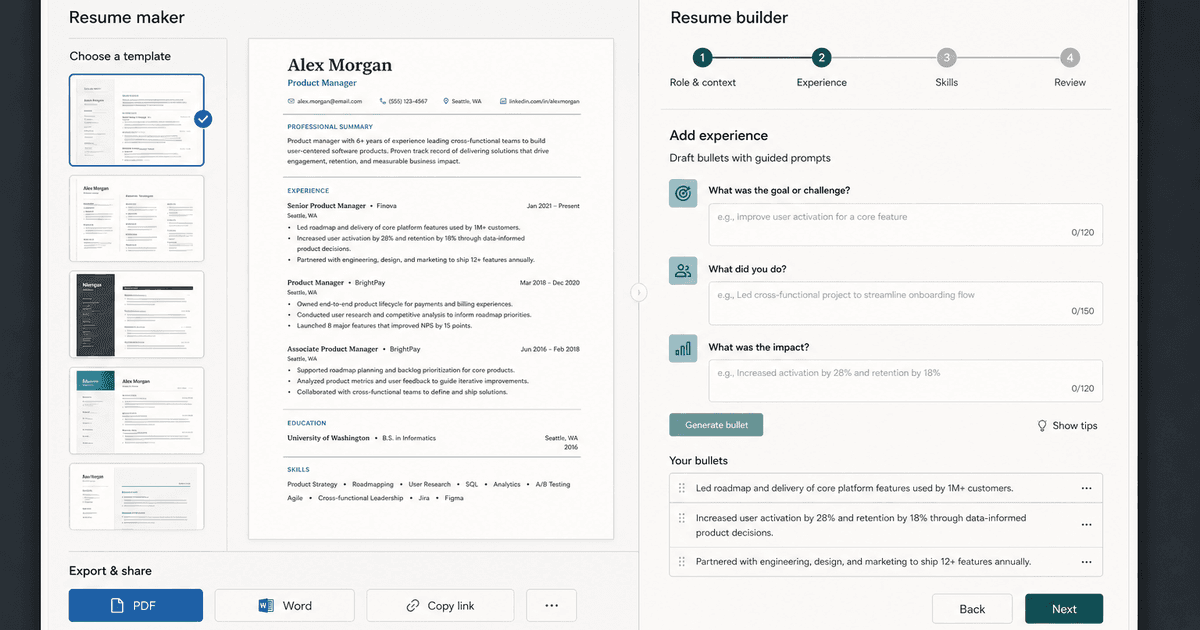
careerBy Pika Resume Team | Aug 3, 2026
Resume Maker vs Resume Builder: Which Should Job Seekers Use?
By Pika Resume Team | Aug 3, 2026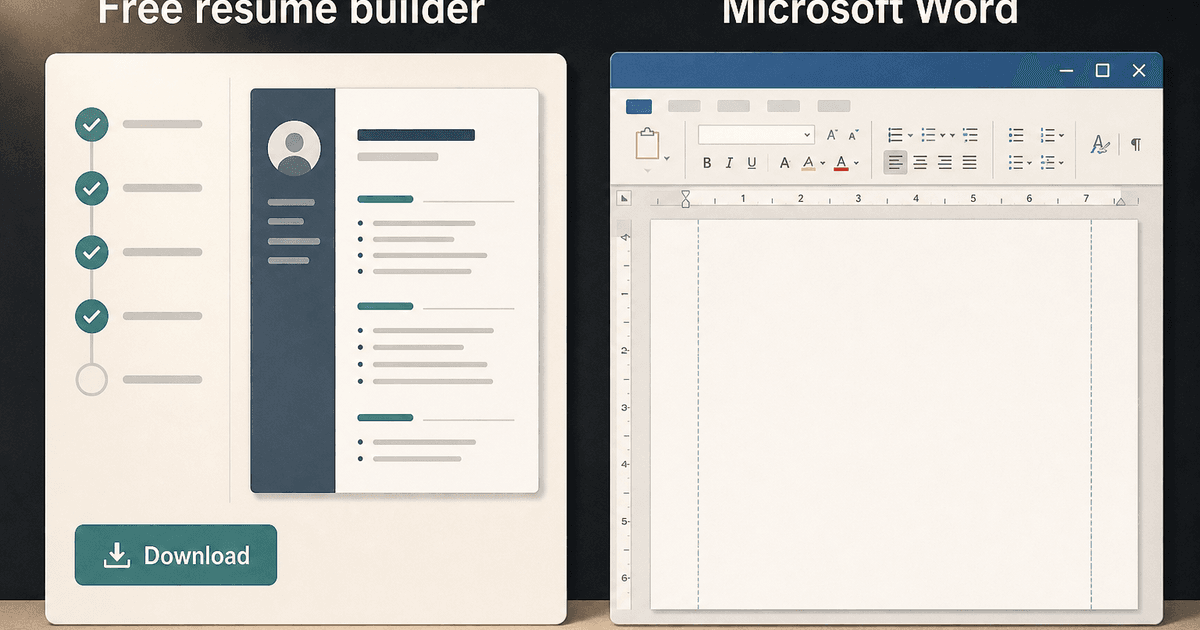
careerBy Pika Resume Team | Aug 2, 2026
Free Resume Builder and Download vs Microsoft Word
By Pika Resume Team | Aug 2, 2026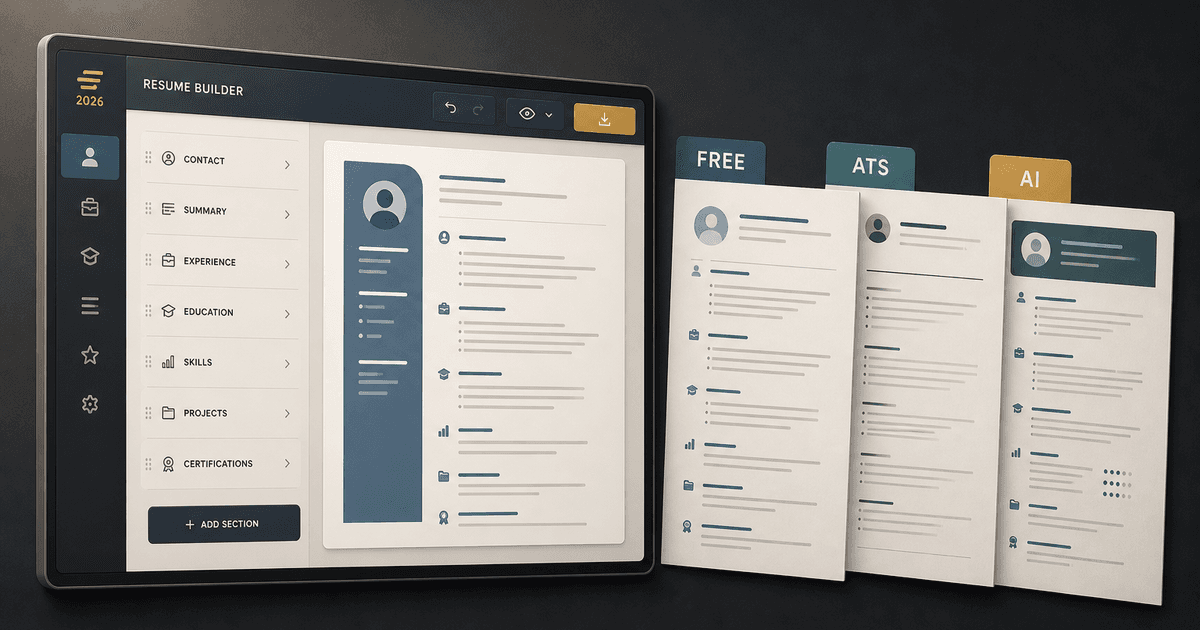
careerBy Pika Resume Team | Jul 30, 2026
What Is the Best Resume Builder Website for 2026?
By Pika Resume Team | Jul 30, 2026
careerBy Pika Resume Team | Jul 27, 2026
How to Cancel Resume Builder Subscription Without Surprises
By Pika Resume Team | Jul 27, 2026
careerBy Pika Resume Team | Jul 26, 2026
How Much Is Resume Builder? Free vs Paid Explained
By Pika Resume Team | Jul 26, 2026
careerBy Pika Resume Team | Jul 20, 2026
Resume Builder App: What the Best One Lets You Do
By Pika Resume Team | Jul 20, 2026
careerBy Pika Resume Team | Jul 19, 2026
Free Resume Builder and Download: Compare the Best Options
By Pika Resume Team | Jul 19, 2026
careerBy Pika Resume Team | Jul 16, 2026
Free AI Resume Builder: What It Does Well and Fails At
By Pika Resume Team | Jul 16, 2026
careerBy Pika Resume Team | Jul 13, 2026
Resume format for ATS: a simple guide that works
By Pika Resume Team | Jul 13, 2026
careerBy Pika Resume Team | Jul 12, 2026
Canva Resume Builder vs ATS Reality Check
By Pika Resume Team | Jul 12, 2026
careerBy Pika Resume Team | Jul 9, 2026
Free resume builder: what makes one worth using
By Pika Resume Team | Jul 9, 2026
careerBy Pika Resume Team | Jul 6, 2026
Resume Builder: What It Actually Does for Job Seekers
By Pika Resume Team | Jul 6, 2026
resume tipsBy Pika Resume Team | Jun 20, 2026
The Resume Sections Most People Get Wrong (and How to Fix Each One)
By Pika Resume Team | Jun 20, 2026resume tipsBy Pika Resume Team | Jun 18, 2026
How to Edit a PDF Resume Without Wrecking the Formatting
By Pika Resume Team | Jun 18, 2026resume reviewBy Pika Resume Team | Jun 16, 2026
AI Resume Feedback vs a Human Expert Review: When Each Is Worth It
By Pika Resume Team | Jun 16, 2026atsBy Pika Resume Team | Jun 14, 2026
What an ATS Actually Does to Your Resume (and the 8 Things It Scores)
By Pika Resume Team | Jun 14, 2026resume tipsBy Pika Resume Team | Jun 12, 2026
How to Tailor Your Resume to a Job Description in 2026 (the 3-Pass Method)
By Pika Resume Team | Jun 12, 2026resumeBy Gargi Chaudhari | May 30, 2026
Resume vs Biodata vs CV: Which One Do You Actually Need?
By Gargi Chaudhari | May 30, 2026resume By Astha Narang | May 28, 2026
10 Software Engineer Resume Examples That Got Interviews (2026)
By Astha Narang | May 28, 2026resumeBy Gargi Chaudhari | May 26, 2026
How to Convert a LinkedIn Profile to a Resume or CV
By Gargi Chaudhari | May 26, 2026resumeBy Astha Narang | May 23, 2026
Best Resume Format for Indian IT Services Companies (TCS, Infosys, Wipro, Accenture)
By Astha Narang | May 23, 2026resumeBy Gargi Chaudhari | May 21, 2026
The Complete Guide to ATS Resume Screening in India (2026)
By Gargi Chaudhari | May 21, 2026resumeBy Astha Narang | May 19, 2026
Hobbies and Interests for Resume: Should You Include Them?
By Astha Narang | May 19, 2026resumeBy Gargi Chaudhari | May 14, 2026
How to Write a Resume Headline That Gets Recruiter Calls on Naukri
By Gargi Chaudhari | May 14, 2026interviewBy Astha Narang | May 8, 2026
Decoding Interviewer Psychology: What They Don't Tell You for Your Next Job
By Astha Narang | May 8, 2026resumeBy Gargi Chaudhari | May 7, 2026
Career Objective for Resume: 50+ Fresher Examples (2026)
By Gargi Chaudhari | May 7, 2026resumeBy Astha Narang | May 6, 2026
7 Dangerous ATS Myths Debunked: What Actually Gets You Hired in 2026
By Astha Narang | May 6, 2026resumeBy Astha Narang | May 4, 2026
Master Your Resume: The Ultimate Guide to Listing Computer Skills
By Astha Narang | May 4, 2026resumeBy Astha Narang | Apr 29, 2026
4 Sales Resume Examples for SDR, Account Executive & Manager (2026)
By Astha Narang | Apr 29, 2026resumeBy Astha Narang | Apr 29, 2026
4 Data Analyst Resume Examples for 2026 (Entry-Level to Senior)
By Astha Narang | Apr 29, 2026resumeBy Astha Narang | Apr 24, 2026
Resume Tips for 2026: The Ultimate Guide to Landing Interviews
By Astha Narang | Apr 24, 2026resumeBy Astha Narang | Apr 22, 2026
Bad Resume vs. Good Resume: A Side-by-Side Comparison for Job Seekers
By Astha Narang | Apr 22, 2026resumeBy Astha Narang | Apr 20, 2026
How to Add LinkedIn to Your Resume the Right Way in 2026
By Astha Narang | Apr 20, 2026resumeBy Astha Narang | Apr 17, 2026
7 Common Resume Mistakes to Avoid in 2026 (and How to Fix Them)
By Astha Narang | Apr 17, 2026resumeBy Pika Resume Team | Apr 15, 2026
Master Your LinkedIn-to-Resume Link: A 2026 Guide for Top Candidates
By Pika Resume Team | Apr 15, 2026resumeBy Astha Narang | Apr 13, 2026
How to Write a Winning Resume Summary That Grabs Recruiter Attention
By Astha Narang | Apr 13, 2026careerBy Astha Narang | Apr 11, 2026
Owning Your Career Break: How to Frame a Gap Year on Your Resume in 2026
By Astha Narang | Apr 11, 2026resumeBy Astha Narang | Apr 8, 2026
The Complete 2026 Resume Guide: Crafting a Job-Winning Document
By Astha Narang | Apr 8, 2026resumeBy Astha Narang | Apr 4, 2026
Beat the ATS: Optimize Your Resume for Applicant Tracking Systems in 2026
By Astha Narang | Apr 4, 2026resumeBy Astha Narang | Mar 30, 2026
Expert Resume Review: Is It Worth the Investment for Your Career?
By Astha Narang | Mar 30, 2026resumeBy Astha Narang | Mar 25, 2026
Master the 30-Second Resume Scan: Expert & Recruiter Insights
By Astha Narang | Mar 25, 2026resumeBy Astha Narang | Mar 24, 2026
How to Explain Employment Gaps on Your Resume & Ace Interviews
By Astha Narang | Mar 24, 2026resumeBy Astha Narang | Mar 20, 2026
Master Resume Keywords: Your Guide to ATS Success
By Astha Narang | Mar 20, 2026careerBy Astha Narang | Mar 18, 2026
How to Stand Out in Interviews While Still Being Authentic
By Astha Narang | Mar 18, 2026careerBy Astha Narang | Mar 14, 2026
Why Sending the Same Resume to Every Job is Costing You Interviews
By Astha Narang | Mar 14, 2026resumeBy Astha Narang | Mar 12, 2026
The Dynamic Duo: Why AI + Human Expertise is the 2026 Career Cheat Code
By Astha Narang | Mar 12, 2026careerBy Astha Narang | Mar 9, 2026
Get Your Resume Roasted Using PIKA AI
By Astha Narang | Mar 9, 2026jobBy Astha Narang | Mar 7, 2026
How to Show a Promotion on Your Resume? (And Why Most People Get It Wrong)
By Astha Narang | Mar 7, 2026careerBy Astha Narang | Mar 6, 2026
Should You Put Your Address on Your Resume in 2026?
By Astha Narang | Mar 6, 2026careerBy Astha Narang | Mar 3, 2026
Is It Illegal to Lie on a Resume? What Actually Happens in 2026
By Astha Narang | Mar 3, 2026jobBy Pika Resume Team | Feb 5, 2026
How to Optimize Your Resume for Remote Job Applications
By Pika Resume Team | Feb 5, 2026interviewBy Pika Resume Team | Feb 1, 2026
How to Write an ATS-Friendly Resume in 2026
By Pika Resume Team | Feb 1, 2026cover-letterBy Pika Resume Team | Jan 25, 2026
Top 7 Cover Letter Mistakes That Cost You the Interview
By Pika Resume Team | Jan 25, 2026resumeBy Pika Resume Team | Jan 18, 2026
AI Resume Builders: A Complete Guide for Job Seekers in 2026
By Pika Resume Team | Jan 18, 2026jobBy Pika Resume Team | Jan 10, 2026
Resume Tips for Career Changers: Making a Smooth Transition
By Pika Resume Team | Jan 10, 2026careerBy Pika Resume Team | Jan 3, 2026
The Power of Keywords in Your Resume: An SEO Approach to Job Applications
By Pika Resume Team | Jan 3, 2026