
Free Resume Builder and Download: Compare the Best Options
Compare free resume builder and download options by PDF export, login friction, and ATS-friendly templates. See which free plan actually finishes.
 Published by Pika Resume Team|July 19, 2026|13 min read
Free Resume Builder and Download: Compare the Best Options
A good free resume builder and download flow lets someone build a clean resume fast and export a usable PDF without a surprise paywall. As of July 2026, that hidden cost usually shows up at the download step, not in the editor.
Key takeaways
- The best free resume builder is the one that lets users finish a resume and download a clean PDF without a forced payment gate.
- Download limits, login requirements, ATS-friendly formatting, and template quality matter more than flashy features.
- Adobe Acrobat, Microsoft Word, and Jobscan all solve parts of the resume problem, but they do not offer the same free path or the same export experience.
- ChatGPT can help write content, but a dedicated resume builder still does the layout and PDF export work.
- If a free plan hides the download button or adds a watermark, it is not a real free download solution.
What to look for in a free resume builder
A same-day applicant needs one thing from a tool: a clean PDF that can be uploaded without extra steps. The best free resume builder for that job is the one that gets the file out the door with the fewest traps. A tool can look free in the editor and still fail at export, which is why the download step matters more than the marketing page.
| Criterion | What good looks like | What to avoid |
|---|---|---|
| Download access | PDF export available on the free plan | Preview only, then paywall |
| Login requirement | Optional or only needed to save progress | Forced sign-up before you can even test it |
| Template quality | Simple, readable resume templates | Decorative layouts that break structure |
| ATS friendliness | Clean headings, standard sections, no text boxes | Fancy columns that confuse parsers |
| Editing help | Clear prompts, examples, or an AI resume builder | A blank editor with no guidance |
| File outcome | Clean PDF or online resume maker free PDF export | Watermark, compression, or broken formatting |
That is the checklist we would use before trusting any tool. It also explains why free resume builder: what makes one worth using is less about design flair and more about whether the free path actually finishes the job.
For job seekers who need a quick file, the strongest signal is simple: can the tool create resume online free and produce a clean PDF without making you start over? If the answer is yes, it is in the running. If the answer is no, it is just a preview.
Best free resume builders and what each does well
The best free resume builder for one person is not always the best one for another, because the free version can be useful in different ways. Some tools are best for familiar editing, some for polished templates, and some for AI-assisted drafting.
| Tool | Free strength | Main free limitation | Best fit |
|---|---|---|---|
| Adobe Acrobat | Familiar document workflow and PDF handling | Not a purpose-built resume builder for most users | People already editing PDFs or exporting from another source |
| Microsoft Word | Familiar editing and easy file control | Template quality varies, and users must manage layout themselves | Users who already know Word and want full control |
| Jobscan | ATS-focused guidance and resume checking | More about optimization than full design and download | Job seekers who need ATS feedback before exporting |
| Pikaresume | Resume-focused flow with clearer free vs paid limits | Free vs paid features still need checking on the pricing page | Users who want a resume-first workflow |
| Free template tools | Fast start with prebuilt layouts | Often limited export, branding, or editing depth | People who want free resume templates and a quick first draft |
Adobe Acrobat and Microsoft Word are both common tools in resume workflows, but neither one automatically gives the clean, purpose-built experience people expect from a dedicated free resume builder. Acrobat is strongest when the document already exists and needs careful handling as a PDF, while Word gives you familiar editing but also puts layout responsibility on you. That is why many job seekers end up comparing them with a dedicated builder instead of choosing them outright.
Jobscan belongs in the conversation for a different reason. It is useful when the question is not only “can I build this resume?” but also “will this resume match the job I want?” That ATS angle matters, especially if the final file needs to pass a simple screening layer before a human ever sees it. For a deeper look at layout and parsability, ATS-friendly formatting is the part that usually decides whether a resume survives first contact with software.
Pikaresume fits here because it gives readers a resume maker vs resume builder path instead of asking them to assemble the process from a document editor, a template site, and a separate export step. If they want to compare that workflow with other options, the pricing page shows where free access stops and paid features begin.
Free vs. paid: where the limits usually show up
Free plans usually fail in the same few places: export, templates, editing depth, and branding control. The builder may let users create the resume, but it often protects the final download or the best-looking layouts behind a paywall.
| Limit type | Typical free version | Typical paid version |
|---|---|---|
| Export | PDF download may be limited or gated | Unrestricted downloads |
| Templates | Basic resume templates only | More design choices and premium styles |
| AI help | Limited or absent | More rewriting and tailoring support |
| Formatting | Standard sections only | More control over layout and branding |
| Watermark | May appear on the file | Removed |
That is why “free” needs a tighter definition than most landing pages give it. A real free resume builder and download option should let the user finish a usable PDF without a trial, a credit card, or a hidden gate after they have already entered their work history.
The same applies to free resume templates. They are helpful when the goal is speed, but the user still needs to check whether the template survives export. A template that looks neat on-screen but breaks in PDF form is not useful when the job application asks for a file upload.
Is there a 100% free resume builder?
A good test is simple: if the tool asks for payment, a credit card, or a watermark removal fee after the resume is already built, it is not 100% free. The editor, the download, and the file quality all have to stay free at the same time.
The safest definition is simple: no credit card, no forced trial, no watermark, and no surprise payment wall at download. If any one of those appears after the user has already built the resume, the tool is free to try, not free to finish.
This is also where the phrase “best free resume builder” gets messy. Some tools are generous with editing but restrictive with export. Others let users download a PDF, but only if they accept a branded footer or a lower-quality file. Readers should check the export rules before they spend time polishing the content, because the last step is where the hidden cost usually shows up.
For that reason, the most useful comparison is not “which tool looks best?” but “which tool actually lets me download the resume I just built?” That is the standard a real free resume builder and download flow has to meet.
Is there a free resume builder without login and payment?
Some tools let users start editing without an account, but fewer let them finish without one. The no-login promise is attractive because it cuts friction, yet the final PDF step still decides whether the tool is genuinely usable.
A no-login builder works best when the user needs speed, privacy, or a one-time file. A logged-in builder works better when they need to save progress, come back later, or keep multiple versions for different roles. The trade-off is straightforward: less friction now, less convenience later.
If a tool says it is free resume builder and download friendly, users should test three things: can they enter content immediately, can they preserve formatting after export, and can they get the file without creating an account or paying? That is the quickest way to separate a real tool from a lead-capture form.
Can ChatGPT build a resume?
ChatGPT can draft resume content, rewrite bullets, and tailor language to a job description, but it does not replace a resume builder that controls section order, layout, and PDF export.
That is why a free resume builder and download vs Microsoft Word is often more practical than a chat-only workflow. The builder gives structure. The AI helps with wording. Together, they cover both halves of the task: what to say and how to present it.
A good workflow looks like this: draft with ChatGPT, paste the content into a dedicated resume builder, choose a clean template, and export a PDF after checking line breaks and spacing. That sequence matters because content quality alone does not create a job-ready file.
If someone wants more detail on where AI helps and where it fails, free AI resume builder is the right next layer. The short version is that AI can speed up writing, but it does not guarantee a polished download.
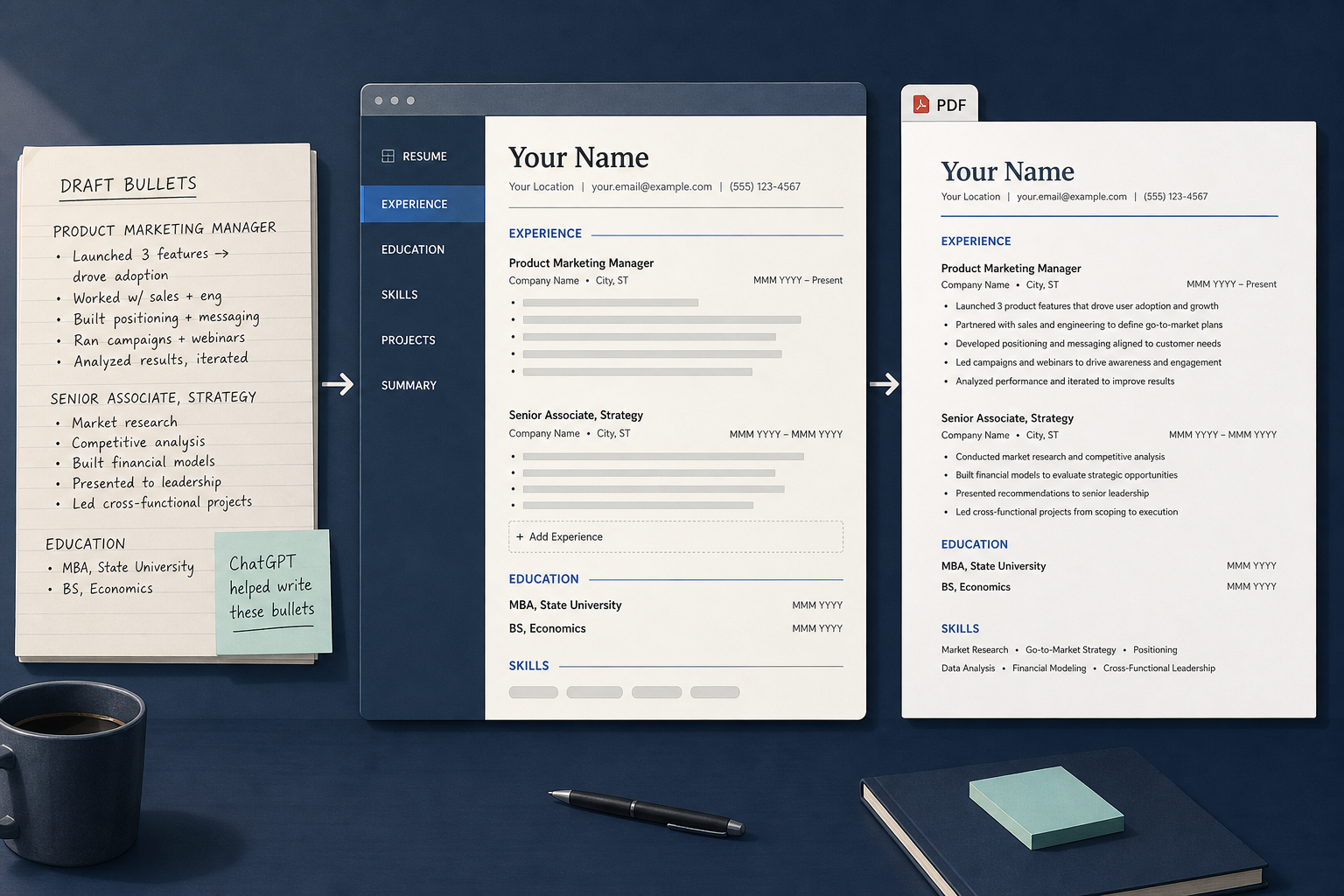
AI can help with wording, but the builder handles formatting and export.
How to choose the best free resume builder for your use case
A job seeker choosing between a fast PDF export and stronger ATS formatting should start with the bottleneck, not the brand name. If the file needs to go out today, easy export wins. If the application is screening-heavy, simple structure matters more than decorative templates. The wrong choice is usually the one that optimizes for the wrong outcome, like visual polish when the real goal is a clean PDF that a recruiter can open fast.
| Use case | Best priority | Why it matters |
|---|---|---|
| Quick application | Easy PDF download | The user needs a file now |
| ATS-heavy application | Simple structure | Parsers read clean layouts better |
| Content help | AI resume builder | Rewriting is the bottleneck |
| Familiar workflow | Microsoft Word or similar | Less learning time |
| Template-first drafting | Resume templates | Faster first pass |
If the user already knows Word, that may be enough. If they need help with content and structure, a dedicated builder is a better fit. If they care most about screening, Jobscan can help them check alignment before they download the final file.
The practical rule is this: choose the free tool that matches the step you are actually stuck on. If the problem is formatting, use a builder with clean templates. If the problem is wording, use an AI assistant. If the problem is ATS, use a checker. If the problem is all three, use a resume-first platform and compare its free vs paid limits before committing.
What is the best resume builder?
The best resume builder is the one that gets a user from draft to downloadable file with the least friction and the cleanest output. For most job seekers, that means a tool with simple templates, clear editing, and a real PDF export, not just a preview.
“Best” also changes by situation. A recent graduate may need a template and a fast download. A mid-career candidate may care more about ATS-friendly formatting and section control. A user rewriting bullets for one role may care most about AI-assisted editing.
That is why this comparison starts with the free path first. Once the user knows what the tool lets them do for free, they can decide whether the premium tier is worth it. If they are still comparing options, best free resume builder is the broader lens, while the pricing page shows the exact point where free access ends.
What is a good free resume builder?
A good free resume builder is one that finishes the job without making the user feel tricked at export time. It should let them build quickly, use a readable resume template, and download a PDF that looks the same after saving.
That sounds basic, but it is the detail that separates useful tools from noisy ones. A free builder does not need to do everything. It only needs to do the core job well: create a resume, preserve the layout, and let the user download it.
When users evaluate one, they should test their real content, not sample text. Real names, real dates, and a real work history expose wrapping problems, spacing issues, and weak section hierarchy much faster than placeholder data.
Frequently asked questions
Is there a free resume builder without login and payment?
Yes, some builders let users start without an account and export a PDF for free, but the rules change often. The user should verify the current download policy before building the whole resume.
Can ChatGPT build a resume?
Yes, ChatGPT can draft and tailor resume content, but it cannot replace a resume builder for layout and PDF export. The best workflow is content first, formatting second.
Is there a 100% free resume builder?
Sometimes, yes, but only when the tool allows editing, export, and file use without a watermark or trial gate. The safer test is whether the user can finish and download the file on the free plan.
What is the best free resume builder?
The best free resume builder is the one that matches the user’s goal: quick PDF, ATS-friendly structure, or help writing bullets. For many readers, the right choice is the one that makes download easy and keeps the layout clean.


Create your Resume
Your resume is an extension of you. Make it truly yours.
Related Articles
Related guides & tools
Continue Reading
Check more recommended readings to get the job of your dreams.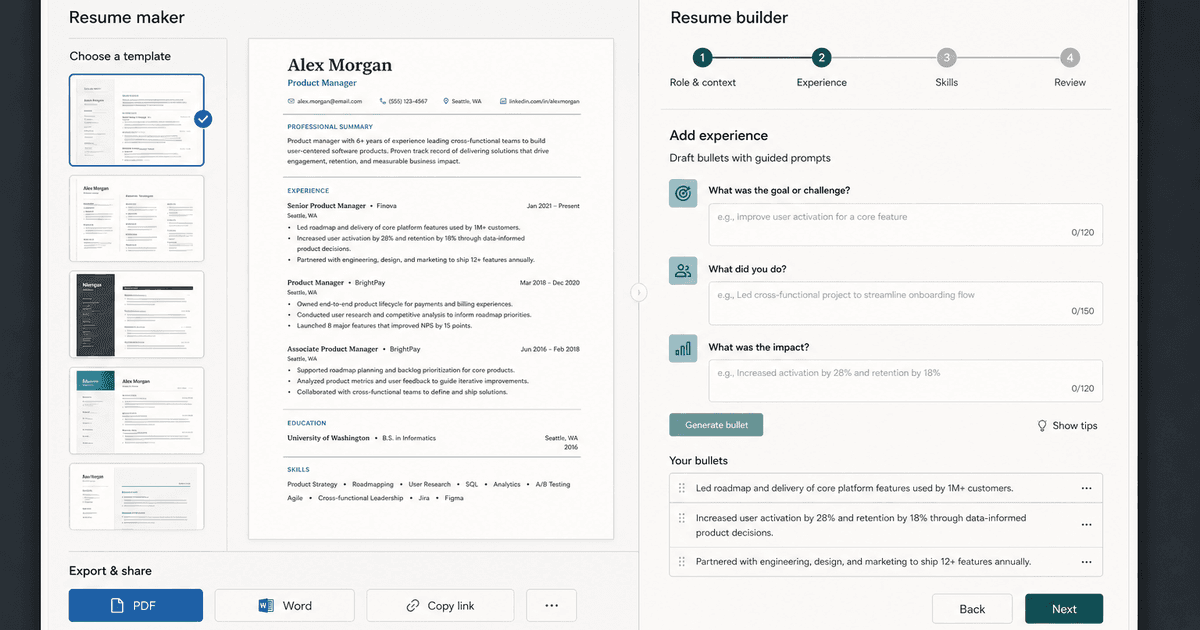
careerBy Pika Resume Team | Aug 3, 2026
Resume Maker vs Resume Builder: Which Should Job Seekers Use?
By Pika Resume Team | Aug 3, 2026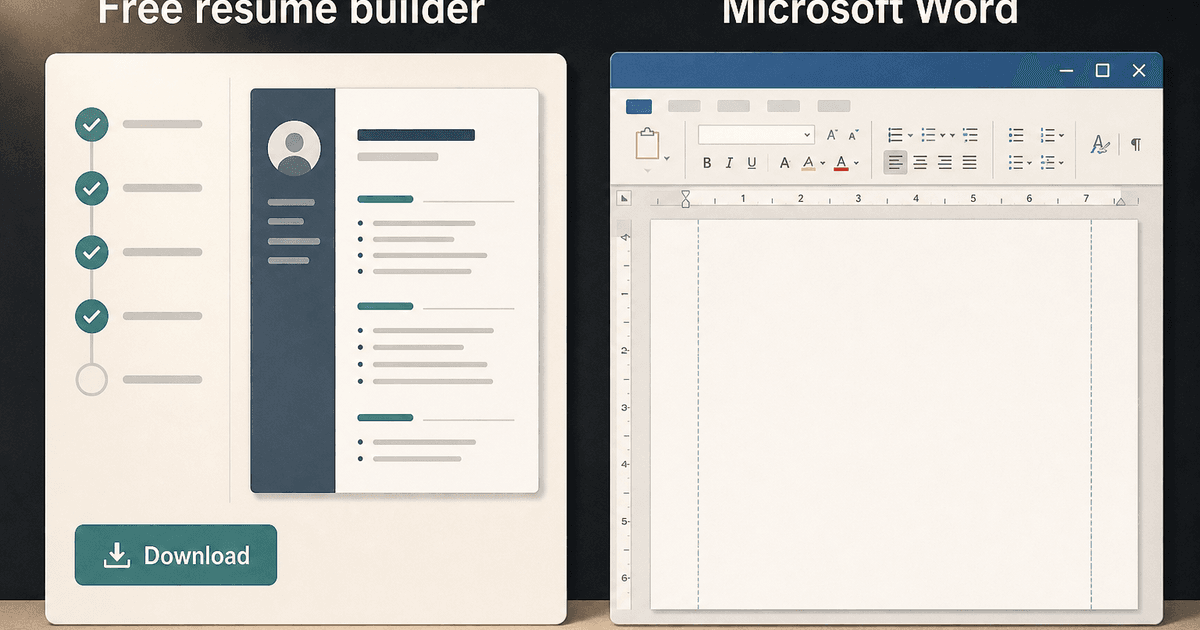
careerBy Pika Resume Team | Aug 2, 2026
Free Resume Builder and Download vs Microsoft Word
By Pika Resume Team | Aug 2, 2026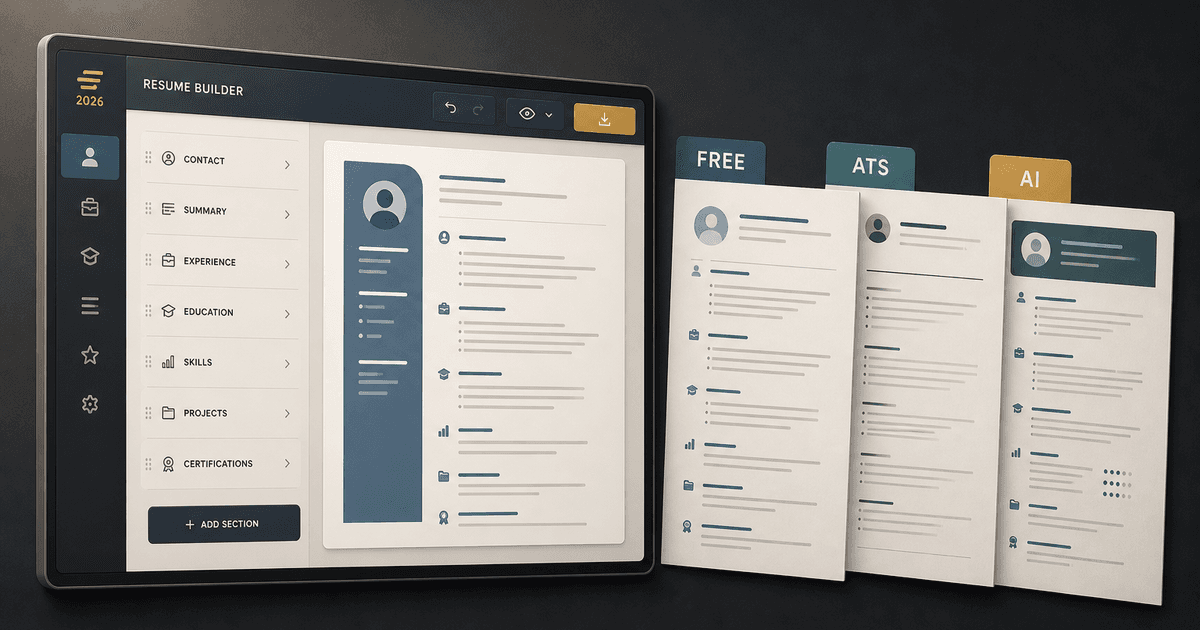
careerBy Pika Resume Team | Jul 30, 2026
What Is the Best Resume Builder Website for 2026?
By Pika Resume Team | Jul 30, 2026
careerBy Pika Resume Team | Jul 27, 2026
How to Cancel Resume Builder Subscription Without Surprises
By Pika Resume Team | Jul 27, 2026
careerBy Pika Resume Team | Jul 26, 2026
How Much Is Resume Builder? Free vs Paid Explained
By Pika Resume Team | Jul 26, 2026
careerBy Pika Resume Team | Jul 20, 2026
Resume Builder App: What the Best One Lets You Do
By Pika Resume Team | Jul 20, 2026
careerBy Pika Resume Team | Jul 19, 2026
Free Resume Builder and Download: Compare the Best Options
By Pika Resume Team | Jul 19, 2026
careerBy Pika Resume Team | Jul 16, 2026
Free AI Resume Builder: What It Does Well and Fails At
By Pika Resume Team | Jul 16, 2026
careerBy Pika Resume Team | Jul 13, 2026
Resume format for ATS: a simple guide that works
By Pika Resume Team | Jul 13, 2026
careerBy Pika Resume Team | Jul 12, 2026
Canva Resume Builder vs ATS Reality Check
By Pika Resume Team | Jul 12, 2026
careerBy Pika Resume Team | Jul 9, 2026
Free resume builder: what makes one worth using
By Pika Resume Team | Jul 9, 2026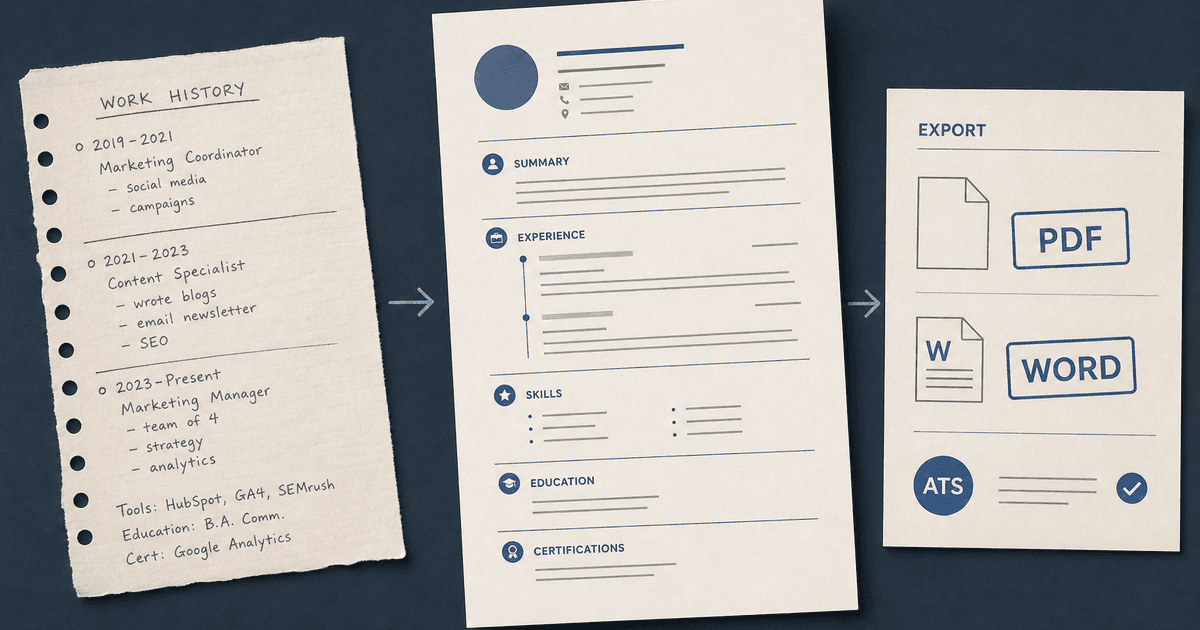
careerBy Pika Resume Team | Jul 6, 2026
Resume Builder: What It Actually Does for Job Seekers
By Pika Resume Team | Jul 6, 2026
resume tipsBy Pika Resume Team | Jun 20, 2026
The Resume Sections Most People Get Wrong (and How to Fix Each One)
By Pika Resume Team | Jun 20, 2026resume tipsBy Pika Resume Team | Jun 18, 2026
How to Edit a PDF Resume Without Wrecking the Formatting
By Pika Resume Team | Jun 18, 2026resume reviewBy Pika Resume Team | Jun 16, 2026
AI Resume Feedback vs a Human Expert Review: When Each Is Worth It
By Pika Resume Team | Jun 16, 2026atsBy Pika Resume Team | Jun 14, 2026
What an ATS Actually Does to Your Resume (and the 8 Things It Scores)
By Pika Resume Team | Jun 14, 2026resume tipsBy Pika Resume Team | Jun 12, 2026
How to Tailor Your Resume to a Job Description in 2026 (the 3-Pass Method)
By Pika Resume Team | Jun 12, 2026resumeBy Gargi Chaudhari | May 30, 2026
Resume vs Biodata vs CV: Which One Do You Actually Need?
By Gargi Chaudhari | May 30, 2026resume By Astha Narang | May 28, 2026
10 Software Engineer Resume Examples That Got Interviews (2026)
By Astha Narang | May 28, 2026resumeBy Gargi Chaudhari | May 26, 2026
How to Convert a LinkedIn Profile to a Resume or CV
By Gargi Chaudhari | May 26, 2026resumeBy Astha Narang | May 23, 2026
Best Resume Format for Indian IT Services Companies (TCS, Infosys, Wipro, Accenture)
By Astha Narang | May 23, 2026resumeBy Gargi Chaudhari | May 21, 2026
The Complete Guide to ATS Resume Screening in India (2026)
By Gargi Chaudhari | May 21, 2026resumeBy Astha Narang | May 19, 2026
Hobbies and Interests for Resume: Should You Include Them?
By Astha Narang | May 19, 2026resumeBy Gargi Chaudhari | May 14, 2026
How to Write a Resume Headline That Gets Recruiter Calls on Naukri
By Gargi Chaudhari | May 14, 2026interviewBy Astha Narang | May 8, 2026
Decoding Interviewer Psychology: What They Don't Tell You for Your Next Job
By Astha Narang | May 8, 2026resumeBy Gargi Chaudhari | May 7, 2026
Career Objective for Resume: 50+ Fresher Examples (2026)
By Gargi Chaudhari | May 7, 2026resumeBy Astha Narang | May 6, 2026
7 Dangerous ATS Myths Debunked: What Actually Gets You Hired in 2026
By Astha Narang | May 6, 2026resumeBy Astha Narang | May 4, 2026
Master Your Resume: The Ultimate Guide to Listing Computer Skills
By Astha Narang | May 4, 2026resumeBy Astha Narang | Apr 29, 2026
4 Sales Resume Examples for SDR, Account Executive & Manager (2026)
By Astha Narang | Apr 29, 2026resumeBy Astha Narang | Apr 29, 2026
4 Data Analyst Resume Examples for 2026 (Entry-Level to Senior)
By Astha Narang | Apr 29, 2026resumeBy Astha Narang | Apr 24, 2026
Resume Tips for 2026: The Ultimate Guide to Landing Interviews
By Astha Narang | Apr 24, 2026resumeBy Astha Narang | Apr 22, 2026
Bad Resume vs. Good Resume: A Side-by-Side Comparison for Job Seekers
By Astha Narang | Apr 22, 2026resumeBy Astha Narang | Apr 20, 2026
How to Add LinkedIn to Your Resume the Right Way in 2026
By Astha Narang | Apr 20, 2026resumeBy Astha Narang | Apr 17, 2026
7 Common Resume Mistakes to Avoid in 2026 (and How to Fix Them)
By Astha Narang | Apr 17, 2026resumeBy Pika Resume Team | Apr 15, 2026
Master Your LinkedIn-to-Resume Link: A 2026 Guide for Top Candidates
By Pika Resume Team | Apr 15, 2026resumeBy Astha Narang | Apr 13, 2026
How to Write a Winning Resume Summary That Grabs Recruiter Attention
By Astha Narang | Apr 13, 2026careerBy Astha Narang | Apr 11, 2026
Owning Your Career Break: How to Frame a Gap Year on Your Resume in 2026
By Astha Narang | Apr 11, 2026resumeBy Astha Narang | Apr 8, 2026
The Complete 2026 Resume Guide: Crafting a Job-Winning Document
By Astha Narang | Apr 8, 2026resumeBy Astha Narang | Apr 4, 2026
Beat the ATS: Optimize Your Resume for Applicant Tracking Systems in 2026
By Astha Narang | Apr 4, 2026resumeBy Astha Narang | Mar 30, 2026
Expert Resume Review: Is It Worth the Investment for Your Career?
By Astha Narang | Mar 30, 2026resumeBy Astha Narang | Mar 25, 2026
Master the 30-Second Resume Scan: Expert & Recruiter Insights
By Astha Narang | Mar 25, 2026resumeBy Astha Narang | Mar 24, 2026
How to Explain Employment Gaps on Your Resume & Ace Interviews
By Astha Narang | Mar 24, 2026resumeBy Astha Narang | Mar 20, 2026
Master Resume Keywords: Your Guide to ATS Success
By Astha Narang | Mar 20, 2026careerBy Astha Narang | Mar 18, 2026
How to Stand Out in Interviews While Still Being Authentic
By Astha Narang | Mar 18, 2026careerBy Astha Narang | Mar 14, 2026
Why Sending the Same Resume to Every Job is Costing You Interviews
By Astha Narang | Mar 14, 2026resumeBy Astha Narang | Mar 12, 2026
The Dynamic Duo: Why AI + Human Expertise is the 2026 Career Cheat Code
By Astha Narang | Mar 12, 2026careerBy Astha Narang | Mar 9, 2026
Get Your Resume Roasted Using PIKA AI
By Astha Narang | Mar 9, 2026jobBy Astha Narang | Mar 7, 2026
How to Show a Promotion on Your Resume? (And Why Most People Get It Wrong)
By Astha Narang | Mar 7, 2026careerBy Astha Narang | Mar 6, 2026
Should You Put Your Address on Your Resume in 2026?
By Astha Narang | Mar 6, 2026careerBy Astha Narang | Mar 3, 2026
Is It Illegal to Lie on a Resume? What Actually Happens in 2026
By Astha Narang | Mar 3, 2026jobBy Pika Resume Team | Feb 5, 2026
How to Optimize Your Resume for Remote Job Applications
By Pika Resume Team | Feb 5, 2026interviewBy Pika Resume Team | Feb 1, 2026
How to Write an ATS-Friendly Resume in 2026
By Pika Resume Team | Feb 1, 2026cover-letterBy Pika Resume Team | Jan 25, 2026
Top 7 Cover Letter Mistakes That Cost You the Interview
By Pika Resume Team | Jan 25, 2026resumeBy Pika Resume Team | Jan 18, 2026
AI Resume Builders: A Complete Guide for Job Seekers in 2026
By Pika Resume Team | Jan 18, 2026jobBy Pika Resume Team | Jan 10, 2026
Resume Tips for Career Changers: Making a Smooth Transition
By Pika Resume Team | Jan 10, 2026careerBy Pika Resume Team | Jan 3, 2026
The Power of Keywords in Your Resume: An SEO Approach to Job Applications
By Pika Resume Team | Jan 3, 2026